Vista 1 Digital Mixing System
4-96 GC Operation
Document generated: 18.04.17
SW V5.3
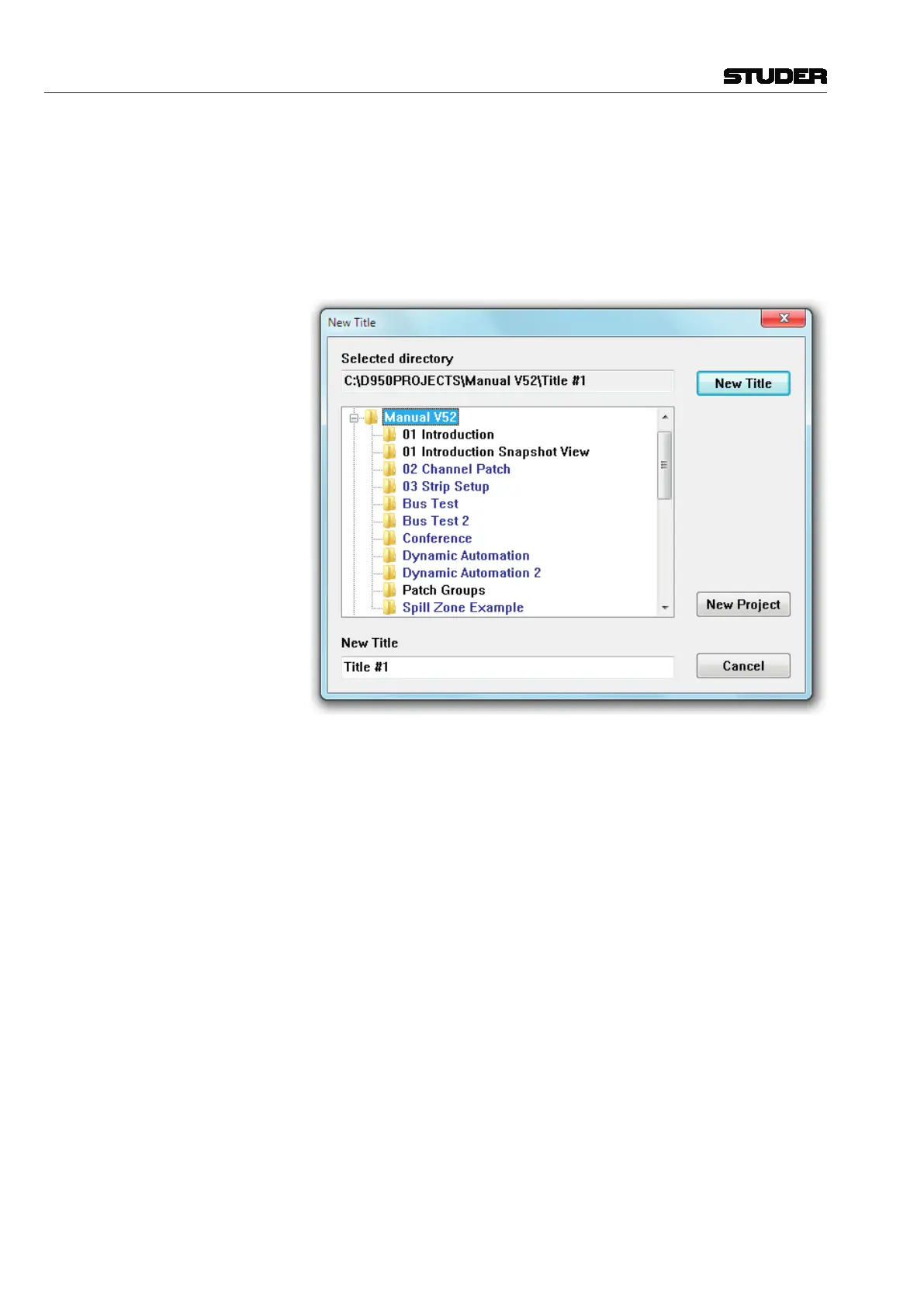
New Title This action opens a dialog box that enables the creation and selection of a
name for a new project and/or title. You can freely create any number of
projects and titles.
Let us assume you wanted to create a new project and title in the Subdirectory
D950PROJECTS. Open the application menu , select New Title, and you’ll end
up with a familiar Windows box:
Click on the New Project button and a name entry box will appear. Type in a
new project name – for example, CITY TV1 – and click OK. A new folder with
the name you just entered will appear in the list. It will be highlighted in gray,
indicating that it has been selected to receive new titles. The New title name
entry field (at the bottom of the box) will now automatically display Title #1
(or the next available number). This will be highlighted in blue, indicating
that it is ready to be over-written with a proper name, for example, BLUES
CITY. Once a new title name has been entered, click the New Title button or
press the Enter key. These actions will perform the following:
• Creatinganewprojectsubdirectory(C:\D950PROJECTS\CITY TV1);
• Creatinganewtitlesubdirectory(BLUES CITY) within the CITY TV1 project
folder (C:\D950PROJECTS\CITY TV1\BLUES CITY);
• Creatingthenecessarytitle-orientedfilesthataresavedwithinthistitle
subdirectory;
• Displayofthecurrenttitlenameinthetitlebar.
If you do not create a new title, all your subsequent data will be saved in
whichever title is currently open. If a title is not currently open you will be
prompted to open or create a new title before data can be saved.
Tip You should generally organize your Subdirectories in such a way that C:\
D950PROJECTS
remains the parent directory, because the system automati-
cally searches for that particular directory while opening projects, titles, etc.
After several weeks of using the Vista system, your directory structure may



 To Next Page