Vista 1 Digital Mixing System
Vista FX 1-13
Document generated: 18.04.17
SW V5.3
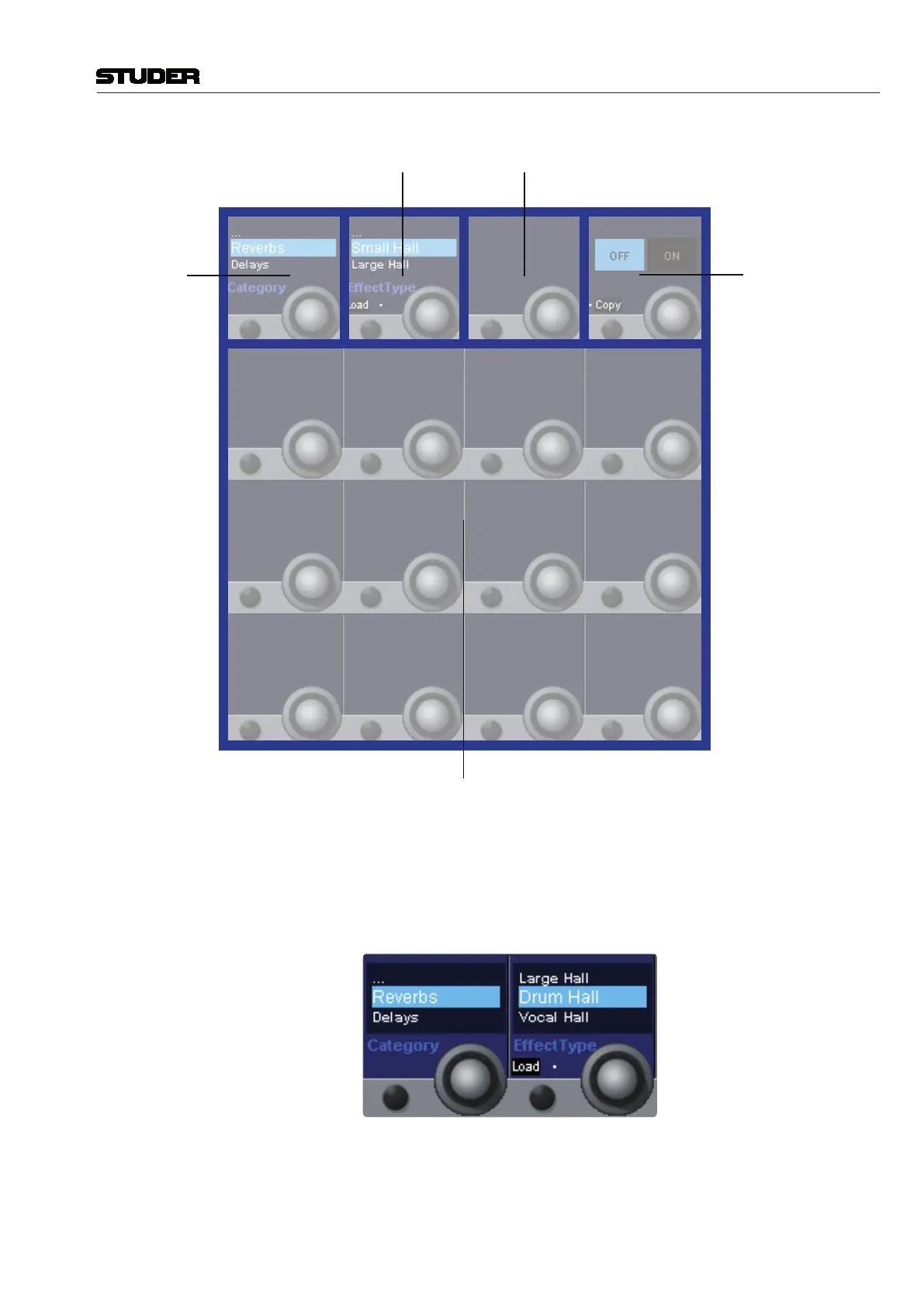
Category
Effect Type
Mix
On/Off
Copy/Paste
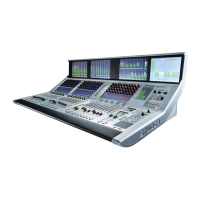
Loading an Effect Type : To load an Effect Type, first the effect Category has to be chosen.
With the second Vistonics element, the Effect Type can be chosen. The list
of Effect Types which are available in the chosen category can be scrolled
through with the rotary. Once the desired Effect Type has been found, it can
be loaded by pressing the Load button.
As soon as an Effect Type is loaded, it’s control parameters are shown on
the Vistonics area. If then the user scrolls further through the Effect Type
list, the parameters disappear again, but they will come back when the before


 To Next Page