Vista 1 Digital Mixing System
2-16 Desk Operation
Document generated: 18.04.17
SW V5.3
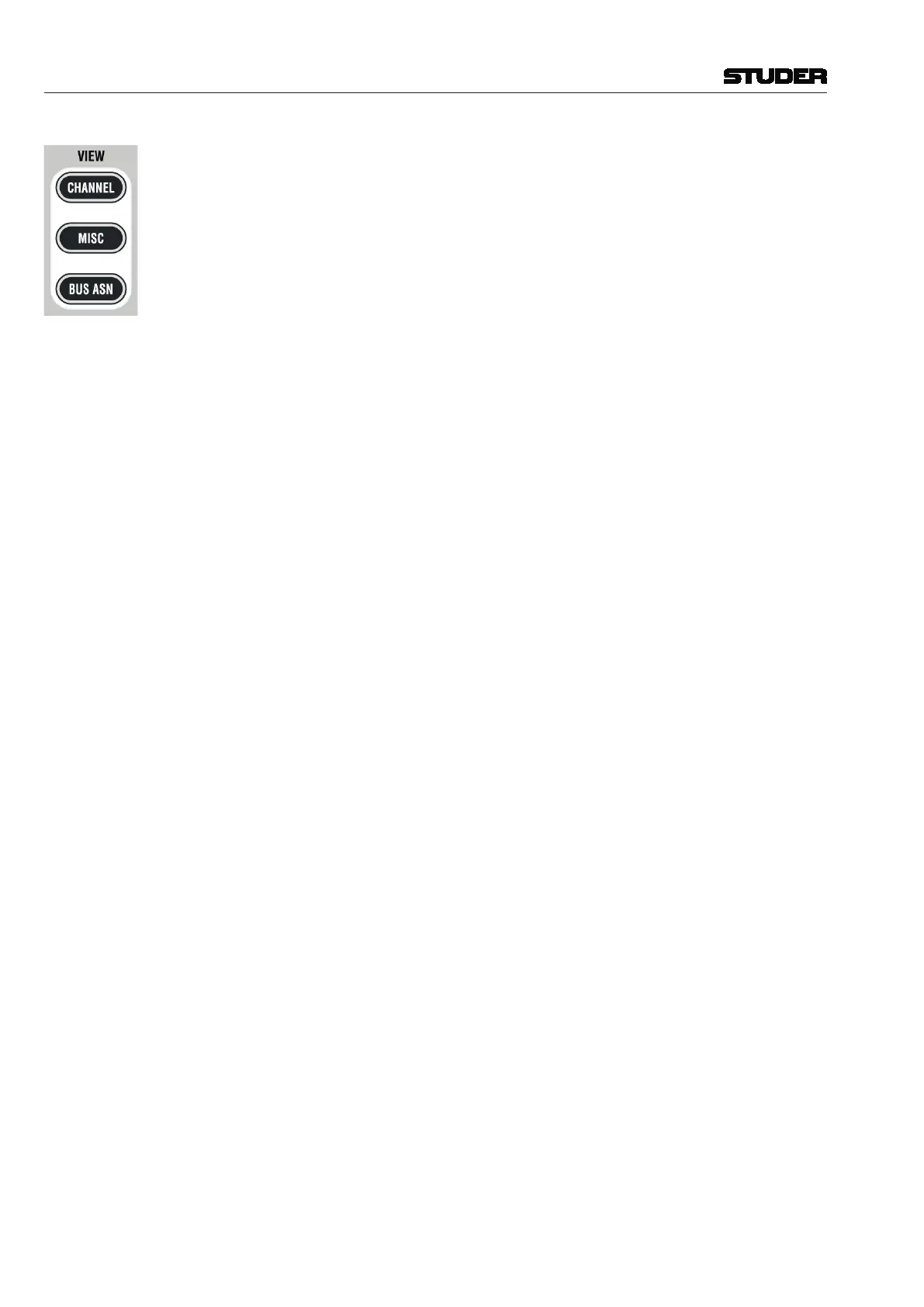
VIEW: CHANNEL Brings up a view of all control elements of this channel besides dynamics,
equalizer, and pan, covering the whole Vistonics rotary control area.
VIEW: MISC View Selection of DYNAMICS, EQ, and PAN Controls
Brings up a view of selected control elements out of dynamics, equalizer, and
pan, covering the whole Vistonics rotary control area. The VIEW CHANNEL
and VIEW MISC keys form a sort of ‘central assign panel’ function.
VIEW: BUS ASN Brings up the bus assign view of one channel, covering the whole touch screen
area.
When showing the bus assignment of a single channel, the assignment can
be changed by touching the bus number. It is also possible to clear all bus
assignments of a type by pressing the corresponding key on the touch screen.



 To Next Page