FLIGHT PHASES
PREFLIGHT
35
AIRBUS A318/319/320/321
© THALES AVIONICS S.A.
J43126AA 00
Change IDLE/PERF factors
This task is performed by Engineering
or Maintenance personnel or as per
SOPs.
The IDLE/PERF factors may be part of
the AMI parameters (Default values
are +0.0/+0.0).
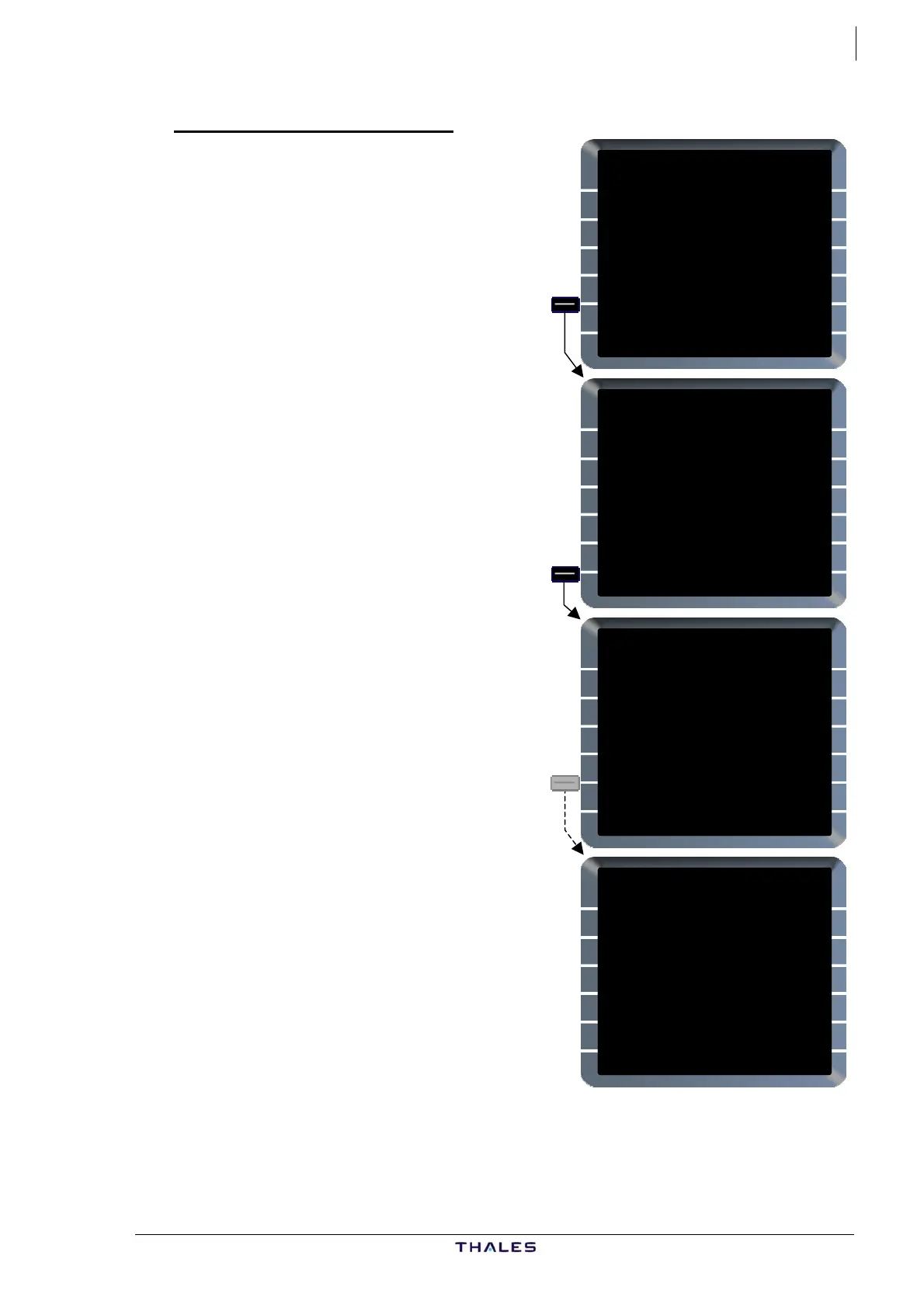
On A/C STATUS page:
CHG CODE [5L]...............Enter
Ex: ARM.
Access to IDLE/PERF field is armed.
The default code is ARM. It may be
changed through the AMI data base.
This field is only displayed in Preflight
and Done phases.
IDLE/PERF [6L]..............Enter
Ex: /2.
The IDLE factor modifies Ground and
Flight Idle values in the Performance
data base.
The PERF factor modifies the Fuel
Flow value to allow for airframe and
engine deterioration.
CHG CODE field is cleared,
automatically when selecting another
MCDU page or, by using the CLR key.
When cleared, IDLE/PERF field
becomes green.
A320-211
ENG
CFM56-5-B4
ACTIVE NAV DATA BASE
21JAN-18FEB THV1040101
SECOND NAV DATA BASE
{24DEC-21JAN
CHG CODE
[ ]
IDLE/PERF SOFTWARE
+0.0/+0.0 STATUS/XLOAD>
ARM
A320-211
ENG
CFM56-5-B4
ACTIVE NAV DATA BASE
21JAN-18FEB THV1040101
SECOND NAV DATA BASE
{24DEC-21JAN
CHG CODE
ARM
IDLE/PERF SOFTWARE
+0.0/+0.0 STATUS/XLOAD>
/2
A320-211
ENG
CFM56-5-B4
ACTIVE NAV DATA BASE
21JAN-18FEB THV1040101
SECOND NAV DATA BASE
{24DEC-21JAN
CHG CODE
ARM
IDLE/PERF SOFTWARE
+0.0/+2.0 STATUS/XLOAD>
CLR
A320-211
ENG
CFM56-5-B4
ACTIVE NAV DATA BASE
21JAN-18FEB THV1040101
SECOND NAV DATA BASE
{24DEC-21JAN
PILOT STORED
02RTES 00RWYS
CHG CODE 00WPTS 00NAVS
[ ] DELETE ALL}
IDLE/PERF SOFTWARE
+0.0/+2.0 STATUS/XLOAD>



 To Next Page