MULTI PHASE
NAVIGATION management & monitoring 41
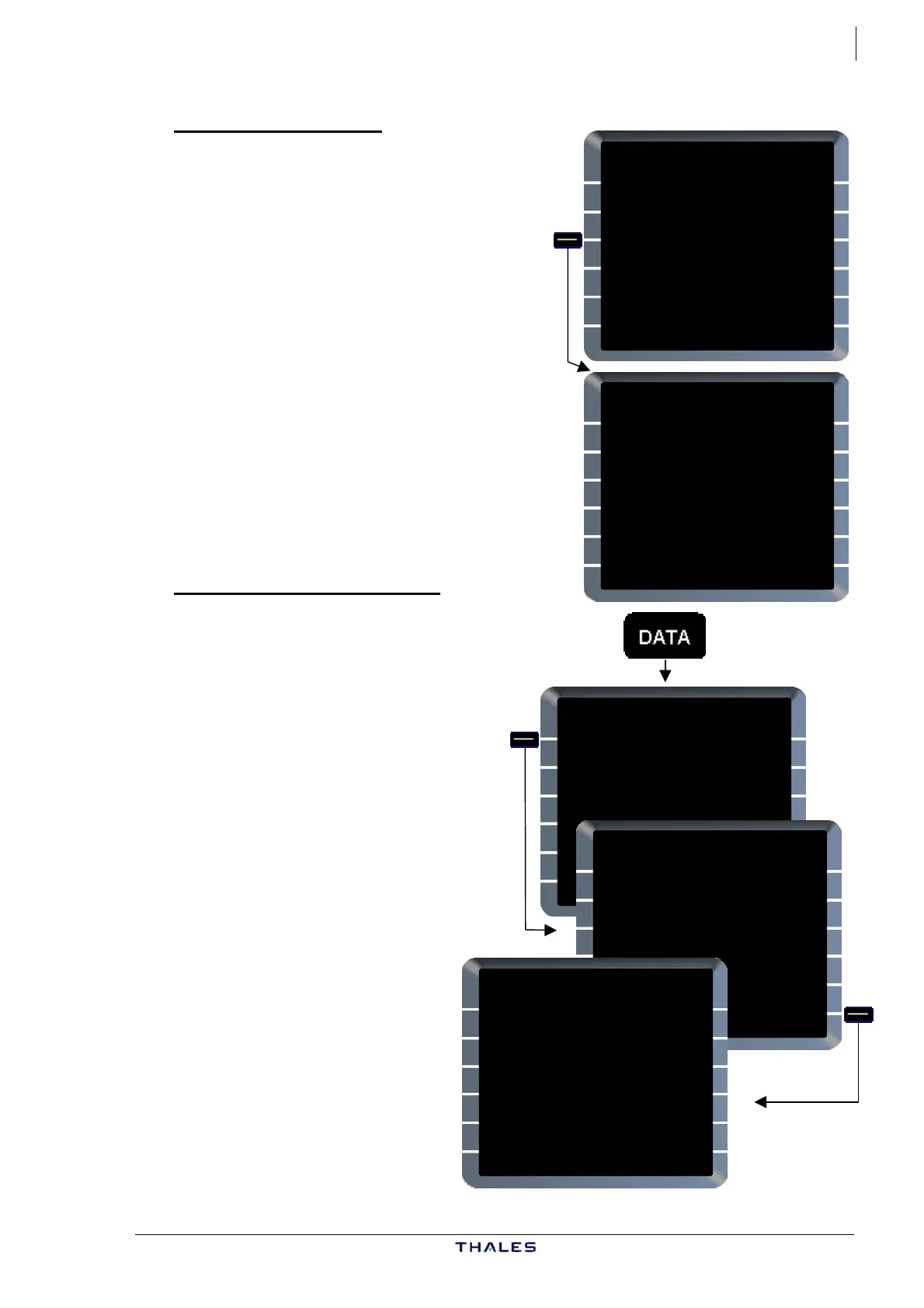
GPS MONITOR page
For A/C with GPS installed, this page
is accessed from DATA INDEX 1/2
page via GPS MONITOR prompt [3L],
and shows all GPS-derived data.
MODE/SAT, shown at [3R] & [6R] for
GPS1 & 2 respectively, indicates
operating mode of GPS and number of
satellites tracked.
Possible modes indicated are:
− INIT,
− ACQ,
− NAV,
− TEST,
− FAULT,
− ALTAID,
− AIDED,
− DIFF.
SELECTED NAVAIDS page
Access is via POSITION
MONITOR page.
SEL NAVAIDS [6R] ........ Press
NAVAIDS tuned by onside
FMGC are listed with
frequency in lines [1 – 4],
and class of navaid in label
lines.
Tuning mode, i.e. AUTO,
MAN or RMP, is shown in
label line above frequency.
If NAVdb does not contain a
navaid which has been t
by MAN or RMP, ident and
class are blank.
uned
[1L] shows navaid displayed
on ND and DDRMI.
[2 & 3L] show navaids used
for radio position
computation.
[4L] shows an ILS or MLS, if
tuned.
DATA INDEX 1/2 {}
POSITION
<MONITOR
IRS
<MONITOR
GPS
<MONITOR
<A/C STATUS
PRINT
FUNCTION>
AOC
FUNCTION>
GPS MONITOR
GPS1 POSITION
45°09.8N/000°49.5E
TTRK UTC GS
337.2 15:46:22 423
MERIT GPS ALT MODE/SAT
100M 35985 NAV/6
GPS2 POSITION
45°09.8N/000°49.5E
TTRK UTC GS
337.2 15:46:22 423
MERIT GPS ALT MODE/SAT
100M 35985 NAV/6
DATA INDEX 1/2 {}
POSITION
<MONITOR
IRS
<MONITOR
GPS
<MONITOR
<A/C STATUS
PRINT
FUNCTION>
AOC
FUNCTIO N>
POSITION MONITOR
FMGC1
4549.0N/00101.6E
3IRS/DME/DME
FMGC2
4549.6N/00101.5E
3IRS/DME/DME
RADIO
4549.4N/00101.1E
MIX IRS
4549.9N/00102.3E
IRS1 IRS2 IRS3
SELECTED NAVAIDS
VOR/DME AUTO DESELECT
<LMG 114.50 [ ]*
VOR/DME
<AGN 114.80
VOR/DME
<MEN 115.30
ILS AUTO
<IRR 110.30
DESELECT
{GPS
<RETURN
AIRBUS A318/319/320/321
© THALES AVIONICS S.A.
J43126AA 00



 To Next Page