FMS GENERAL DESCRIPTION
4 MCDU
GENERAL
Information processed by the FMGS is presented on the various pages,
which can be displayed on the MCDU screen.
The pages are accessed either:
FROM TMPY THV001 {}
UTC SPD/ALT
T-P 1732 / FL70
BRG265° 5
(LIM) 1738 *250/ FL100
TRK265° 4
BUROX 1739 305/ FL110
---F-PLN DISCONTINUITY--
TOU 1740 305/*FL133
DIR TO DIR TO
{ERASE INSERT*
$£
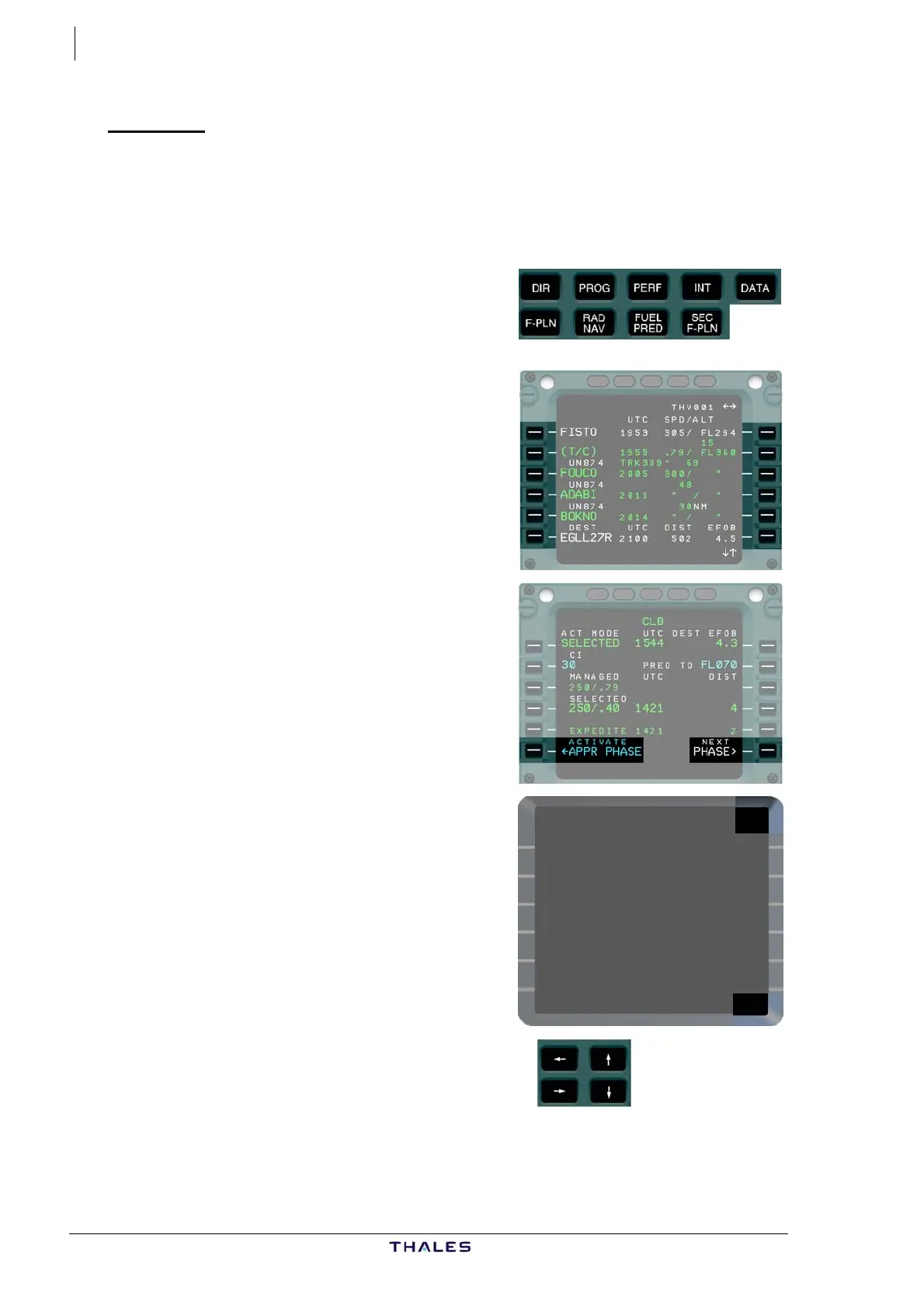
− Directly by pressing the PAGE
keys,
− By pressing the LINE SELECT
keys,
− By pressing the LINE SELECT k
adjacent to a page PROMPT,
identified by the symbols < or >.
ey
− In some cases by pressing the
LINE SELECT key adjacent to a
activation PROMPT, identified by
the symbols *, ← or →.
− By pressing the HORIZONTAL
SLEW keys if more than one
page for the specific function
exist. In this case, horizontal
arrows are displayed in the
upper right corner of the screen.
− By pressing the VERTICAL SLEW
keys for pages which occupy
more than the 6 lines visible on
the screen. In this case vertical
arrows are displayed in the lower
right corner of the screen.
J43126AA 00
© THALES AVIONICS S.A.
AIRBUS A318/319/320/321



 To Next Page