FMS GENERAL DESCRIPTION
MCDU 13
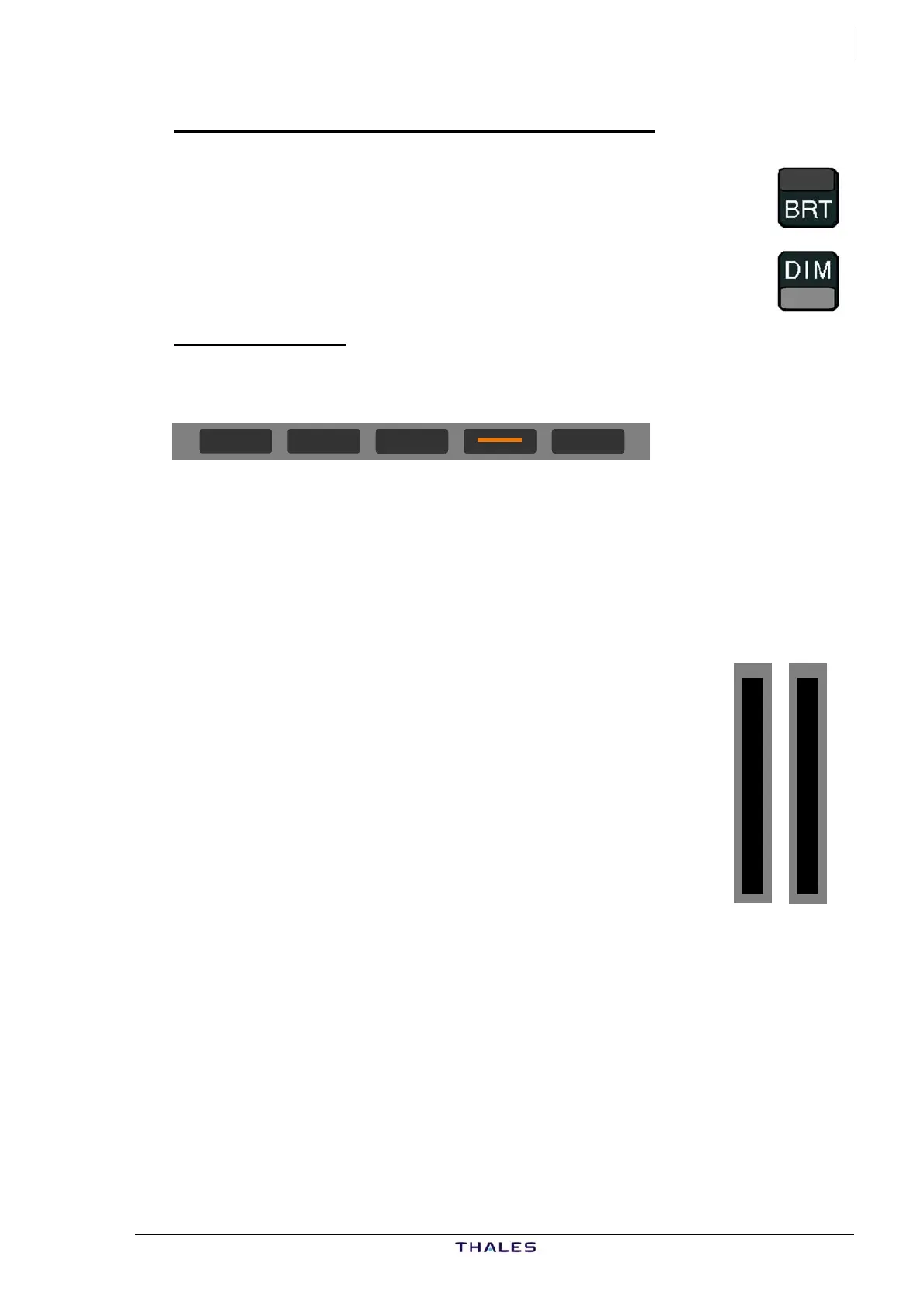
ON/OFF AND BRIGHTNESS ADJUSTMENT keys
Two keys allow the pilot to control the light intensity of the
entire MCDU.
MCDU power up is performed with a short press on the BRT
key. A long press on the DIM key starts the MCDU power-off
test.
ANNUNCIATORS
Top annunciators
FM2 RDY IND FM1
− FM1 (amber) indicates FM1 failure.
− IND (amber) indicates INDEPENDENT FM MODE.
− RDY (green) indicates that the MCDU has passed its long term power
up or power off reset test after its BRIGHTNESS switch has been
turned to OFF.
− FM2 (amber) indicates FM2 failure.
Front annunciators :
M
C
D
U
M
E
N
U
F
A
I
L
F
M
− FAIL (amber) is illuminated when the MCDU has failed.
− FM (white) is illuminated when FM is not the active
system and it has sent an important message.
− Important messages are those displayed in amber.
− MCDU MENU (white) is illuminated when a system
linked to the MCDU other than the FM requests the
display (such as ACARS or CFDS).
AIRBUS A318/319/320/321
© THALES AVIONICS S.A.
J43126AA 00



 To Next Page