FMS DEGRADED OPERATION
2 MCDU ANOMALIES
3.2. FMGC (TIMEOUT)
The MCDU MENU page allows access
to FMGC and other installed
subsystems.
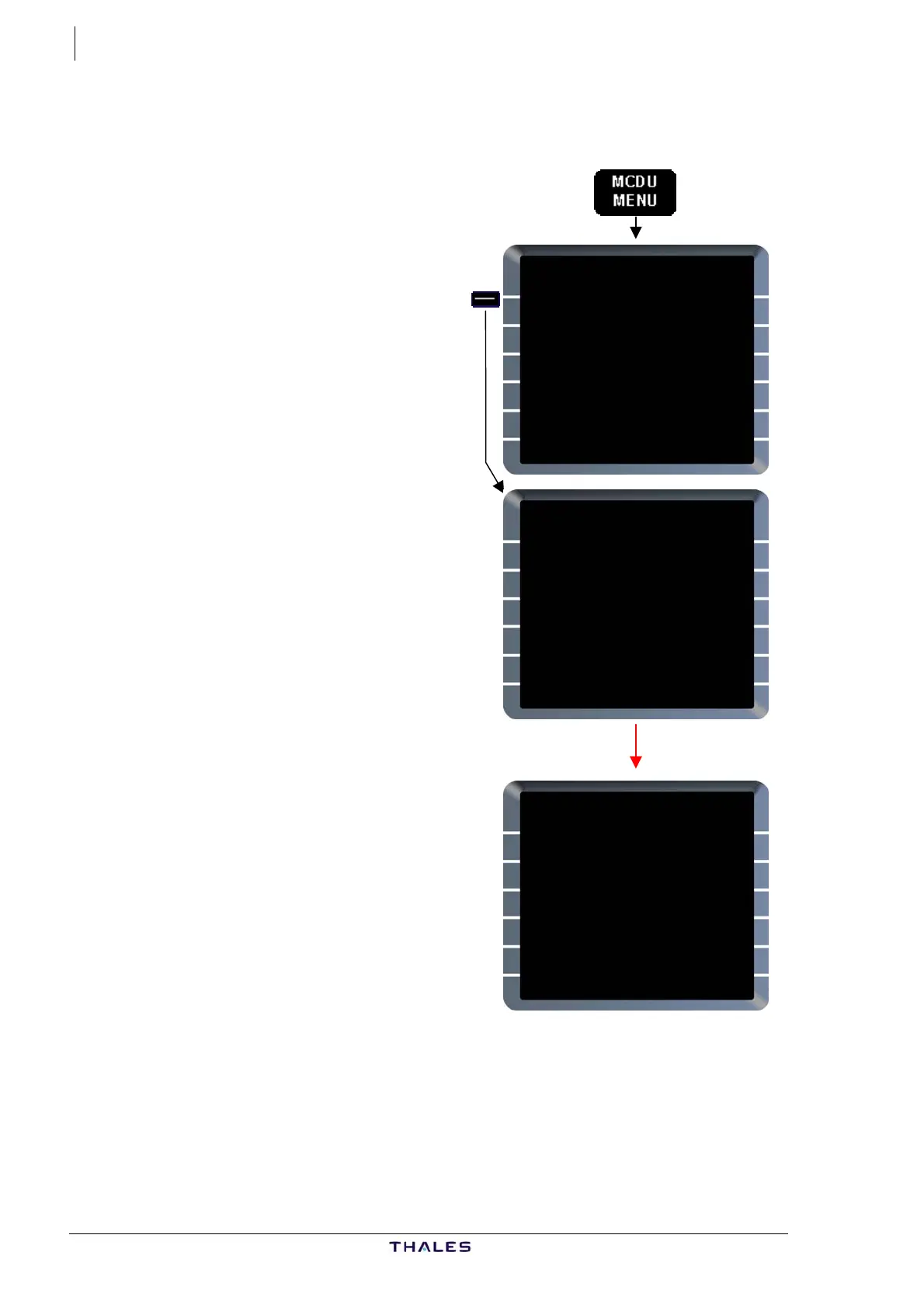
When FMGC prompt is pressed:
MCDU MENU
<FMGC (REQ)
<ACARS
<AIDS
<CFDS
RETURN>
MCDU MENU
MCDU MENU
<FMGC (SEL)
<ACARS
<AIDS
<CFDS
RETURN>
WAIT FOR SYSTEM RESPONSE
<FMGC (TIMEOUT)
<ACARS
<AIDS
<CFDS
RETURN>
− MCDU calls for FMGC display,
− FMGC prompt becomes
FMGC (SEL) in blue color,
− If FM display is not established
rapidly WAIT FOR SYSTEM
RESPONSE (white) is displayed on
scratchpad,
− If MCDU cannot establish
communication successfully with
the FMGC, FMGC prompt becomes
FMGC (TIMEOUT).
This logic is also available for the
other subsystems listed on MCDU
MENU page.
J43126AA 00
© THALES AVIONICS S.A.
AIRBUS A318/319/320/321



 To Next Page