MULTI PHASE
NAVIGATION management & monitoring 17
If five routes have already been stored and NEW ROUTE prompt is
pressed, "PILOTS ROUTES FULL" s-pad msg (white) is triggered.
Logic for deletion of stored routes, all or individually and associated
scratchpad messages is identical that for stored waypoints.
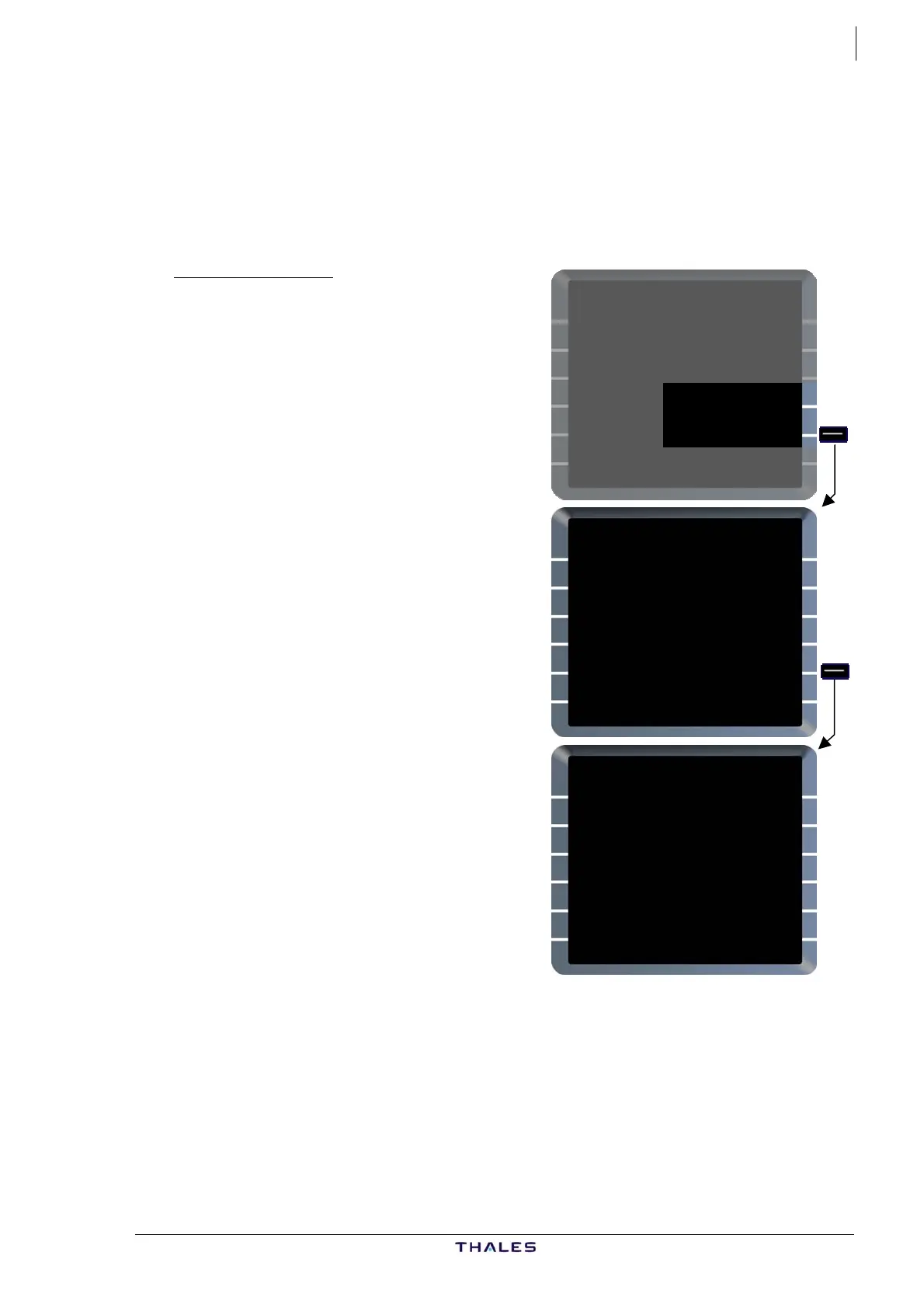
AC STATUS page
Status of pilot stored data is shown on
AC STATUS page.
If no pilot stored element exists the
field is blank.
These elements are retained by FMGC
at DONE phase if CO RTE retention is
selected YES in AMI file.
DELETE ALL prompt [5R] on this page
enables to delete all pilot stored data.
To clear elements individually, use
PILOTS stored pages.
See also Part I: Preflight Ch 2.1
A320-200
ENG
CFM56-5-B4
ACTIVE NAV DATA BASE
21JAN-18FEB THV1040101
SECOND NAV DATA BASE
{24DEC-21JAN
PILOT STORED
01RTES 01RWYS
CHG CODE 02WPTS 02NAVS
[ ] CONFIRM DEL*
IDLE/PERF SOFTWARE
+0.0/+0.0 STATUS/XLOAD>
A320-200
ENG
CFM56-5-B4
ACTIVE NAV DATA BASE
21JAN-18FEB THV1040101
SECOND NAV DATA BASE
{24DEC-21JAN
PILOT STORED
01RTES 01RWYS
CHG CODE 02WPTS 02NAVS
[ ] DELETE ALL}
IDLE/PERF SOFTWARE
+0.0/+0.0 STATUS/XLOAD>
A320-200
ENG
CFM56-5-B4
ACTIVE NAV DATA BASE
21JAN-18FEB THV1040101
SECOND NAV DATA BASE
{24DEC-21JAN
CHG CODE
[ ]
IDLE/PERF SOFTWARE
+0.0/+0.0 STATUS/XLOAD>
AIRBUS A318/319/320/321
© THALES AVIONICS S.A.
J43126AA 00



 To Next Page