MULTI PHASE
NAVIGATION management & monitoring 9
ROUTE [4L]
Enables display of CO RTE in NAVdb
or pilot-stored.
From DATA page 2/2:
ROUTES [4L] ...........Press
Navaid page is displayed with amber
boxes In [1L].
CO RTE [1L] or FROM/TO [1R]
.......................................Enter
Enter route ident either by CO RTE
ident (if known) or by FROM/TO
designation.
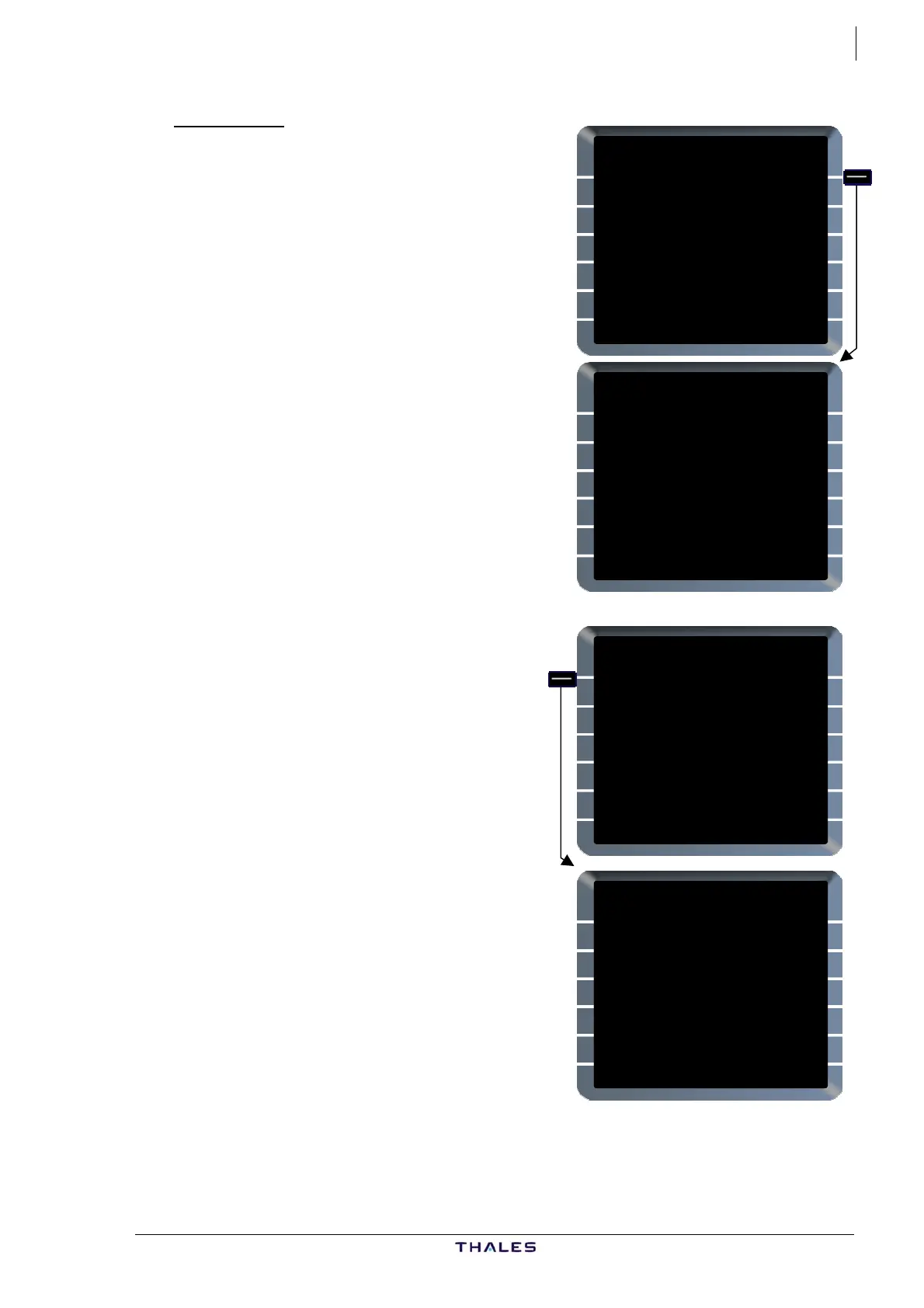
ROUTE selection page is displayed.
If the CO RTE does not exist, "NOT IN
DATA BASE" s-pad msg is triggered.
Digits after title indicate number of
company routes available for the
defined city pair.
Horizontal arrows are displayed (top
right) if more than one CO RTE is
available; CO RTEs may be displayed
successively by using horizontal slew
keys.
This field is blank when a company
route number has been entered in
[1L].
The various elements of the CO RTE
are displayed from label line 2 to 6L
(left to right) using every line and h
line as on ROUTE SELECTION page
(See P
ROUTE
CO RTE FROM/TO
__________ ____/____
LFBO/EGLL
ROUTE 1/2 {}
CO RTE FROM/TO
TOULHR01 LFBO/EGLL
RWY 14R FIST5AFISTO
FOUCO UN874 BAMES
UT191 ABUDA DIR DIMAL
DIR ALESO BIG3B ABUDA
BIG BIG07 ILS27R
ROUTE
CO RTE FROM/TO
__________ ____/____
TOULHR01
ROUTE 1/2 {}
CO RTE FROM/TO
TOULHR01 LFBO/EGLL
RWY 14R FIST5AFISTO
FOUCO UN874 BAMES
UT191 ABUDA DIR DIMAL
DIR ALESO BIG3B ABUDA
BIG BIG07 ILS27R
alf
.
art II: Ch 2 Preflight)
all the elements of a CO RTE do not
t.
If
fit on one page display, vertical
arrows are displayed bottom righ
Use vertical slew keys to scroll and
see all the content.
AIRBUS A318/319/320/321
© THALES AVIONICS S.A.
J43126AA 00



 To Next Page