MULTI PHASE
4 PRINT FUNCTION
10.2. MCDU ACCESS AND DESCRIPTION
PRINT FUNCTION 1/2 {}
AUTO MANUAL
*YES F-PLN INIT PRINT*
TO DATA PRINT*
*NO WIND DATA PRINT*
AOC
<RETURN FUNCTION>
PRINT FUNCTION 2/2 {}
AUTO MANUAL
*YES PREFLIGHT PRINT*
*NO INFLIGHT PRINT
*YES POSTFLIGHT PRINT
SEC F-PLN PRINT*
AOC
<RETURN FUNCTION>
DATA INDEX 1/2 {}
POSITION
<MONITOR
IRS
<MONITOR
GPS
<MONITOR
<A/C STATUS
PRINT
FUNCTION>
AOC
FUNCTION>
PRINT FUNCTION 1/2 {}
MANUAL
F-PLN INIT PRINT*
TO DATA PRINT*
WIND DATA PRINT*
AOC
<RETURN FUNCTION>
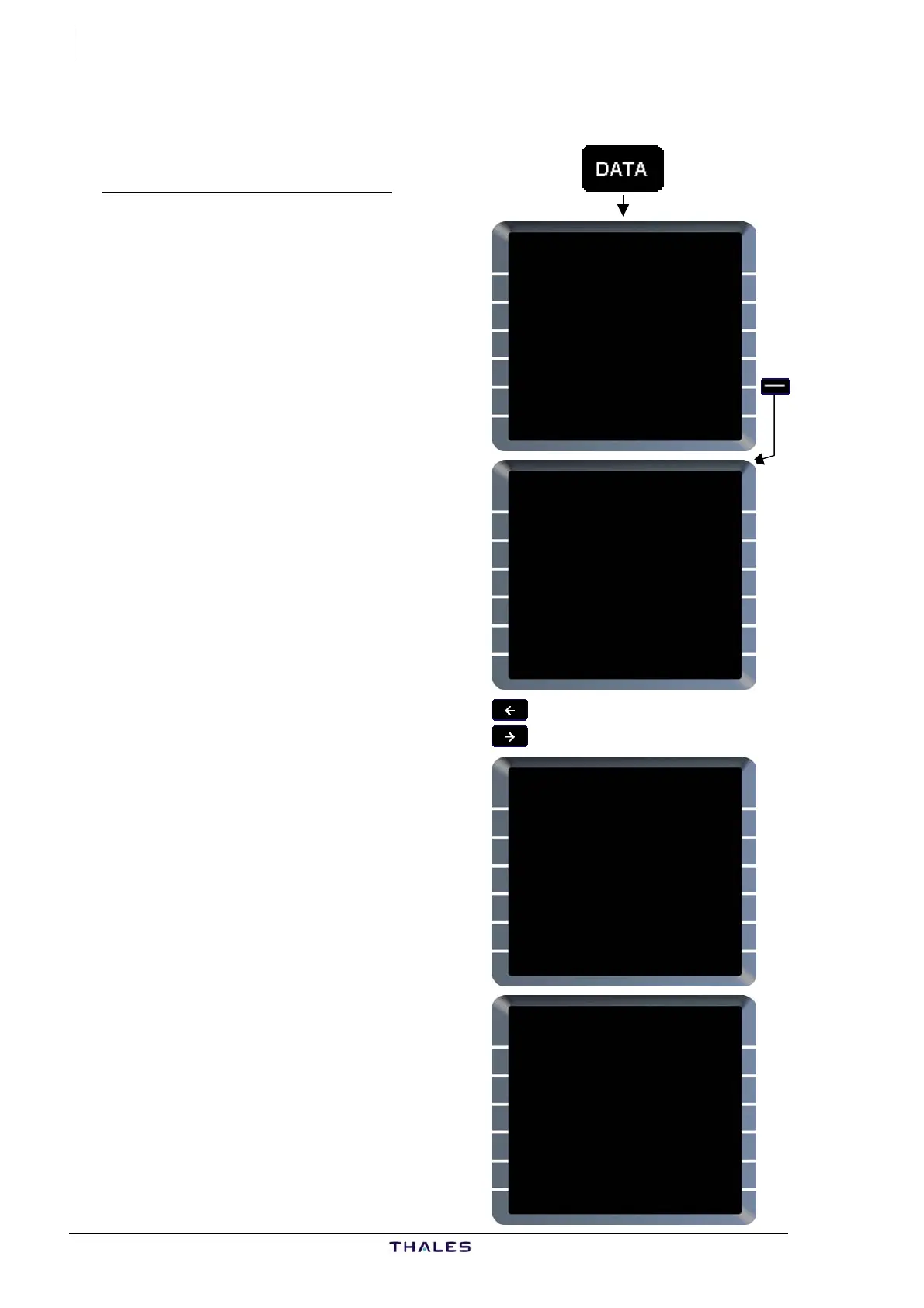
Access to PRINT FUNCTION
DATA key .......................Press
DATA INDEX page 1/2 is displayed:
PRINT FUNCTION [5R]...Press
PRINT FUNCTION page 1/2 is
displayed showing F-PLN INIT [line 1],
TO DATA [line 2] and WIND DATA [line
3].
These reports are available if AOC
option is activated, otherwise fields a
blank.
re
Manual print of these reports report is
available by pressing LSK [1R], [2R],
or [3R] respectively.
Auto-print status (YES or NO) of
these reports is shown [1L], [2L],
[3L]. Pilot can modify the status
YES/NO by pressing the corresponding
LSK, which reverts to opposite.
Horizontal slew key...... PRESS
PRINT FUNCTION page 2/2 is
displayed showing: PREFLIGHT [line
1], INFLIGHT [line 2], POSTFLIGHT
[line 3], SEC F-PLN [line 4].
Manual print and auto-print status
follow the same logic as above.
When AOC function is not selected
(OPC option), auto-print function is not
available; all AUTO fields are blank.
Screens shown are examples.
J43126AA 00
© THALES AVIONICS S.A.
AIRBUS A318/319/320/321



 To Next Page