70
MULTIPHASE
LATERAL F-PLN management
J43126AA 00
© THALES AVIONICS S.A.
AIRBUS A318/319/320/321
With ALTN RTE entered in ACTIVE F-PLN
(either as an ALTN CO RTE or defined manually)
ENABLE ALTN [4L] .........Press
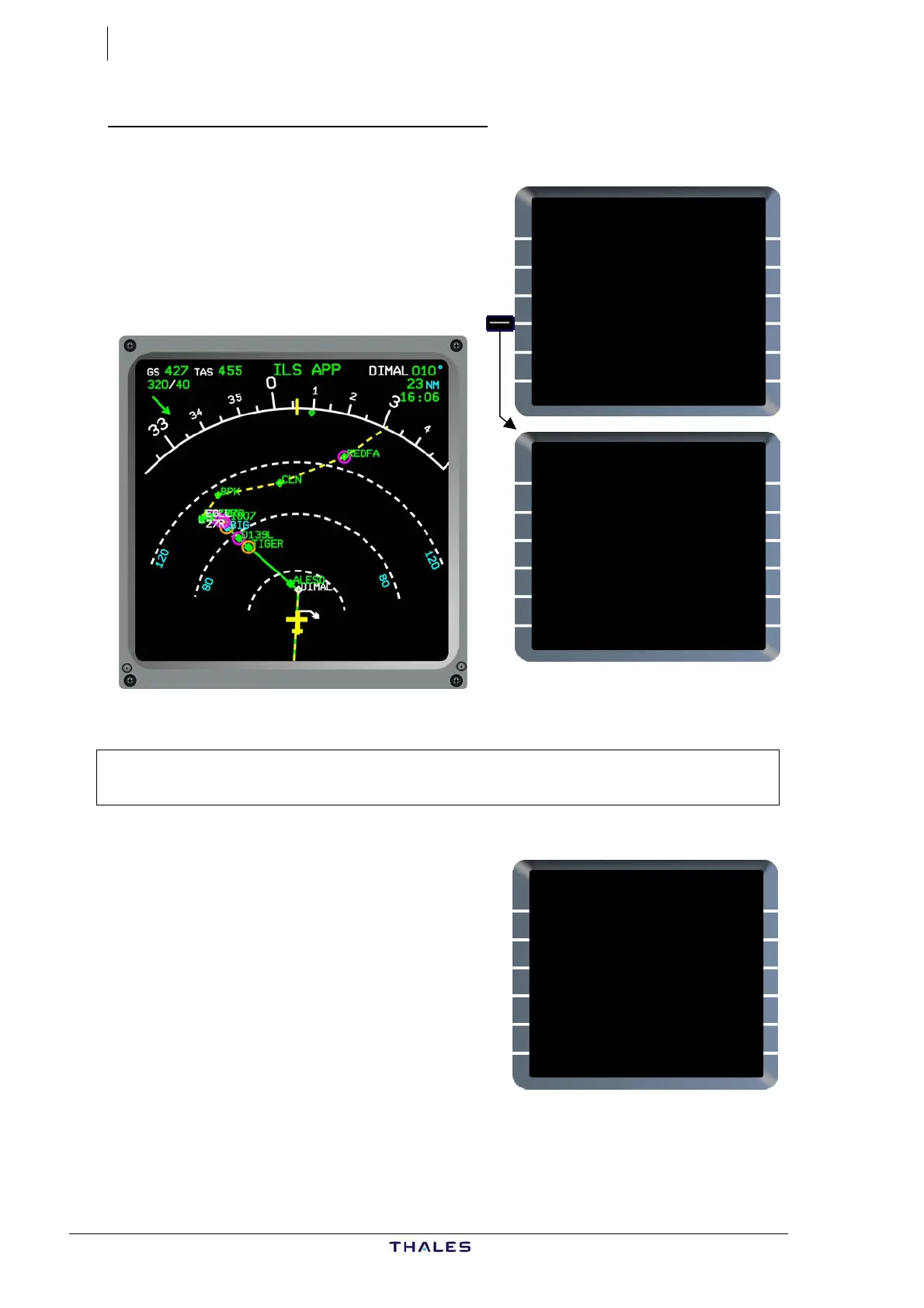
The TMPY F-PLN (dashed yellow)
displays a DISCONTINUITY after the
revise point (DIMAL), followed by the
ALTN RTE, originating from primary
DEST (EGLL).
Caution:
If TMPY F-PLN is inserted, routing from revise point to primary
destination is deleted.
Insert new routing from revise point,
using DIR TO and/or entering WPTs and
AIRWAYS as appropriate in TMPY F-PLN.
In this example, enter CLN after DIMAL.
Since CLN exists in the ALTN F-PLN,
WPTs between the DISCONTINUITY and
CLN (EGLL, BPK) are “collapsed” (i.e.
automatically deleted).
LAT REV FROM DIMAL
50°29.6N/001°22.0E
NEXT WPT
<HOLD [ ]
ENABLE NEW DEST
{ALTN [ ]
AIRWAYS>
<RETURN
FROM TMPY THV001 {}
UTC SPD/ALT
T-P 1635 / FL360
BRG010° 247
DIMAL 1723 .79/ FL360
---F-PLN DISCONTINUITY--
EGLL 1734 .79/ "
21NM
BPK 1737 " / "
TMPY TMPY
{ERASE INSERT*
£$
TMPY THV001 {}
UTC SPD/ALT
DIMAL 1814 .79/ FL360
82
CLN 1825 " / "
TRK075° 9
(T/D) 1826 .79/ 36000
43
REDFA 1832 *293/*22710
REDFA 40NM
SULUT 1837 " / "
ONCE THEN
{UNDO/ERASE INSERT*
£$



 To Next Page