MULTI PHASE
10 NAVIGATION management & monitoring
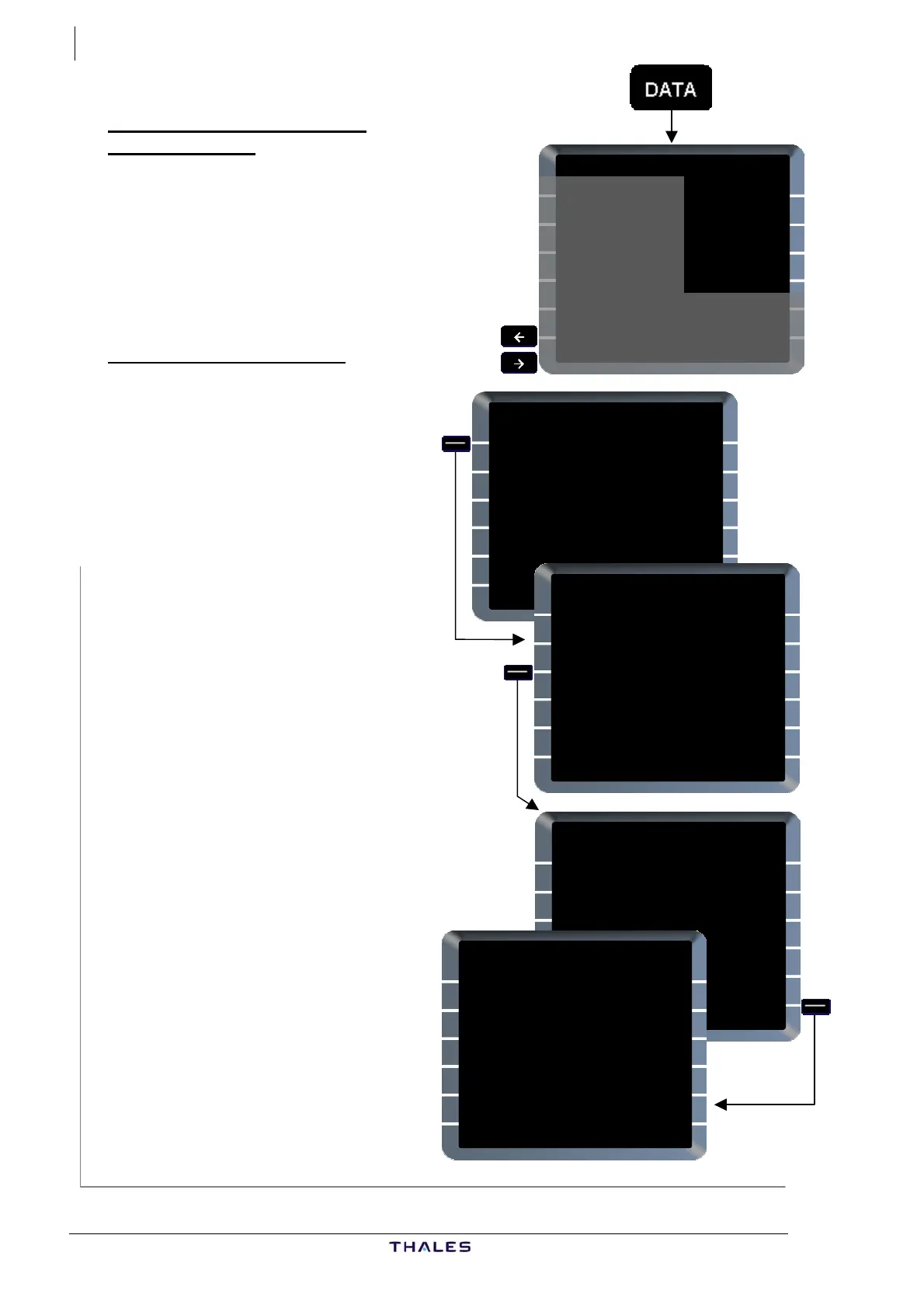
Ex. 1
DATA INDEX 2/2 {}
PILOTS
<WAYPOINTS WAYPOINTS>
PILOTS
<NAVAIDS NAVAIDS>
PILOTS
<RUNWAYS RUNWAYS>
PILOTS
<ROUTES ROUTES>
ACTIVE F-PLN
<WINDS
SEC F-PLN
<WINDS
NEW WAYPOINT
IDENT
_______
LAT/LONG
____.__/_____.__
PLACE /BRG /DIST
_______/___° /___._
PLACE-BRG /PLACE-BRG
_____-___° /_____-___°
RETURN>
TOU1
NEW WAYPOINT
IDENT
TOU1
LAT/LONG
____.__/_____.__
PLACE /BRG /DIST
_______/___° /___._
PLACE-BRG /PLACE-BRG
_____-___° /_____-___°
RETURN>
TOU/360/50
NEW WAYPOINT
IDENT
TOU1
LAT/LONG
4429.7N/00103.6E
PLACE /BRG /DIST
TOU /360° /50.0
RETURN>
STORE}
STORED WAYPOINT 1/1
IDENT
TOU1
LAT/LONG
4430.8N/00115.6E
PLACE /BRG /DIST
TOU /000° /50.0
NEW
WAYPOINT>
DELETE ALL}
DATA INDEX 2/2 (PILOT
STORED data)
Enables pilot to create, delete or
view NAV data via DATA INDEX
2/2 page by using PILOTS
WAYPOINTS [1R], PILOTS
NAVAIDS [2R], PILOTS R
[3R] and PILOTS ROUTES [4R
functions.
UNWAYS
]
PILOTS WAYPOINTS [1R]
Enables creation, review and
deletion of pilot-defined WPTs.
From DATA page 2/2:
PILOTS WAYPOINTS [1R] ......
......................................Press
OINT page is
− d/or
ilable for
−
].
art V: Ch 2.5 for
al 360/50.
Enter TOU/360/50 [3L]
− the list (top right) is
− [5R] is
n of
− rompt [6R]
(see below).
If no PILOTS WAYPOINT
exists, NEW WAYP
displayed (Ex 1).
Enter fields as followed:
IDENT [1L], 7 letters an
digits are ava
designation,
Either LAT/LONG [2L], or
PLACE/BRG/DIST [3L], or
PLACE-BRG/PLACE-BRG [4L
Refer to P
formats.
In the example waypoint TOU 1 is
created as TOU radi
− Enter TOU1 [1L]
−
Then,
STORE [6R].............Press
Number in
updated,
NEW WAYPOINT prompt
available for creatio
another waypoint,
DELETE ALL p
J43126AA 00
© THALES AVIONICS S.A.
AIRBUS A318/319/320/321



 To Next Page