MULTI PHASE
NAVIGATION management & monitoring 11
If PILOTS WAYPOINT(s) already exists
The first STORED WAYPOINT is
displayed; number of stored waypoints
is shown top right 1/x (Ex 2).
Stored waypoints may be reviewed by
using horizontal slew keys.
To create a new waypoint
NEW WAYPOINT [5R].... Press
NEW WAYPOINT is displayed.
Proceed as described above.
If twenty WPTs have already been stored and NEW WAYPOINT prompt
is pressed, "LIST OF 20 IN USE" s-pad msg (white) is triggered.
To delete all stored waypoints:
DELETE ALL prompt [6R]........
...................................... Press
The prompt is replaced by CONFIRM
DELETE ALL prompt.
If pressed:
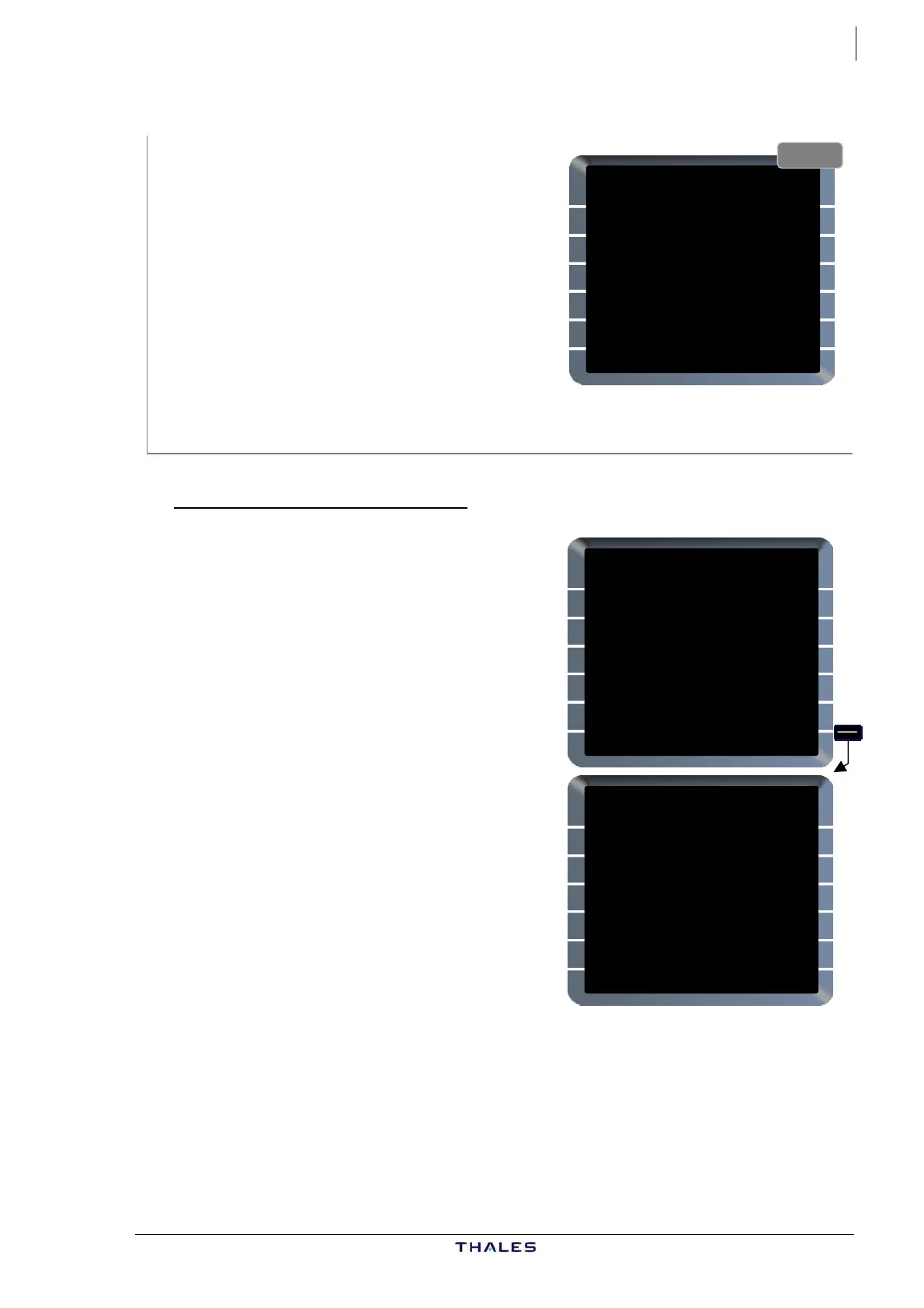
Ex. 2
STORED WAYPOINT 1/2 {}
IDENT
TOU1
LAT/LONG
4430.8N/00115.6E
PLACE /BRG /DIST
TOU /000° /50.0
NEW
WAYPOINT>
DELETE ALL}
STORED WAYPOINT 1/2 {}
IDENT
TOU1
LAT/LONG
4430.8N/00115.6E
PLACE /BRG /DIST
TOU /000° /50.0
NEW
WAYPOINT>
CONFIRM
DELETE ALL*
− All stored waypoints are deleted,
page reverts to NEW WAYPOINT
page, or,
− If some WPTs are part of a F-PLN or a
stored route, they are not deleted
and still displayed; "PILOT ELEMENT
RETAINED" s-pad msg (white) is
triggered.
In the example PD01 is not deleted
because it is part of the ACTIVE F-PLN;
1/1 is displayed top right meaning it is
the only stored waypoint remaining.
To cancel CONFIRM DELETE ALL, select
another MCDU page or press a LSK other than [6R]; DELETE ALL
prompt is displayed again in [6R].
STORED WAYPOINT 1/1
IDENT
PD01
LAT/LONG
4400.8N/00116.5E
PLACE /DIST
TOU / 20.0
NEW
WAYPOINT>
DELETE ALL}
PILOT ELEMENT RETAINED
AIRBUS A318/319/320/321
© THALES AVIONICS S.A.
J43126AA 00



 To Next Page