FMS DEGRADED OPERATION
6 FMGC RESETS or FAILURES
Double reset of one FMGC (Cont'd)
RECOVERY
On the affected side:
End of FMS reset and synchronization are
confirmed when FMGC (OWN) replaces
FMGC (OPP) prompt.
This takes few seconds.
Note:
All FMS data are erased during the reset
and then recovered through the dual
function and synchronization with the
other FMS.
FMA...............................Check
Reengage AP/FD-A/THR modes as
convenient.
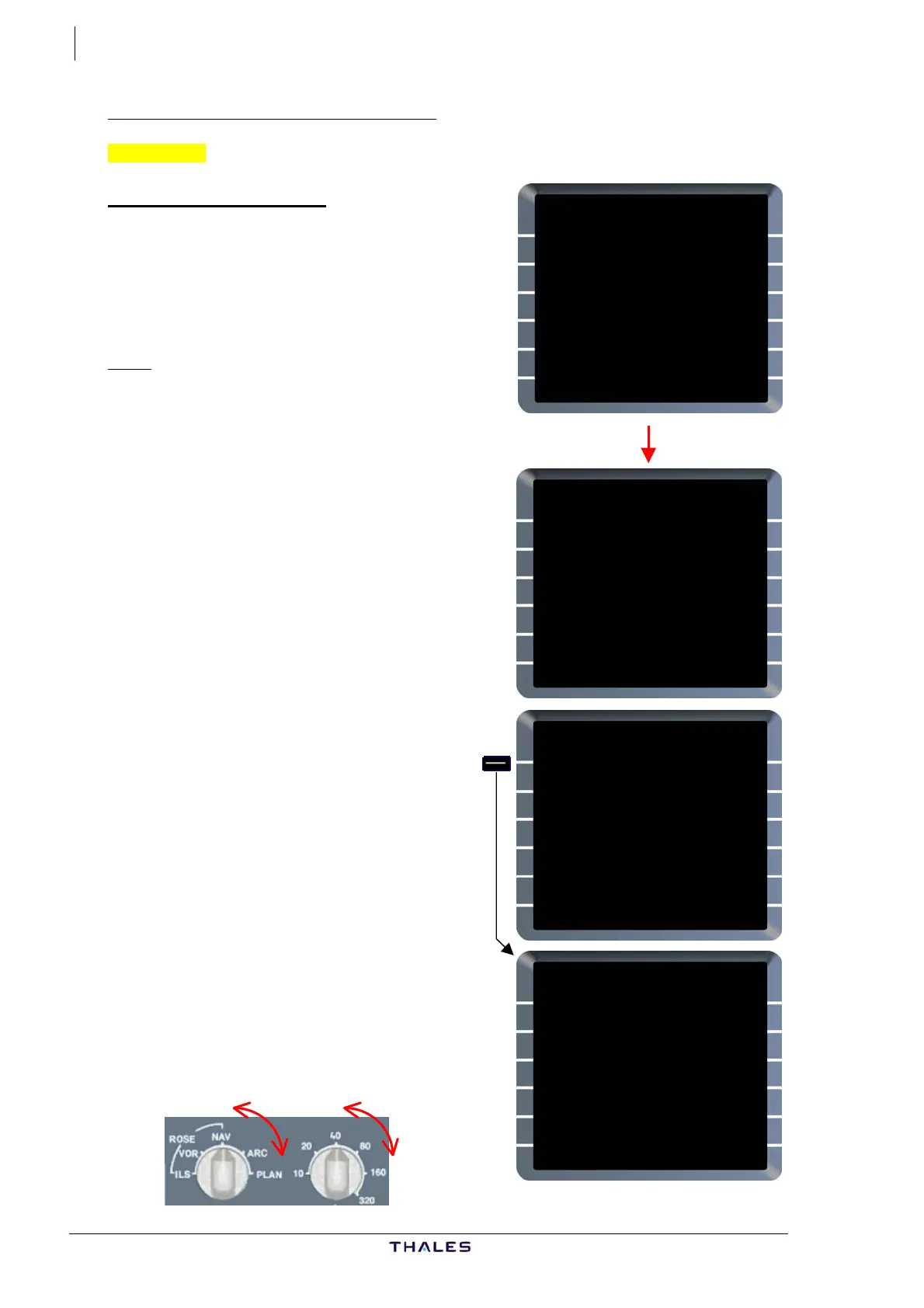
FMGC OWN prompt [1L] page
......................................Press
A/C STATUS page and OWN FMGC IN
PROCESS scratchpad message (
are displayed.
white)
Select MCDU pages as desired.
EFIS PANEL ...........................
........... Mode/Range re-select
Temporarily SELECT a different mode
or range on the corresponding EFIS
control panel, in order to recover ND
display and delete MAP NOT AVAIL
and/or SET OFFSIDE RNG/MODE
messages.
MCDU MENU
<FMGC (OPP)
<ACARS
<AIDS
<CFDS
RETURN>
SELECT DESIRED SYSTEM
MCDU MENU
<FMGC (OWN)
<ACARS
<AIDS
<CFDS
RETURN>
SELECT DESIRED SYSTEM
MCDU MENU
<FMGC (OWN)
<ACARS
<AIDS
<CFDS
RETURN>
SELECT DESIRED SYSTEM
A320-200
ENG
CFM56-5-B4
ACTIVE NAV DATA BASE
11DEC-08JAN THV1021301
SECOND NAV DATA BASE
{13NOV-11DEC
PILOT STORED
03RTES 00RWYS
CHG CODE 00WPTS 00NAVS
[ ] DELETE ALL}
IDLE/PERF SOFTWARE
+0.0/+0.0 STATUS/XLOAD>
OWN FMGC IN PROCESS
J43126AA 00
© THALES AVIONICS S.A.
AIRBUS A318/319/320/321



 To Next Page