FMS GENERAL DESCRIPTION
6 MCDU
PAGE KEYS
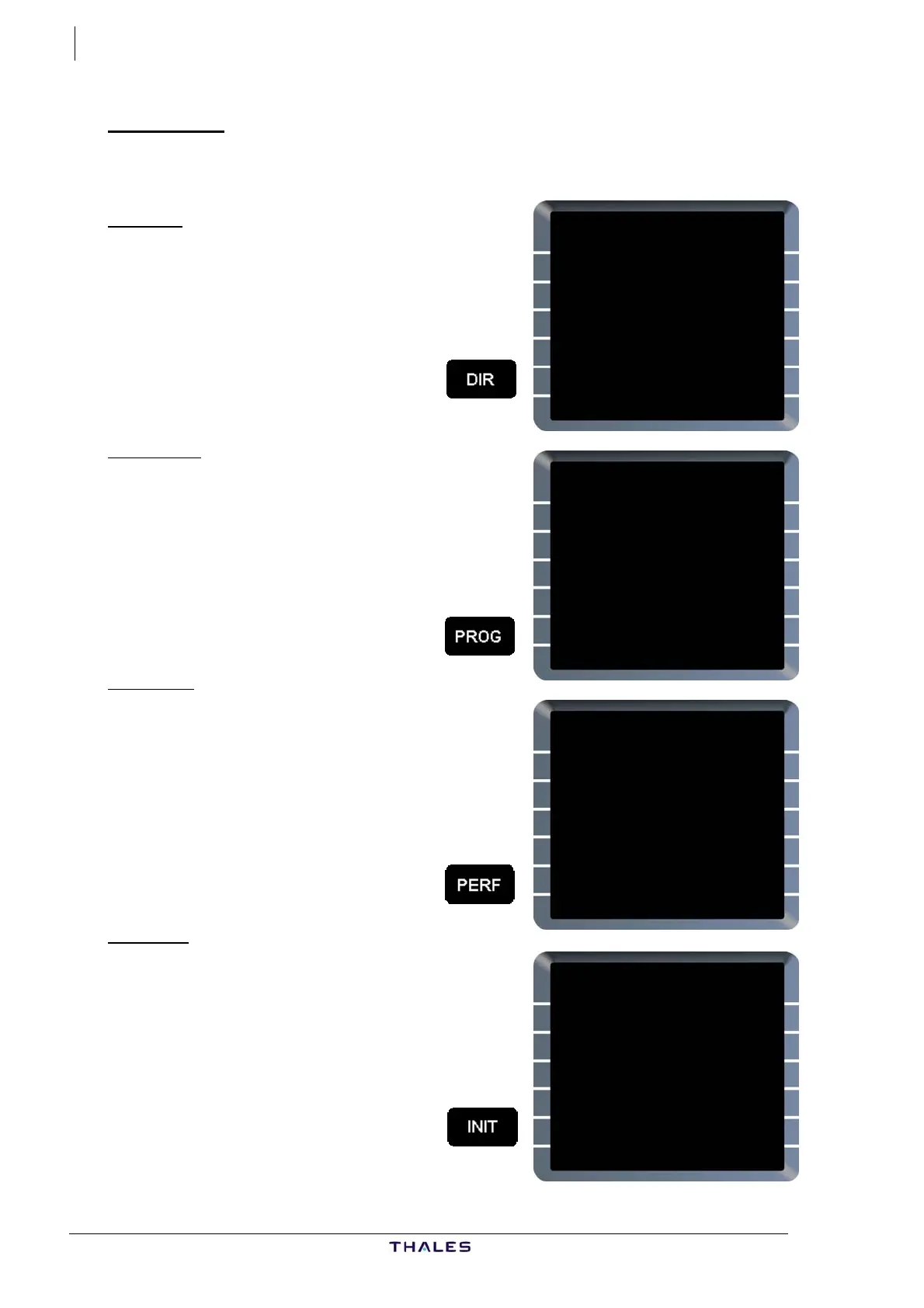
These keys provide a direct access to the main pages of the FMS.
DIR key
Pressing the DIR key displays the DIR TO page (direct to), provided a
flight plan already exists in the FMS.
On this page, the pilot can initiate a direct flight leg to a selected
waypoint.
DIR TO
WAYPOINT UTC DIST
ALIVA 1805 27
F-PLN WPTS
{TOU DIRECT TO
WITH
ALIVA ABEAM PTS }
RADIAL IN
{TOU34 156° }
RADIAL OUT
{FISTO [ ]°
DIR TO DIR TO
{ERASE INSERT*
£
PROG key
Pressing the PROG key displays the PROG
page (progress).
The PROG page displays dynamic flight
information and data related to the primary
flight plan.
CLIMB THV001
CRZ OPT REC MAX
FL360 FL360 FL384
<REPORT
UPDATE AT
*[ ]
BRG /DIST
---° /----.- TO [ ]
PREDICTIVE
<GPS GPS PRIMARY
REQUIRED ACCUR ESTIMATED
1.00NM HIGH 0.08NM
PERF key
Pressing the PERF key displays the PERF
page (performance).
The PERF page provides performance data,
speeds and various vertical predictions
associated with each flight phase.
CLB
ACT MODE UTC DEST EFOB
SELECTED 1933 4.1
CI
30 PRED TO FL070
MANAGED UTC DIST
250/.79
SELECTED
250/.40 1810 4
EXPEDITE 1810 2
ACTIVATE NEXT
{APPR PHASE PHASE>
INIT key
There are two INIT pages.
Pressing the INIT key displays the INIT A
page.
The INIT A page is used for flight plan
initialization by entering the basic
parameters of the planned flight, and
initializing the FM position at the
departure point position.
INIT {}
CO RTE FROM/TO
__________ ____/____
ALTN/CO RTE INIT
----/---------- REQUEST
FLT NBR
________
LAT LONG
----.-- -----.--
COST INDEX
--- WIND>
CRZ FL/TEMP TROPO
----- /---° 36090
J43126AA 00
© THALES AVIONICS S.A.
AIRBUS A318/319/320/321



 To Next Page