108
• Change pattern
Create AB line using 2 points
• Press to mark A point. A green ball appears on the map screen where point was placed.
• Button is greyed out until a minimum of 100 ft is driven.
• Pause - Press to pause path during path creation
• Resume - Press to resume path during path creation
• Cancel - Press to cancel path during path creation
• Press to mark B point. The AB line appears on the map screen and point B is marked with a red
ball.
Create AB line using Current Location and Heading
• uses current location and heading, line extends 1 mile before and after the A point
(recommend vehicle having forward motion to get a good heading).
Create AB line using Current Location and Inputting Heading
• uses current location and input heading, line extends 1 mile before and after the A point
Patterns are automatically saved when the guidance pattern is created.
÷
NOTE!: On straight AB lines, if current swath is longer than the previous one, the display automatically extends the
guidance path for the following swaths.
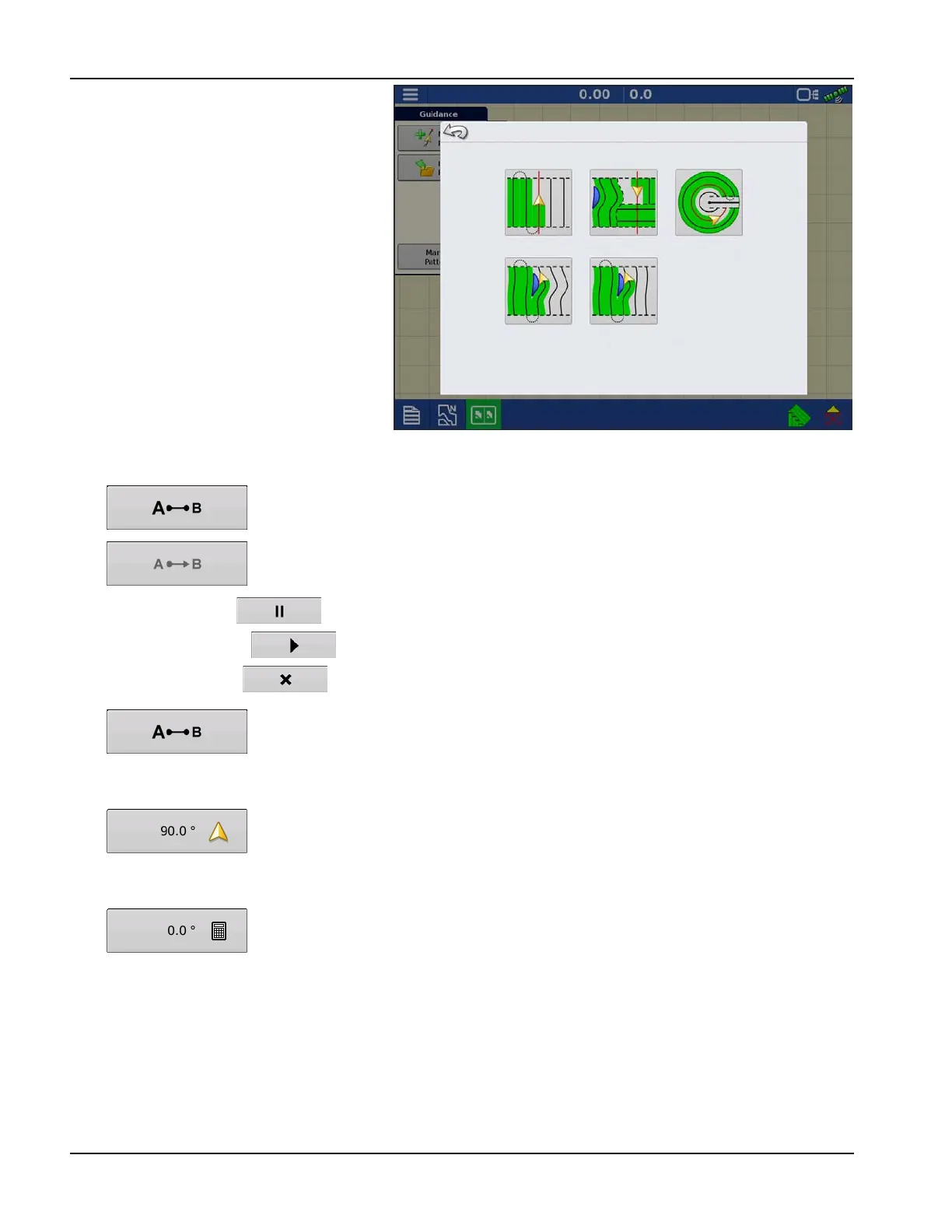
Select Pattern
Straight
SmartPath
Pivot
Adaptive Curve
Identical Curve



 To Next Page