24
General Tab
Demo Mode
Demo Mode is used for training and
demonstration purposes. Demo Mode gives the
ability to show the display in a fully functioning
environment without the need for a CAN or GPS
simulator. Demo mode is a completely separate
run environment from the normally operating
mode. This keeps all customer data separate to
remove the risk of data getting deleted. Any data
that is added, removed or changed while in
demo mode will be deleted upon power cycling
the display and returning to a normal operating
state.
How Demo Mode Works
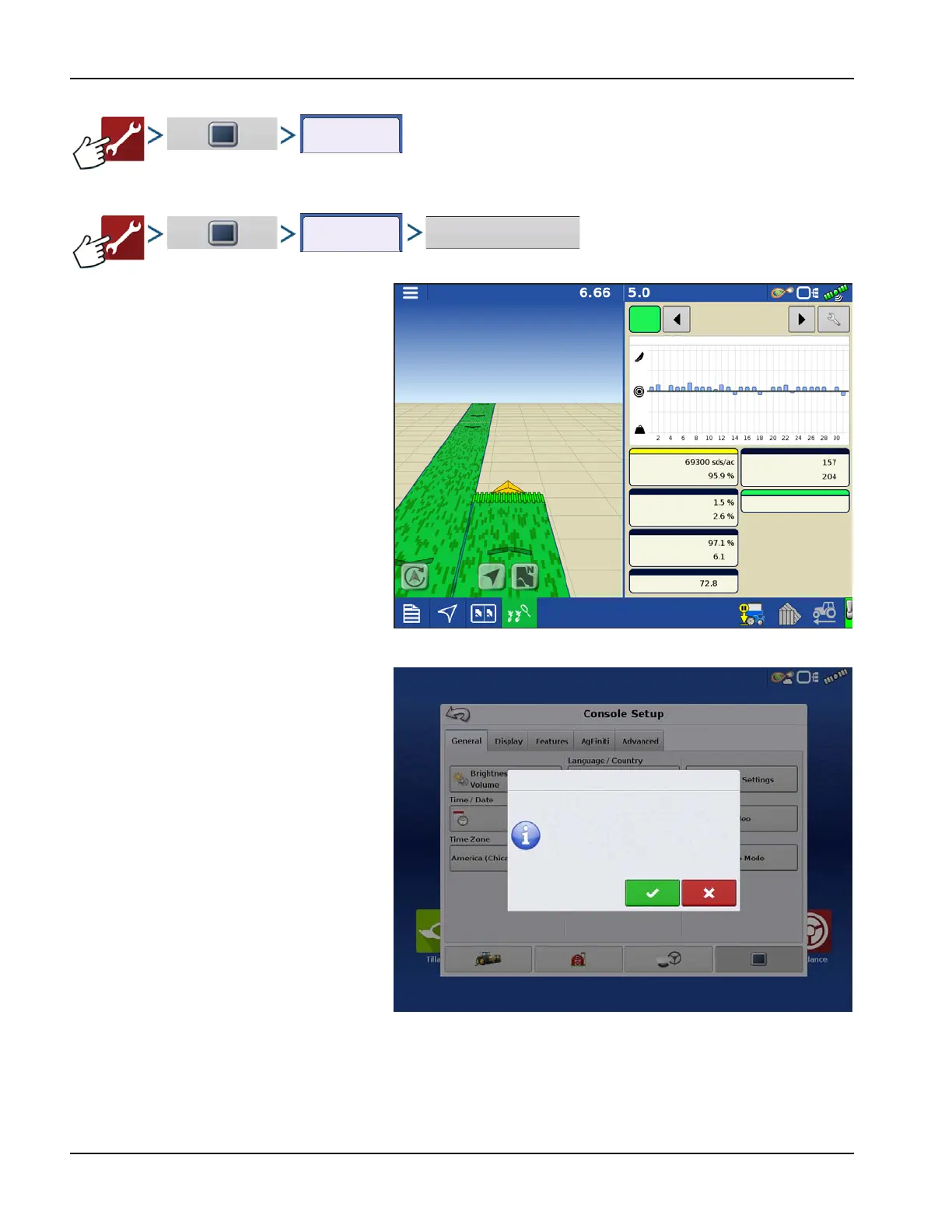
1. Pressing the Demo Mode button will trigger a
request to restart the display. Once restarted, the
display will automatically begin an event in
demo mode.
2. The event that automatically starts will be a 12
row planter running clutch control, Ag Leader
seed tube monitoring, and three variety split
logging.
3. The event will continually run on the mapping
screen. Users can interact will the menus and
legends exactly like they would during a live
operation.
4. The demo will continue to run until the field is
completed. Once the field is completed the
display will sit for 2 minutes then restart demo
mode over again repeating the loop.
5. Coverage Logging can be manually toggled on an off by pressing the Master Switch icon in the lower right corner of the
screen. With coverage logging off using can leave the mapping screen and go into all menus and setup screens normally.
If they would like to continue the demo event it can be done by following the prompts via the Planting Operation Wizard.
All Rows
Skips:
Doubles:
Meter Speed:
Spacing Quality:
Seed Spacing:
All
Rows
Down Force Trends
Population
Gauge Wheel:
Singulation:
Down Force:
Down Force Trends
Demo Mode
The display will now restart into demo mode.
Restart the display to return to normal
operation.



 To Next Page