32
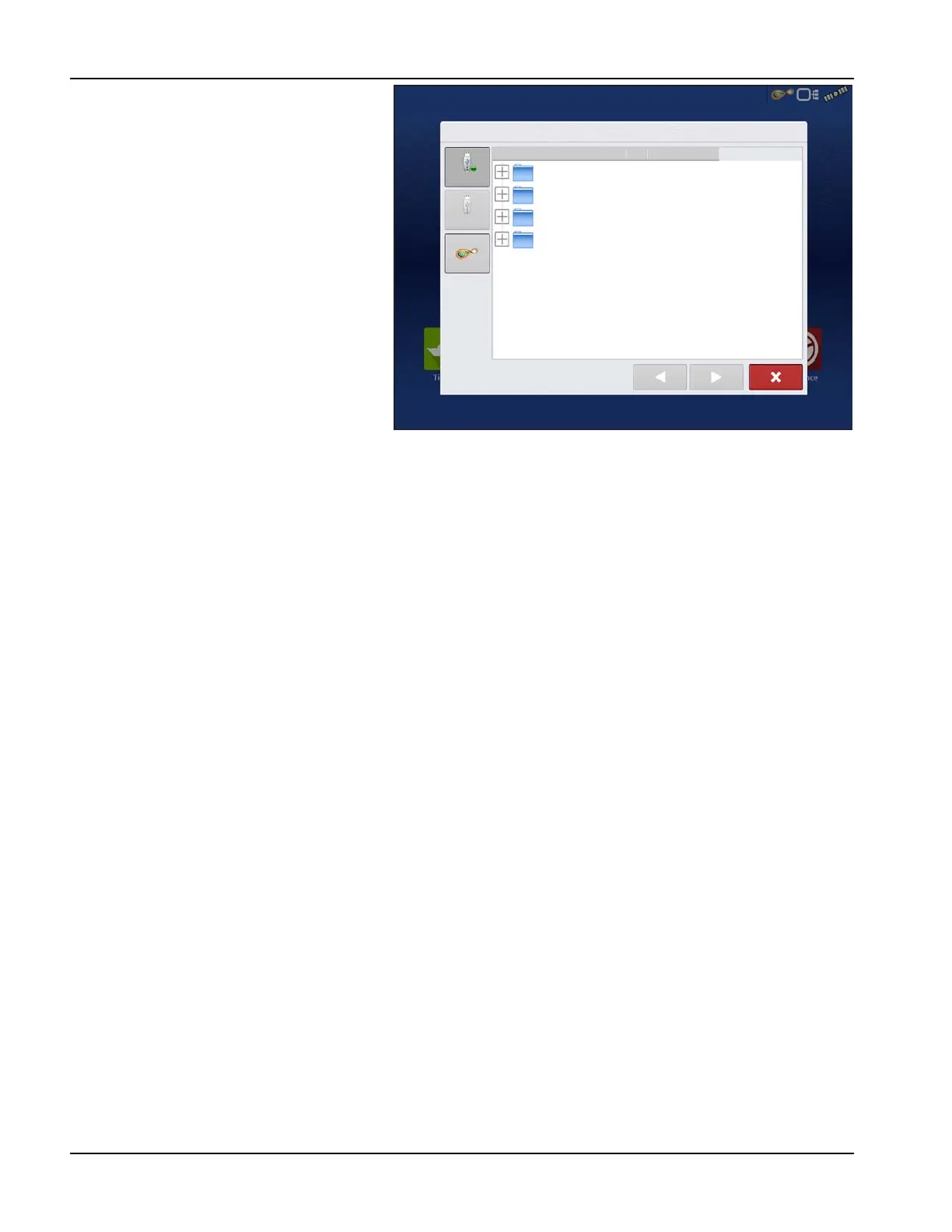
Import .AGSETUP file from
AgFiniti® or USB
The File Selection screen opens. Use the scroll
bar to find the file to import.
Export .AGSETUP file to
AgFiniti or USB
Use to transfer setup information from display to
display or from SMS and display.
.AGDATA files
Used to transfer data to management software from the display via AgFiniti or USB.
• Includes all the necessary data to fully archive in SMS
• Includes recorded operation data
• Products Used
• Boundaries
• Equipment Used
• Marks Logged
• Guidance Patterns
• Flexible export options
• Able to export by Grower
Exporting Logged Data
After a field operation is completed, data can be exported to USB or AgFiniti. This can be accomplished by pressing the
“Export Data” button within the Data Transfer screen (“Data Transfer screen” on page 31) and selecting the export location.
Under the advanced options menu within the Data Transfer screen, users can also choose to export by grower/event
and/or at display shut down.
• Pressing the “Export Data” button will trigger all data to be exported based on the last time the export button was
pressed. After data has been exported to the external device, it is still retained within the displays memory.
• If previously exported data needs to be retrieved from the display it can be accomplished by pressing the “Export All
Logs” button under advanced options within Data Transfer. Export all logs will export all logged data stored on the
display.
• Data on the InCommand™ displays is not automatically deleted after any export operation. Users have the ability to
delete old seasons (“Season tab” on page 16), which includes the logged data, to free up memory on the display.
Export .AGDATA file
ISO XML export
This function enables the export of data files in the TASKDATA.XML format.
Import Setup: Select AgSetup File
Ag Leader Updates 8/3/15 9:38 AM
Data to be imported 8/3/15 9:42 AM
Display Backups 8/3/15 9:41 AM
SteerCommand Backup 8/3/15 9:39 AM



 To Next Page