128
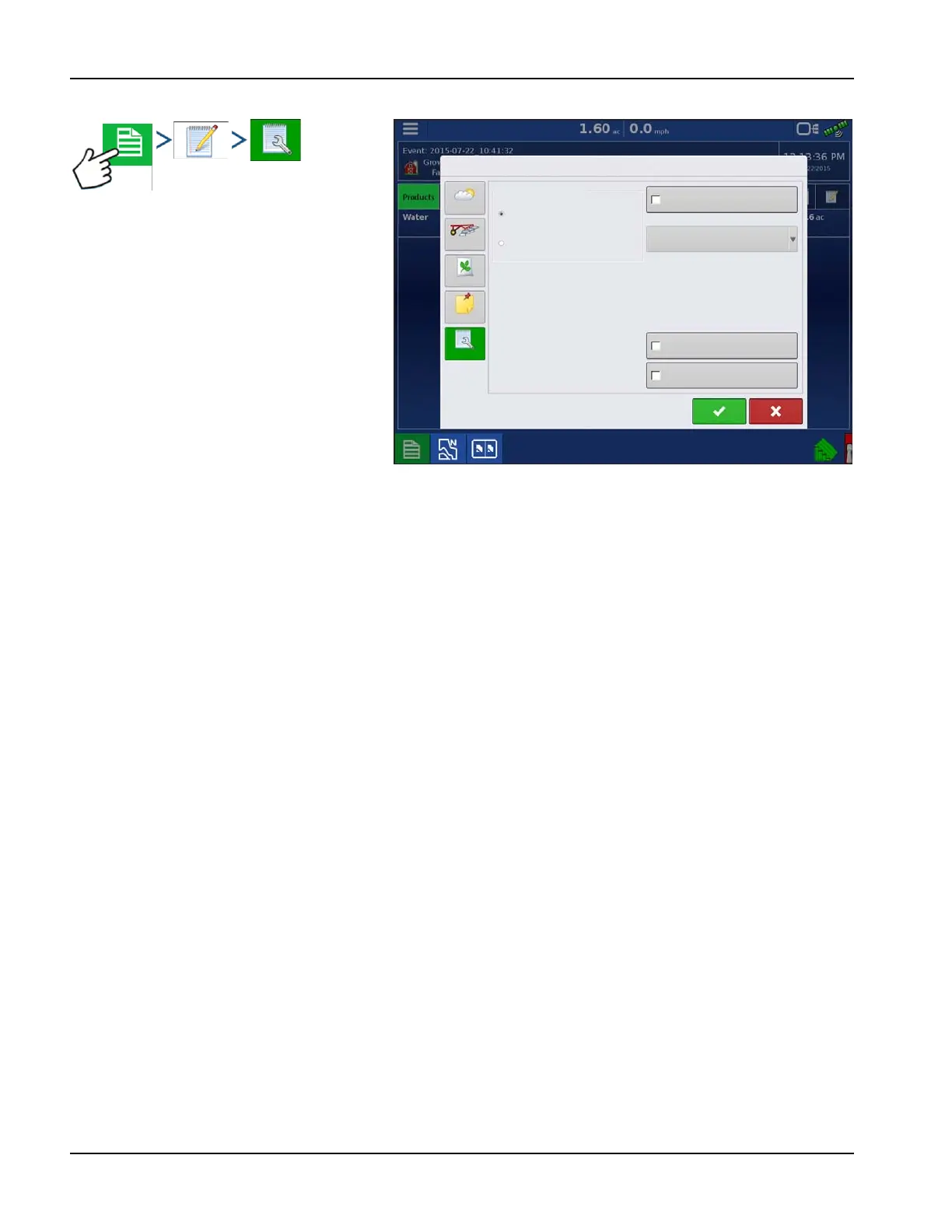
Smart Report Auto-Generation
This screen allows the user to change the
settings that affect the creation of application
reports.
• Automatically Create Application Report
checkbox
Check this option to have the display
automatically generate an application
report each perform the action in the
Creation Trigger drop-down menu.
• Creation Trigger drop-down menu
User can select to generate reports upon
Event Change or Event Closed.
If changing products through the field, it is
recommended to set the Prompts to Close Event checkbox in Event Options.
Export Reports
Reports are stored locally within the display and must be manually exported to a connected USB or AgFiniti. This can
be done by pressing “Export Reports” on the Data Transfer page. See “Export Reports” on page 34.
Field Notes
Multi-Color Rate
Single Color Coverage
Conditions
Equipment
Product
Memo
Settings
Copy Notes from Region to Region
Prompt for Field Notes
Report Map Appearance
Automatically Create
Application Reports
Creation Trigger
Event Change



 To Next Page