70
Shifting the Map
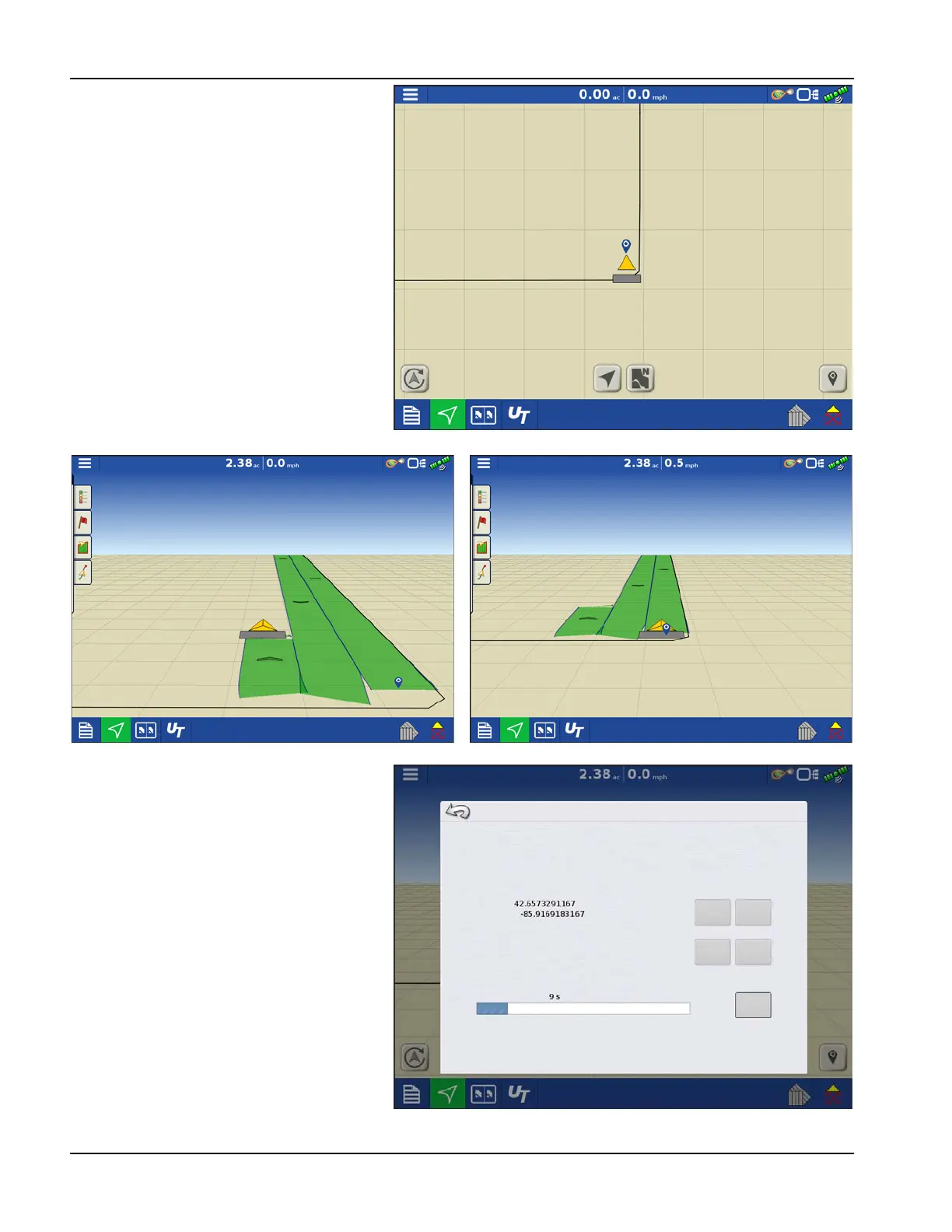
1. Press the map shift icon to access Map Shift
Options.
2. Determine a good location to create a
reference point. For Map shift to work
properly it is vital that the GPS receiver be
able to get back to the exact same point
each time a shift is required.
3. Once a spot is located press “Set” on the
Map Shift options page to begin the 10
second survey.
4. One the survey is complete the reference
point will be set. On the Mapping Screen
the reference point is show by the blue pin
drop.
5. When a map shift is required go back to the
set reference point and make sure the GPS
antenna is back in the original location.
6. Access the Map Shift Options menu and
press the “Shift” button.
Going Back to Reference Point
Shifting Map
Map Shift Options
Set saves a reference point
Shift moves the map to match the current position
Ensure GPS receiver is always at the same location it was when the reference
point was created
Clear
Reference Point
Latitude:
Longitude
Clear
Set
Shift
Cancel
Current Position
In Progress
Position Survey
Time Remaining



 To Next Page