89
PN 4004700–ENG Rev. K
GPS/Steering Setup
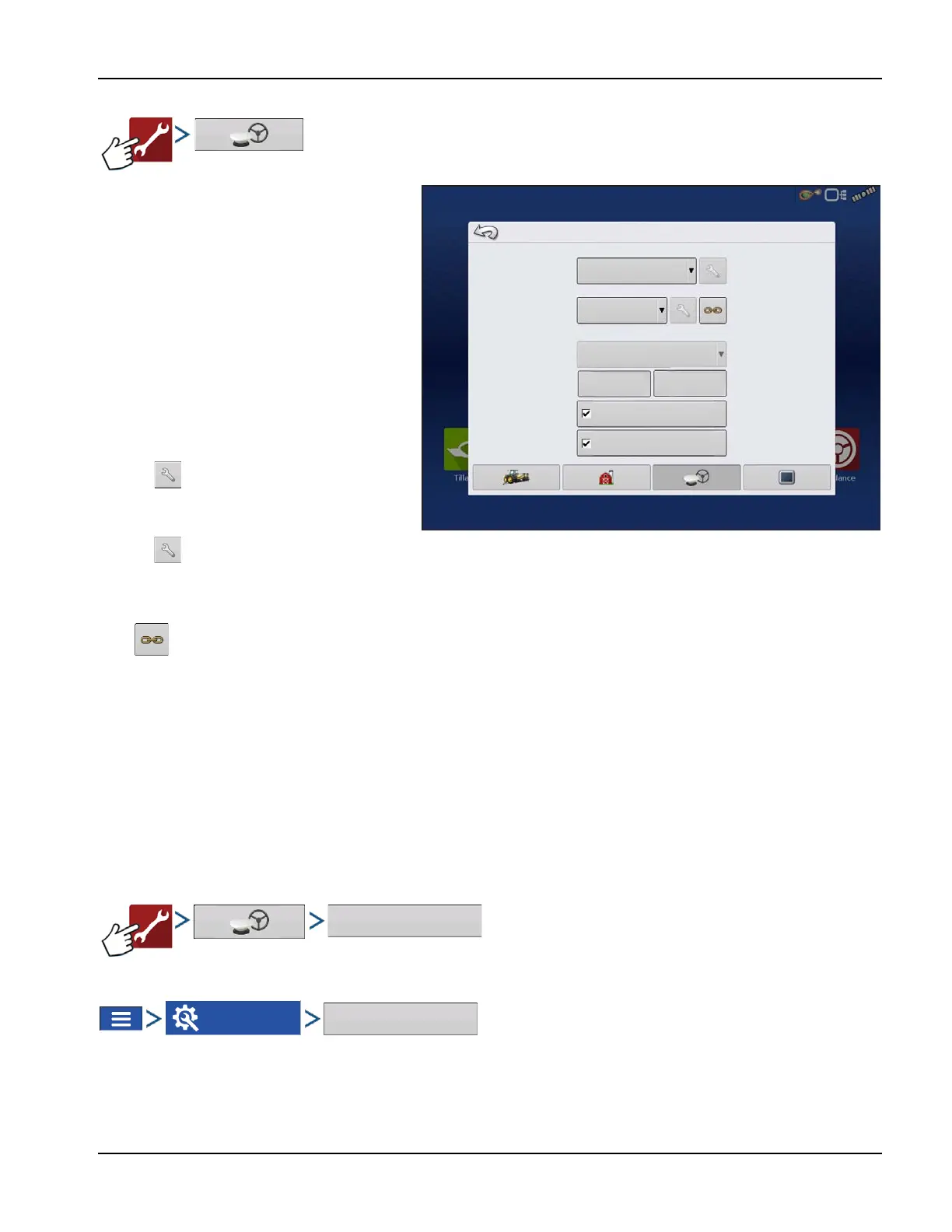
GPS Setup
Steering
Manual Guidance—Select this to
perform guidance by lightbar while
manually steering the vehicle.
ParaDyme/GeoSteer—Integrated
steering system that can be used with a
wide range of machines.
OnTrac3™—Assisted steering that is
mounted on a machines steering wheel.
SteerCommand®—Integrated steering
system that can be used with a wide
range of machines.
Pressing next to the Steering options opens
the guidance system settings for the selected
guidance system.
Pressing next to the Receiver options opens
the selected receiver’s specific settings. Populated settings vary from one reliever model to the next.
• Receiver—Set type of GPS interface protocol to Autodetect, Serial, or CAN.
• Break Detection—Opens force GPS connection. This allows force connection in the display when a
receiver is set to a higher baud rate than supported by the display. After selecting “force GPS6000/6500
connect”, user must select reset to defaults in order to configure and use the receiver.
• Operator Presence Alarm—The Operator Presence Alarm disengages guidance control if the operator does not
have any interaction with the display for a specified period of time. Use the dropdown menu to specify the period of
time before guidance is automatically disengaged.
• Lightbar Settings—Set lightbar spacing, mode, and LED brightness.
• Required Differential Correction for Guidance—When unchecked allows guidance to operate without
differential correction.
÷
NOTE!: In order to use guidance with the display, GPS receiver must be capable of a GPS output rate of 5 Hz or more.
Lightbar Settings
OR
GPS/Guidance Setup
Steering
Manual Guidance
(Autodetect)
Receiver
Operator Presence Alarm
15 Minutes
Lightbar
Settings
Require Differential
Correction for Guidance
Use Heading Detection
Ag Leader
NTRIP Setup



 To Next Page