Field Operations
73
PN 4004700–ENG Rev. K
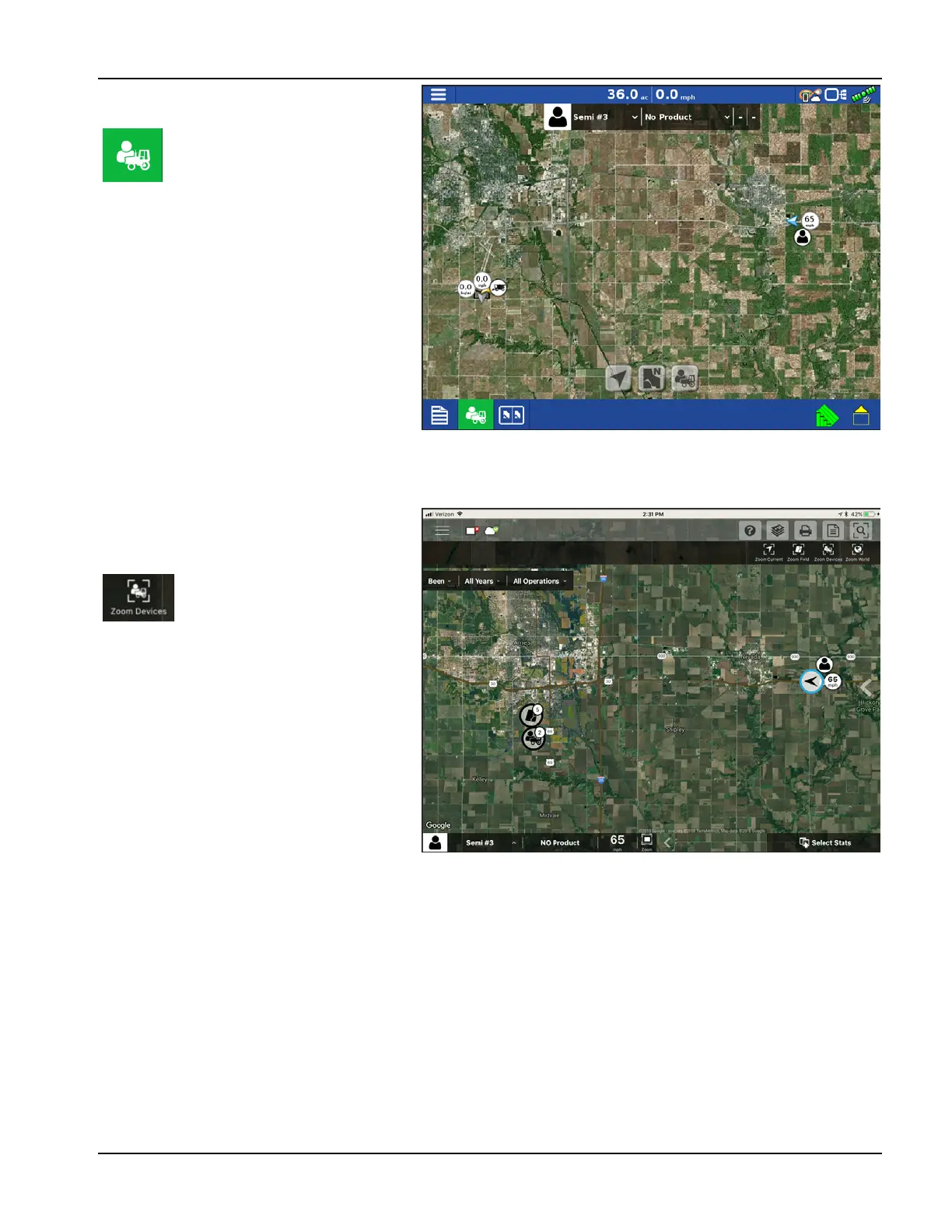
Zoom Devices View
÷
Button is only available when DisplayCast
is unlocked.
If a user wants to see the location of other
devices, they can press this icon and the map will
zoom out to include the icons of other devices
on that account, as well as their own icon.
Only devices within 60 miles of the display’s
location will be displayed when Zoom Devices is
pressed. Vehicles farther away can be viewed but
user must manually pan the map to find them.
÷
No logged data will be displayed in this view.
Zoom Devices in AgFiniti
Mobile
When this icon is pressed, all
devices logged into AgFiniti (that
have a GPS location and AgFiniti
Essentials) will be shown on the
display.
When this icon is pressed, all
devices logged into AgFiniti (that
have a GPS location and AgFiniti
Essentials) will be shown on the
display.



 To Next Page