AgFiniti
39
PN 4004700–ENG Rev. K
Filters
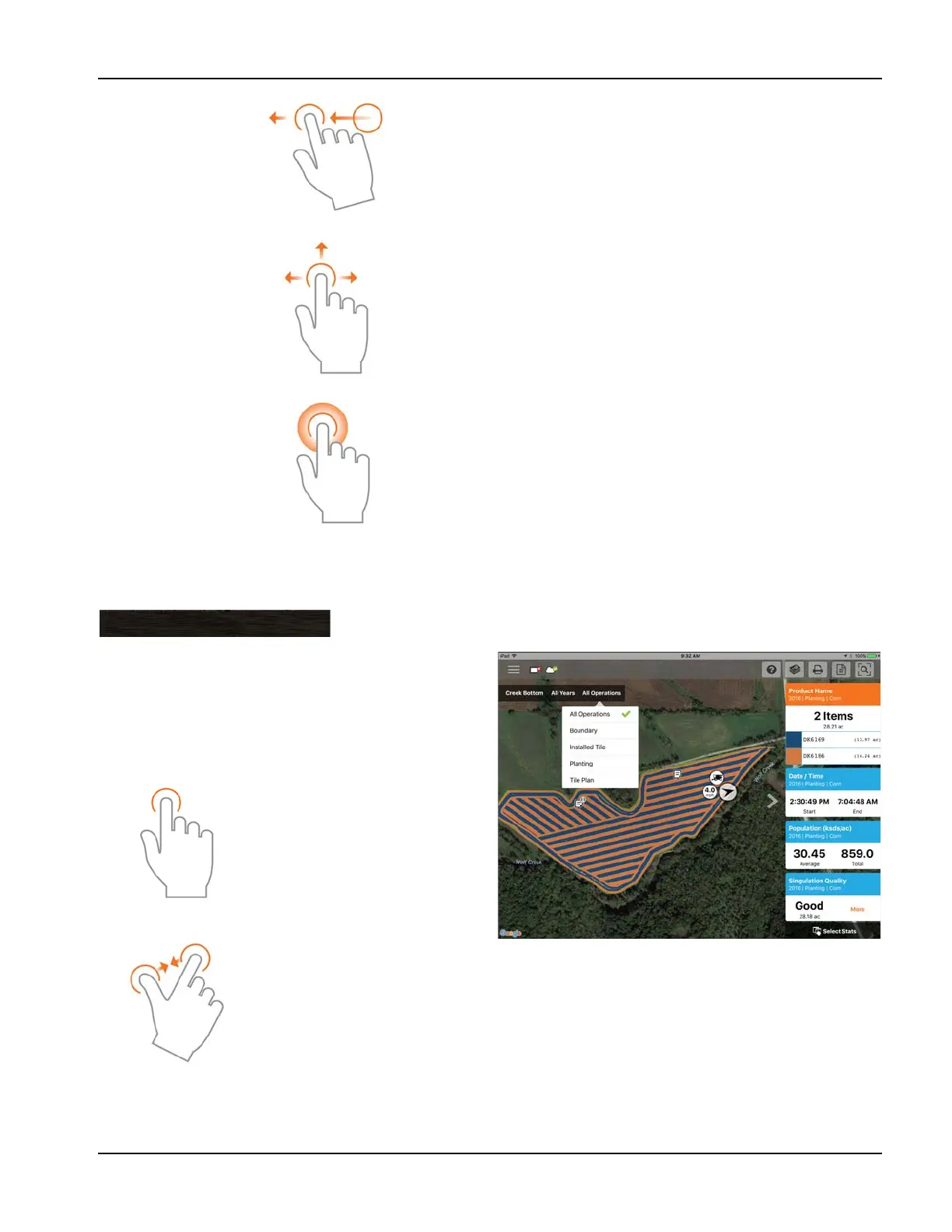
To choose different fields, years, or operations, use the Field/Operation Filters present in the upper left.
To choose different options, tap on one of the three filters
and choose from the various options present. Use the search
box to filter your fields/years/operations. This allows you to
search for items like “soybeans” and just fields with soybean
products will be shown. Choose All for both the season and
operation filters to access all data present for a chosen year.
Swipe—Swipe finger to see additional menus on
certain items.
Pan—Tap and hold finger on the screen to pan around
the mapped data while maintaining the same zoom
level.
Tap and Hold – Tap and hold on map to drop notes in
AgFiniti Mobile.
Use the tap gesture to make
selections in the filter.
Use the pinch gesture to zoom
the map in and out, and choose
from other fields present in
AgFiniti Mobile. If zoomed out far
enough, field coins will appear,
Tap a coin to see available fields.
Creek Bottom
All Seasons
Planting



 To Next Page