Guidance and Steering
119
PN 4004700–ENG Rev. K
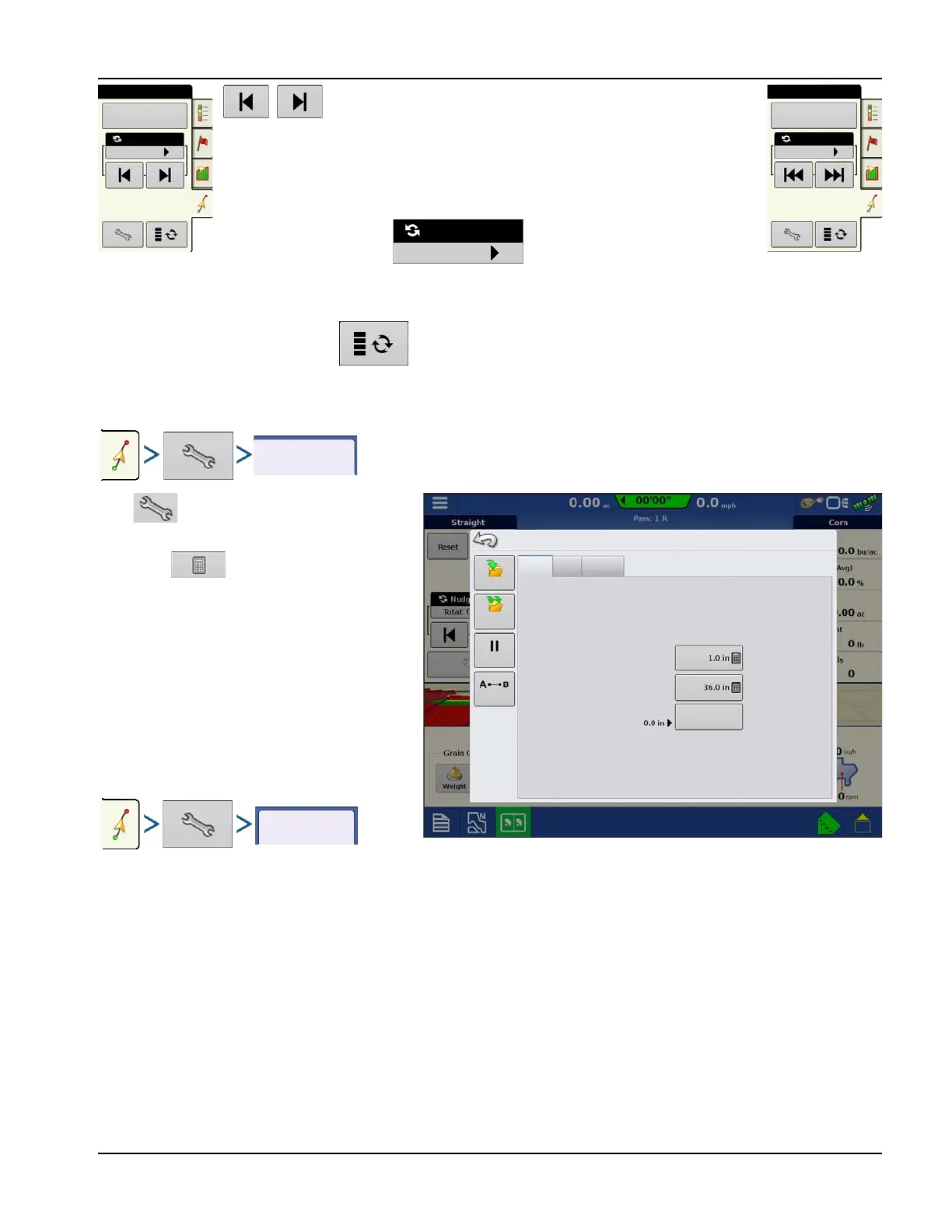
Nudge allows adjusting the swaths by a specified distance for the
direction of travel.
Small Nudge (single arrow) shown on left.
Large Nudge setting (double arrow) shown on right (Straight Patterns Only).
Use Nudge toggle button to switch between Small and Large
Nudge setting.
Use Mapping toolbox toggle button to switch the menu between Tramline and Nudge on the Mapping
toolbox, if Tramlines are enabled.
Press button then the Nudge tab to make
adjustments to Nudge settings.
• Press to enter a distance for
increment that the swaths will move with
each successive press of the left or right
arrows buttons on the Guidance tab.
• To clear out the adjustment and go to the
original position, press Clear Nudge.
Screen shows Small and Large increment
settings for Straight path. Other Patterns will only
show the small increment setting.
Shift
Reset
Nudge: 6 in
Total: 0 in
Straight
Reset
Nudge: 12 in
Total: 0 in
Straight
Nudge
Shift
Lightbar
Pause
Small Increment:
Clear Nudge
Guidance Options
Remark A
Large Increment:
Total Nudge:
Save
Save
Group



 To Next Page