80
• Turn-On Look Ahead
Determines how far ahead the system
looks to turn the sections back on. This
compensates for delay in the system when
the implement sections are turned on.
• Turn-Off Look Ahead
Determines how far ahead the system
looks to turn the sections off. This
compensates for delay in the system when
the sections are turned off.
Boundary Tab
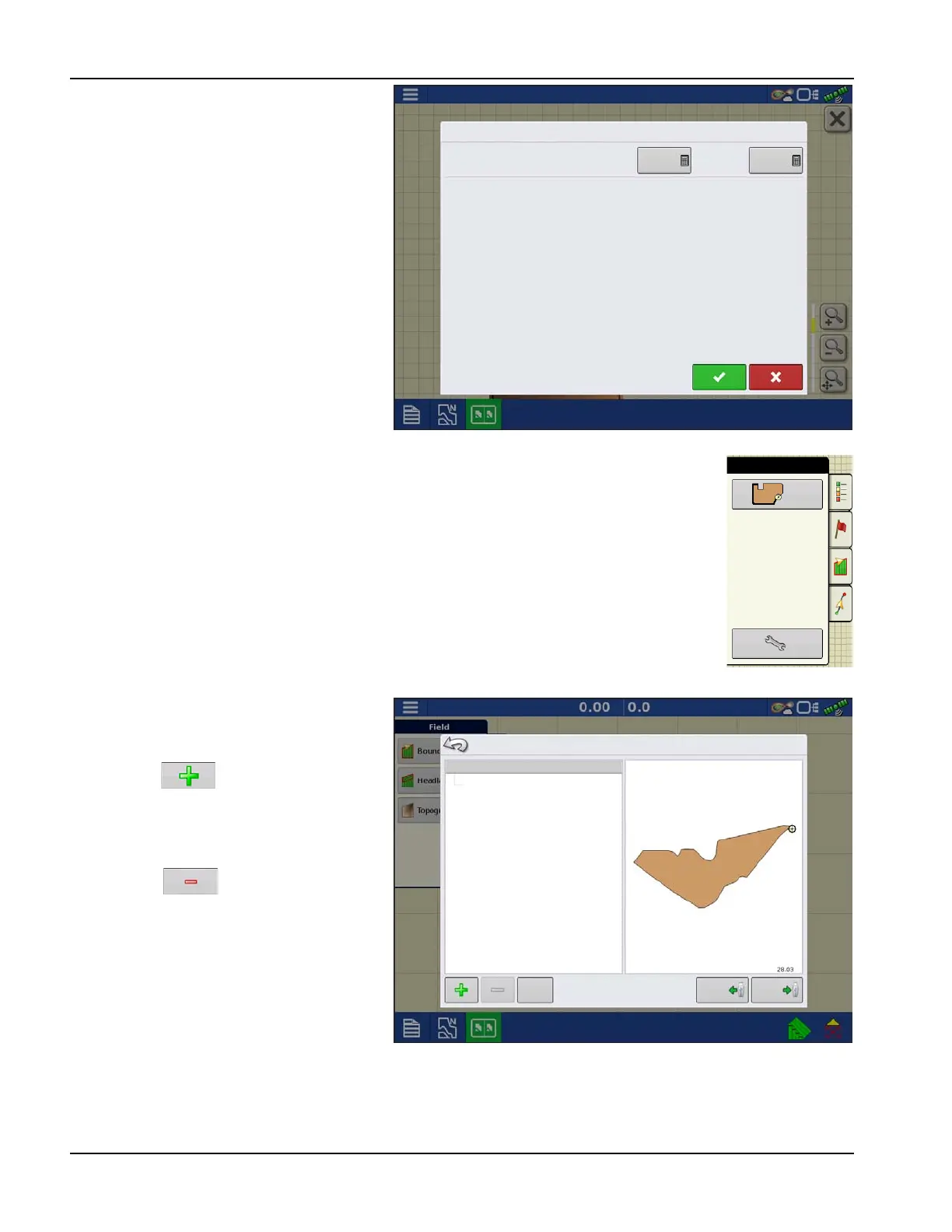
Press the Boundary button on the Field tab to access the Boundary Options screen.
Use the Boundary Options screen to Import
Boundaries, Export Boundaries, and Clear All
Boundaries.
• Pressing on the Boundary Options
screen opens the Boundary Settings
screen.
• Highlighting an existing region and
pressing on deletes that region.
• Use Import and Export buttons to move
regions to and from USB drive.
• Press Clear All to permanently delete all
Boundary information for that field.
±
WARNING!: Once cleared, this information
cannot be retrieved.
Look Ahead Settings
Hagie
Turn-On:
1.0 s
Turn-Off:
0.5 s
Boundary Options
Region
OUTER (28.03)
Clear All
Import
Export



 To Next Page