31
PN 4004700–ENG Rev. K
Data Management
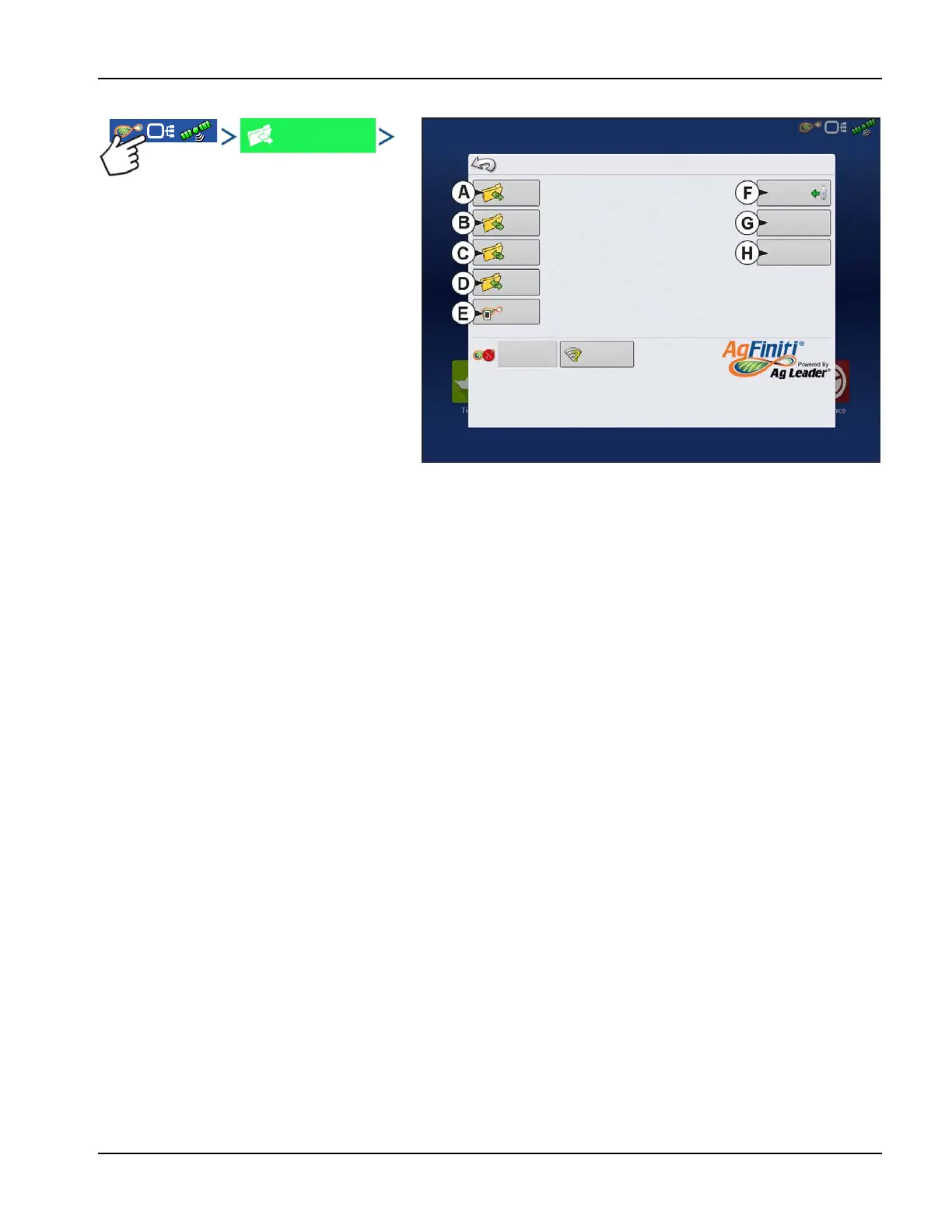
Data Transfer screen
A. Import Setup
B. Export Setup
C. Export Data
D. Export Reports
E. Manual Sync
F. Upgrade Firmware
G. View Files
H. Advanced Options
• Create Backup
• Restore Backup
• Export by Grower
• Export at Shutdown
• Export all Logs
• Export ISO XML
.AGSETUP Files
Used to transfer setup information from display to display or from SMS™ and display
• Allows full synchronization of the following file formats:
• Management Data (Growers, Farms, Fields, Seasons, Operators)
• Products and Product Mixes
• Boundaries
• Guidance Patterns
• Marker Sets and Markers
• Configurations
÷
NOTE!: Do not use the IBK to “clone” a display. Use AGSETUP or make a new setup.
Import setup data from an AgSetup file.
Upgrade
Firmware
View
Files
Advance
Options
Create an AgSetup file with setup data.
Create an AgData file with logged data.
Prepares the data for Mobile Application
transfer
Export automatically
stored reports.
Import
Setup
Export
Setup
Export
Data
Export
Reports
Manual
Sync
Data Transfer
Login
Networking



 To Next Page