30
Video
÷
NOTE!: Video is only available when
enabled in the Display Setup menu.
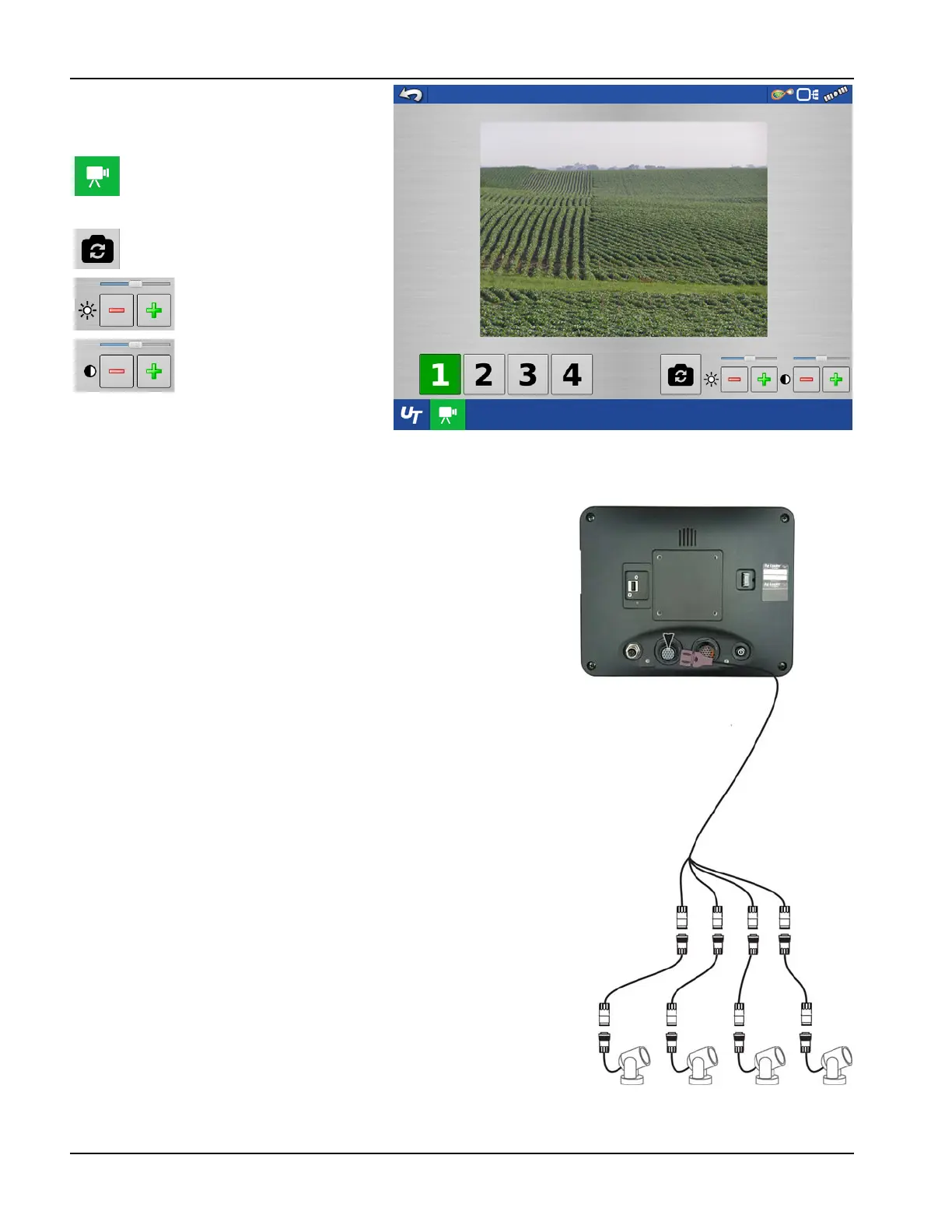
• Camera Number Selection
The display can receive input from up to four video cameras. Press the
numbered buttons to switch views between video cameras.
NOTE!: Adjust the brightness and contrast of each input individually.
Camera Harness—A camera cable, sold separately, will plug into the aux
port on the back of the display.
Video button. Camera is available from
the Home or Map screen. Press video
button and the Video screen appears.
For Split Screen see “Split Screen
Video” on page 74.
Mirror Video Input
Brightness Adjust
Contrast Adjust



 To Next Page