34
Press the Upgrade Firmware button to upgrade the display firmware from the .fw3 file stored on the USB drive. At the File
Selection screen, scroll through the list of files on the USB drive to find the .fw3 firmware file. Highlight the .fw3 file and the
box at the upper right-hand side of the File Selection screen shows the version of this file.
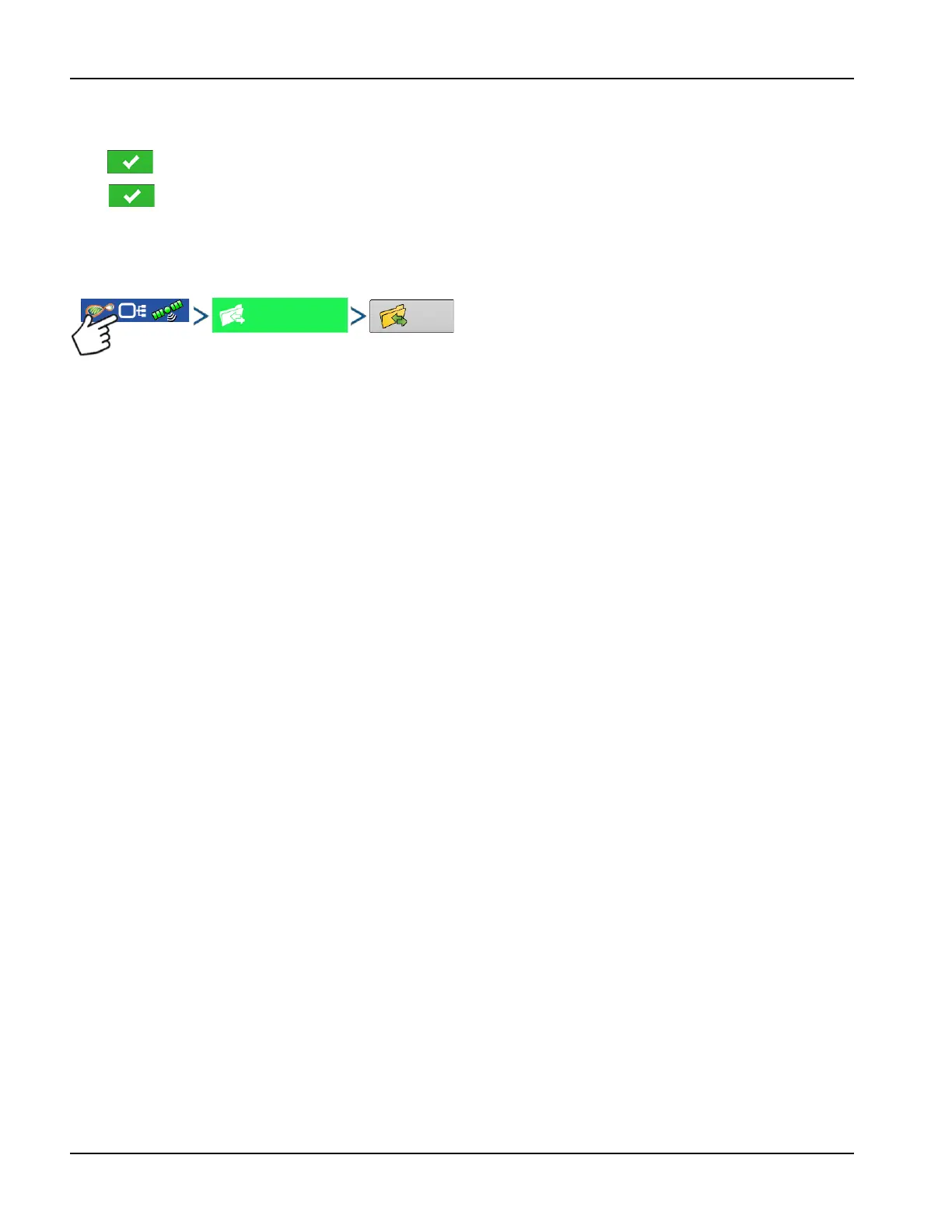
Press to continue, and the Upgrade screen indicates that the upgrade is beginning. At the Upgrade Ready screen,
press .
±
WARNING!: Do not disconnect display power when the upgrade is taking place.
Export Reports
Exports Reports saved on internal memory.
Manual Sync
The Manual Sync button is used when logged data needs exported to AgFiniti Mobile when the display operator is still in
the middle of the field operation. Pressing the Manual sync button will prepare data from the active event to be sent to be
AgFiniti Mobile. The display operator must disable logging on the Mapping screen to accomplish this. When the AgFiniti
Mobile app is opened, new data from closed or suspended events is automatically checked for and transfers at regular
intervals. The Manual Sync button only needs to be used if the customer needs data from the active event and does not
want to suspend or close it.



 To Next Page