20
Basic Permissions - Map screen
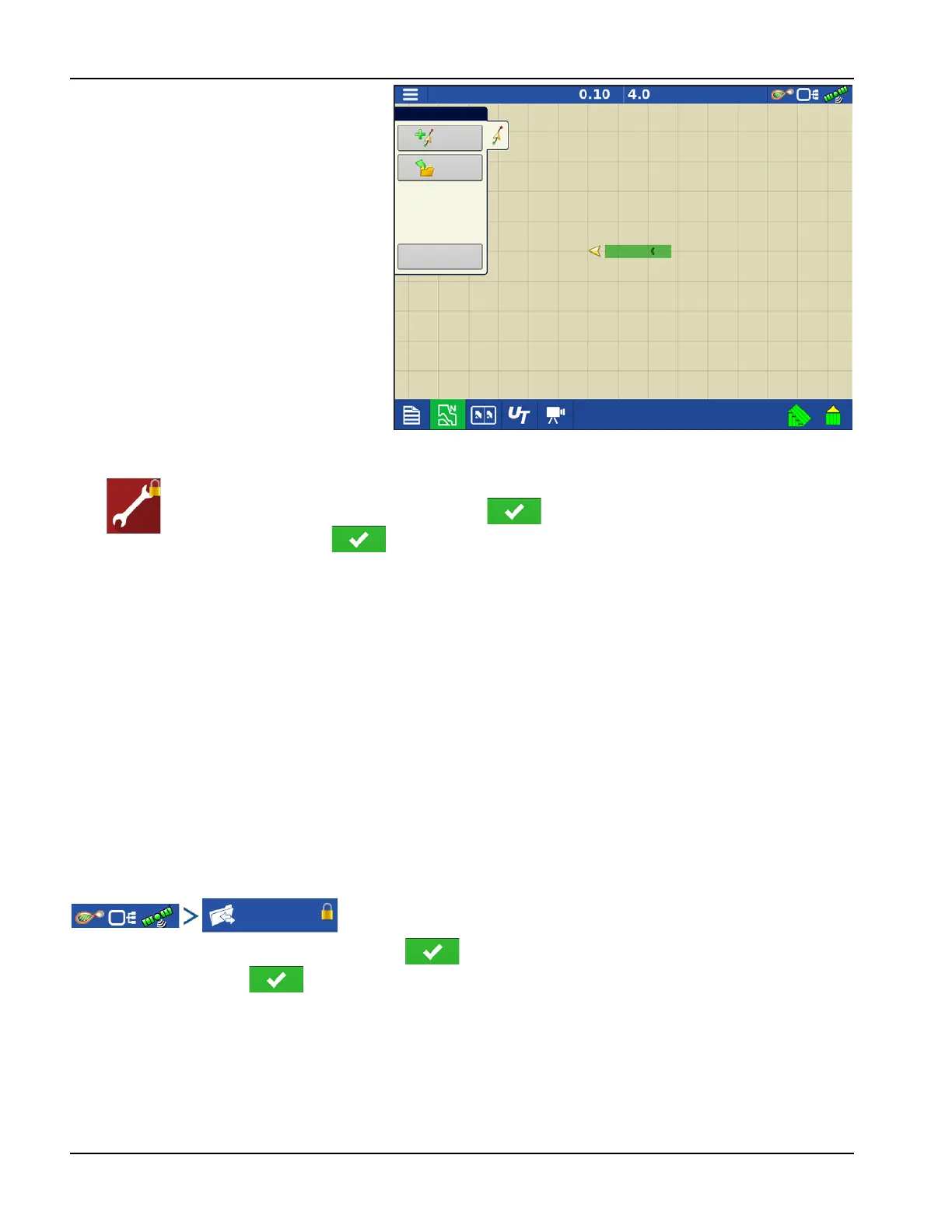
• Guidance and Legend tab
• Create guidance lines
• Straight AB
• SmartPath®
• Nudge
• Guidance setup
Accessing Setup Menus
A. Press Setup (wrench) button.
B. Select Manager from drop-down menu. Press .
C. Enter password. Press .
Now have complete access to the setup menus:
• Configurations Settings
• Grower management
• GPS settings
• Display settings
Do not have to be a Manager to create certain objects
• Grower
• Farm
• Field
• Product (can't change units)
Accessing Data Transfer
Data Transfer
A. Select Manager from drop-down menu. Press .
B. Enter password. Press .
Now have complete access to the USB functions:
• Networking
• AgFiniti Login
• Import/export
• AgSetup files
Guidance
New
Pattern
Load
Pattern
Manage
Patterns


 To Next Page