42
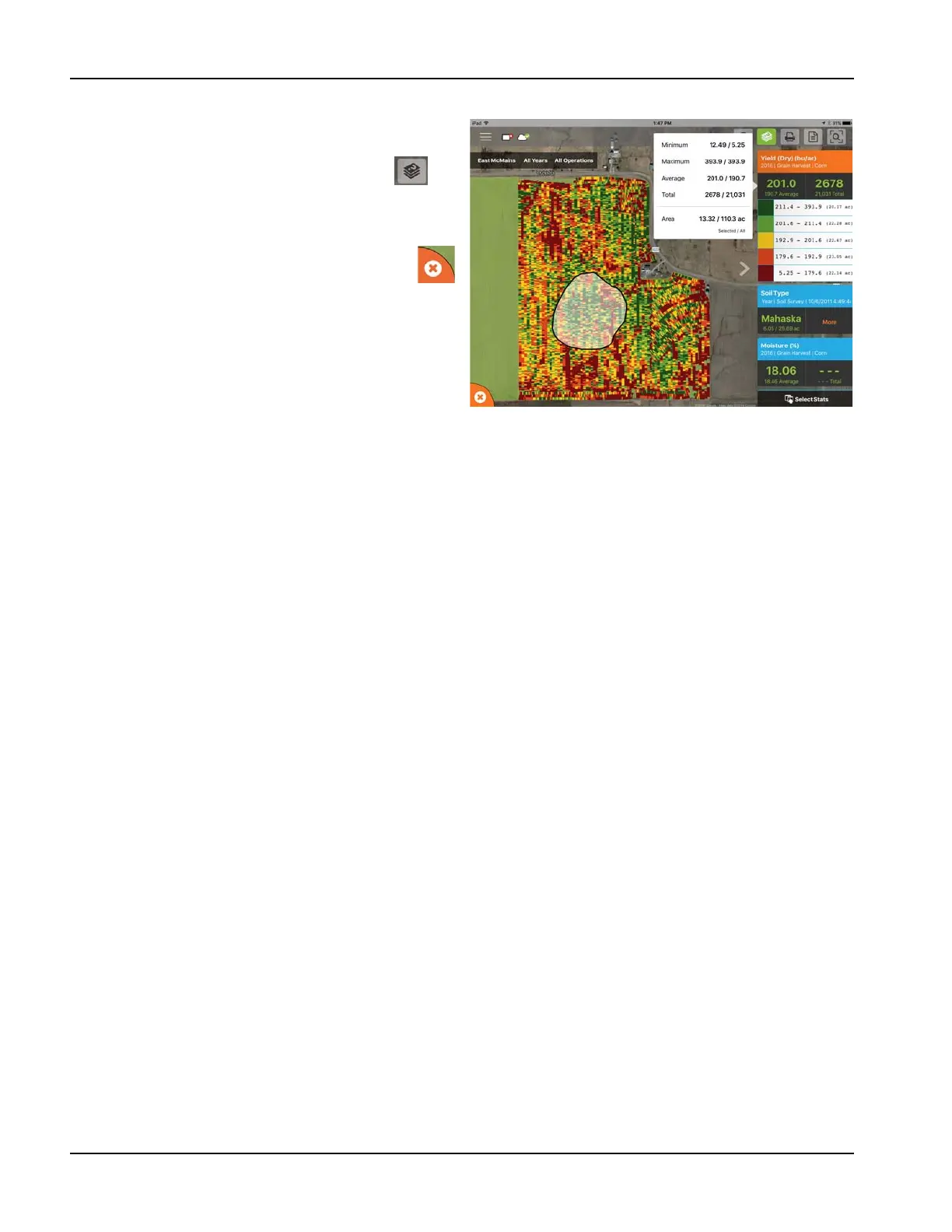
Area Query
Area Queries give you the ability to select a specific area
within in the mapped field and gather more information for
that selection. To begin, tap on the area query icon and
draw the desired area. Once the query is drawn, the stat
cards will display both average and total for the selected area
and entire field. Tap on the stat card for additional details. To
clear a query, tap on the cancel icon in the lower left.
÷
NOTE!: Active area queries can be printed and shared
with others. Just tap the print button while a query is
active to either print or share.



 To Next Page