Configurations
25
PN 4004700–ENG Rev. K
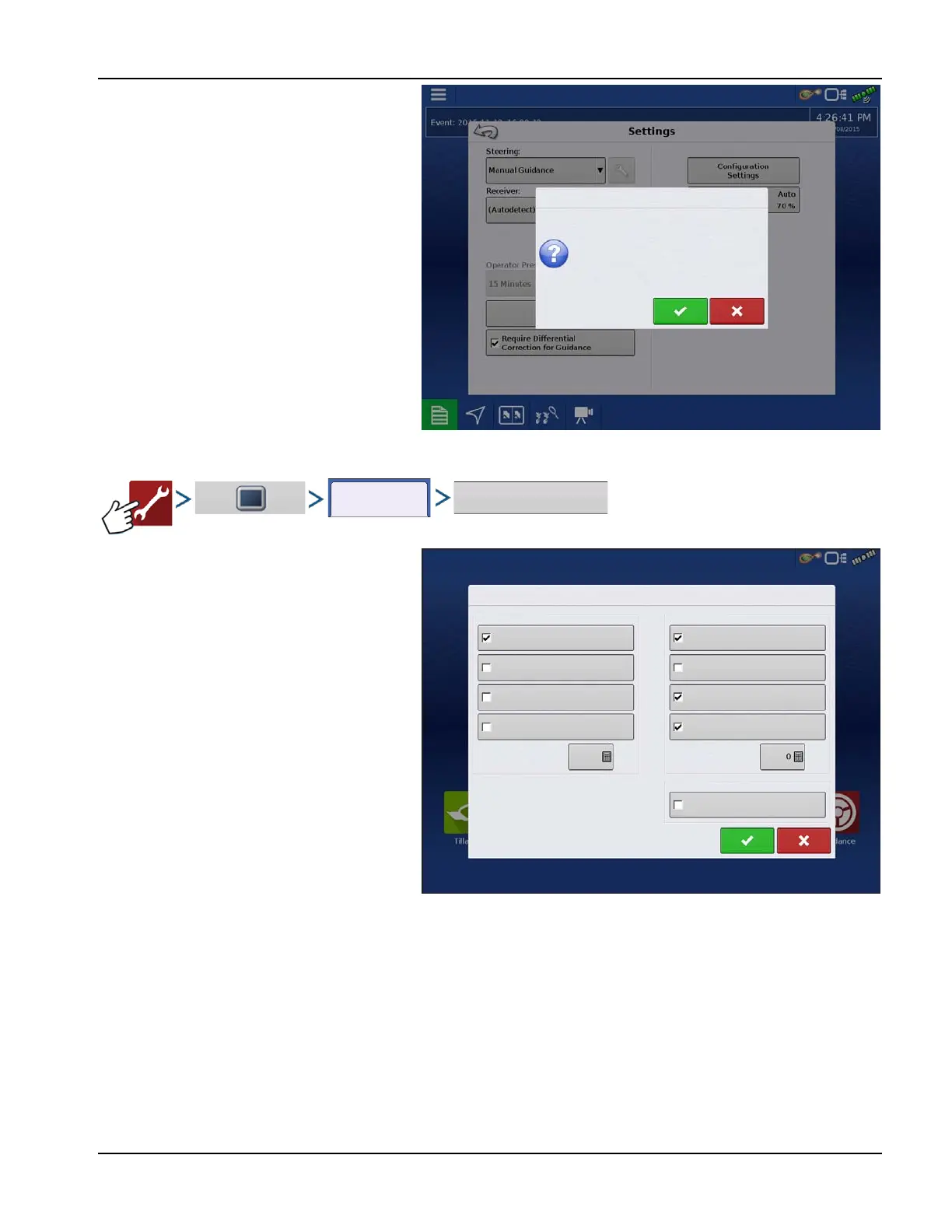
6. Any time the display is not active on the
mapping screen and left untouched for 2
minutes the display will prompt for demo mode
to restart. If the prompt is not accepted within 30
seconds demo mode will automatically restart.
7. To return to normal operation, restart the
display. Any data created in demo mode is
automatically deleted on display restart.
ISOBUS Settings
Universal Terminal
The display is compatible with the ISO 11783
(ISOBUS) Universal Terminal Standard. This
enables support of many ISOBUS compliant
implements on the display. Universal Terminal
functionality enables the compliant implement’s
user interface to be viewed and controlled on
the display.
Once Universal Terminal has been enabled, it will
appear in the task bar. Toggle between the
Universal Terminal screen and other display
functions by pressing the UT button.
Task Controller
The InCommand™ displays have the ability to
use ISOBUS Task Controller on compatible ECU’s.
This allows the InCommand display to control
rate and sections of an ISOBUS ECU using Ag
Leader’s proprietary interface. A properly setup display configuration is required for this to work.
ISO Load and Go
With a properly setup ISO ECU, ISO Load and Go streamlines the configuration building process for task controller ECU
configurations. The Load and Go feature automatically builds a controller during the configuration building process based
on the ECU device description. For this to work it requires the device description to have proper sections, section offsets,
and product type setup on the ECU.
÷
NOTE!; Maximum of 144 sections supported with 3rd party ECU’s.
File Server
Diagnostic logging for the troubleshooting of Hardi Sprayers.
Demo Mode
Would you like to restart the demo now?
ISOBUS Settings
Universal Terminal
Enable Universal Terminal
Broadcast Display Speed
Broadcast GPS (J1939)
Auxiliary Module Support
Task Controller
Enable Task Controller
ECU Section Delays
(ISO GBSD)
Function Instance
0
Section/Rate Compatibility
Function Instance
Enable File Server
File Server
ECU Section Look-Aheads



 To Next Page