130
Control Channel Content includes the
following:
• Service Provider Information
• Grower Information
• Field Information
• Farm Name and Description
• Equipment Configuration Information
• Application Information
• Date/Time Information
• Crop Information
• Rotation Restrictions and REI
• Multiple Target Pests
• Applied Product Information
• Operator and Supervisor Information
View Reports
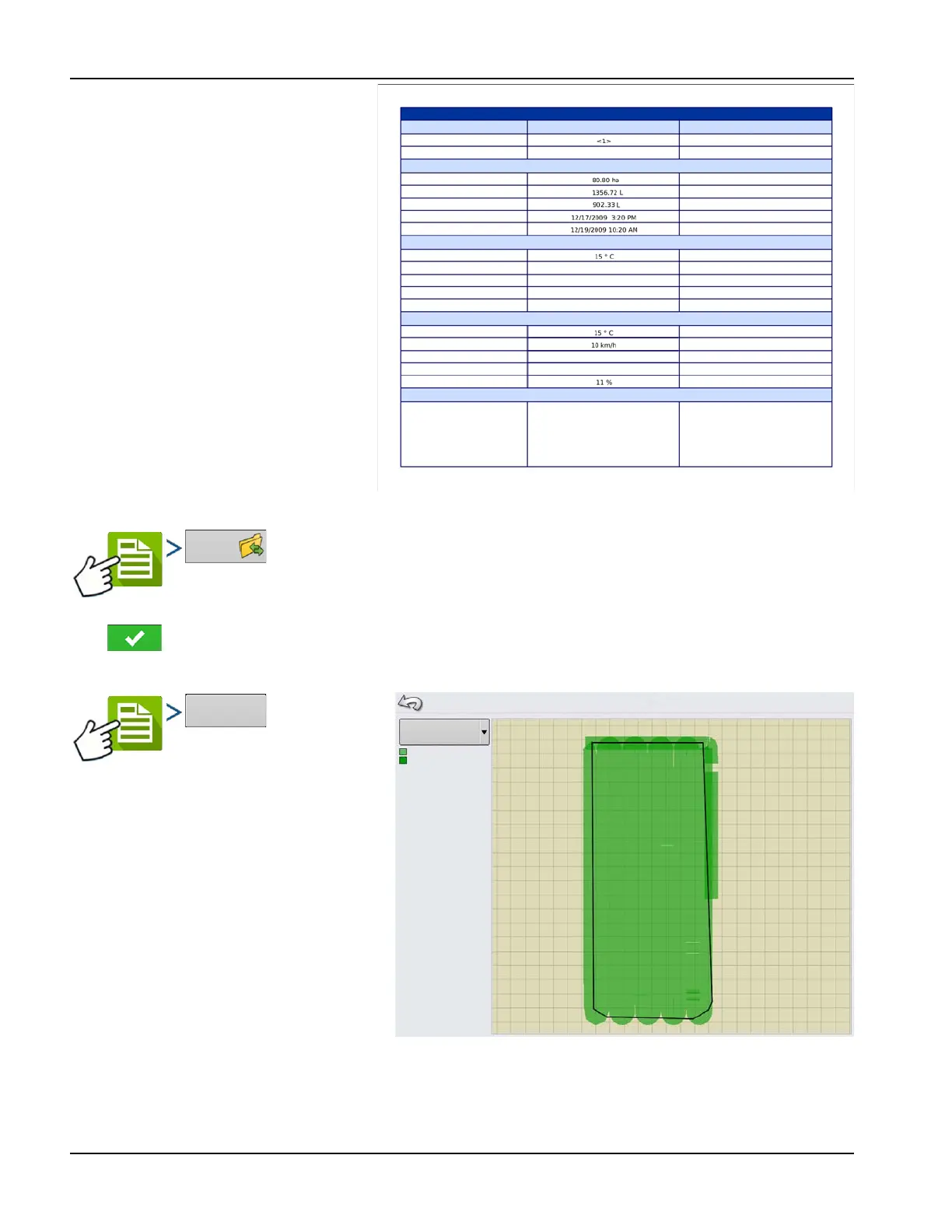
To view Smart Reports that have been saved on USB drive, go to the Summary screen and
press the View Reports button. At the File Selection screen, scroll down the list and select the PDF file of Smart Report.
Press and the Smart Report will appear in the PDF viewer.
View Map
To view a
Summary Map of a particular Field Total, Region
or Instance shown in the Summary Report.
A Summary Map appears. This map shows the
rate applied for Application operations and
varieties for Planting operations.
2_JD 8440_CM 7000_111731_2013_07_09.pdf
Page 2 of 2
REGION SUMMARY
Item Region 1
Region 2
Application Details
Soil Conditions
Environmental
Additional Information
Region Name
Operator Name
Area
Map Amount
Pell Lime Amount
Application Start Time
Application End Time
Soil Temperature
Soil Moisture Level
Soil Condition
Crop Residue Level
Tillage Type
Air Temperature
Wind Speed
Wind Direction (From)
Sky Condition
Humidity
Memo
Wet
Medium
High
Strip Till
NE
Partly Cloudy
Summary Map
Coverage
Coverage
Overlap



 To Previous Page