84
stop recording.
5. Save, Resume, or Discard
• Save
A. Press Save button.
B. Default name is time and date. Press to change name.
C. Press to accept or to discard boundary.
• Resume - resume creating boundary.
• Discard - discards boundary and returns display to map screen.
C. Load Headlands
Press button.
Select a headland from list. and press to
load selected headland.
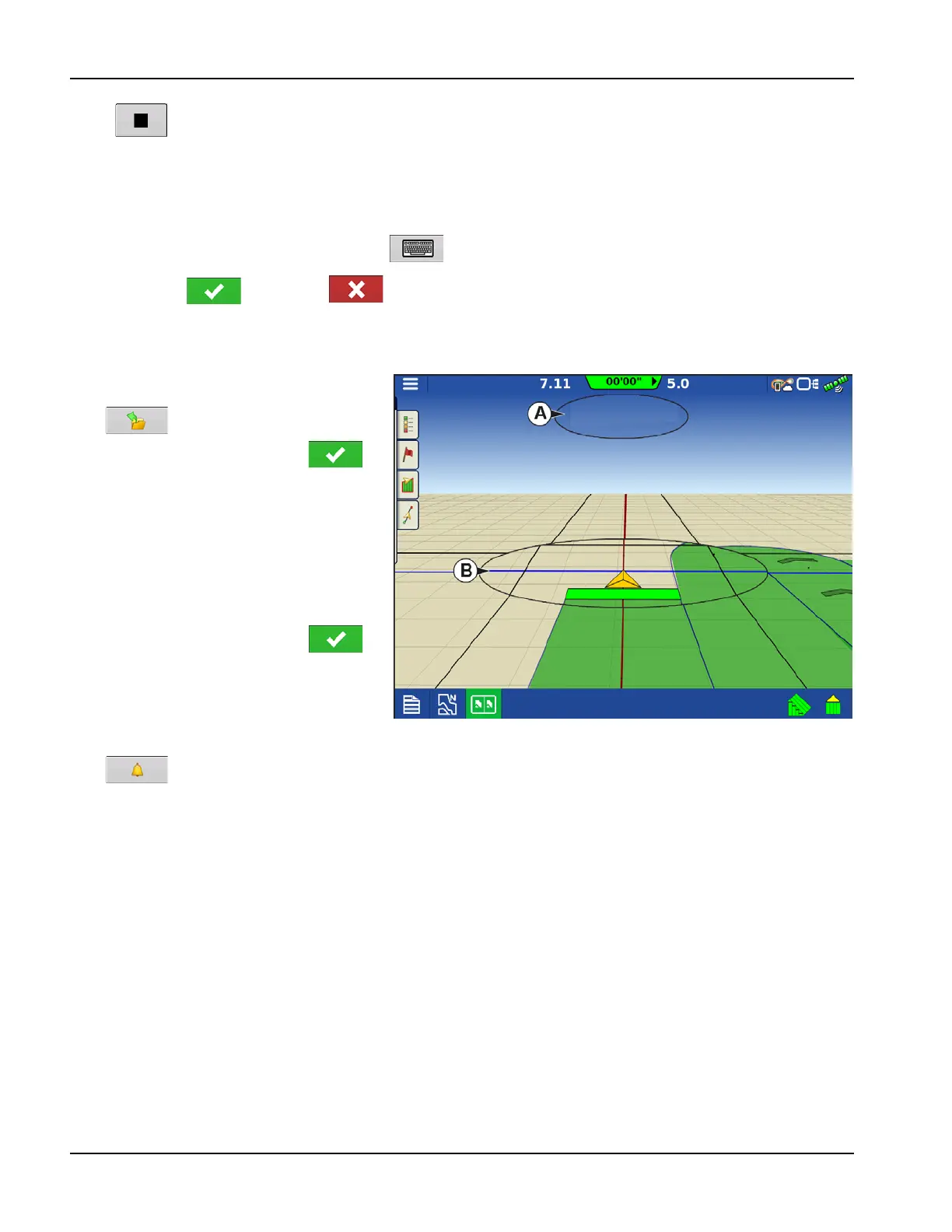
A. Distance to headland alarm
B. Headlands identified by blue line when
active
D. Edit Headlands
Press Edit Headlands button.
Select a headland from list and press to
load selected headland.
This screen will vary depending on type of
headland.
E. Headland Alarm Settings
Press button.
• Alert Distance
Distance from approaching headland at which display will warn user of upcoming headland.
• Alert Duration
Time length from approaching headland at which display will warn user of upcoming headland.
• Audible Alarms
• Approaching Headland.
• Crossing Headland Boundary.



 To Next Page