116
Edit Pattern
To rename a pattern, press Manage Patterns button on Guidance tab of Mapping toolbox. Press to enter a pattern
name. New pattern name appears in pattern list of Manage Patterns screen.
Remove Pattern/Remove All Patterns
To remove a pattern from the display memory, first press the Manage Patterns button on the Guidance tab of the Mapping
toolbox. At the Manage Patterns screen, press either:
• Remove button to delete one pattern file; or
• Remove All button to delete all of them for the current field.
Reset Pattern
When using an already-saved pattern, to switch over to a different pattern in the same field, use the Reset Pattern feature
by following the steps below.
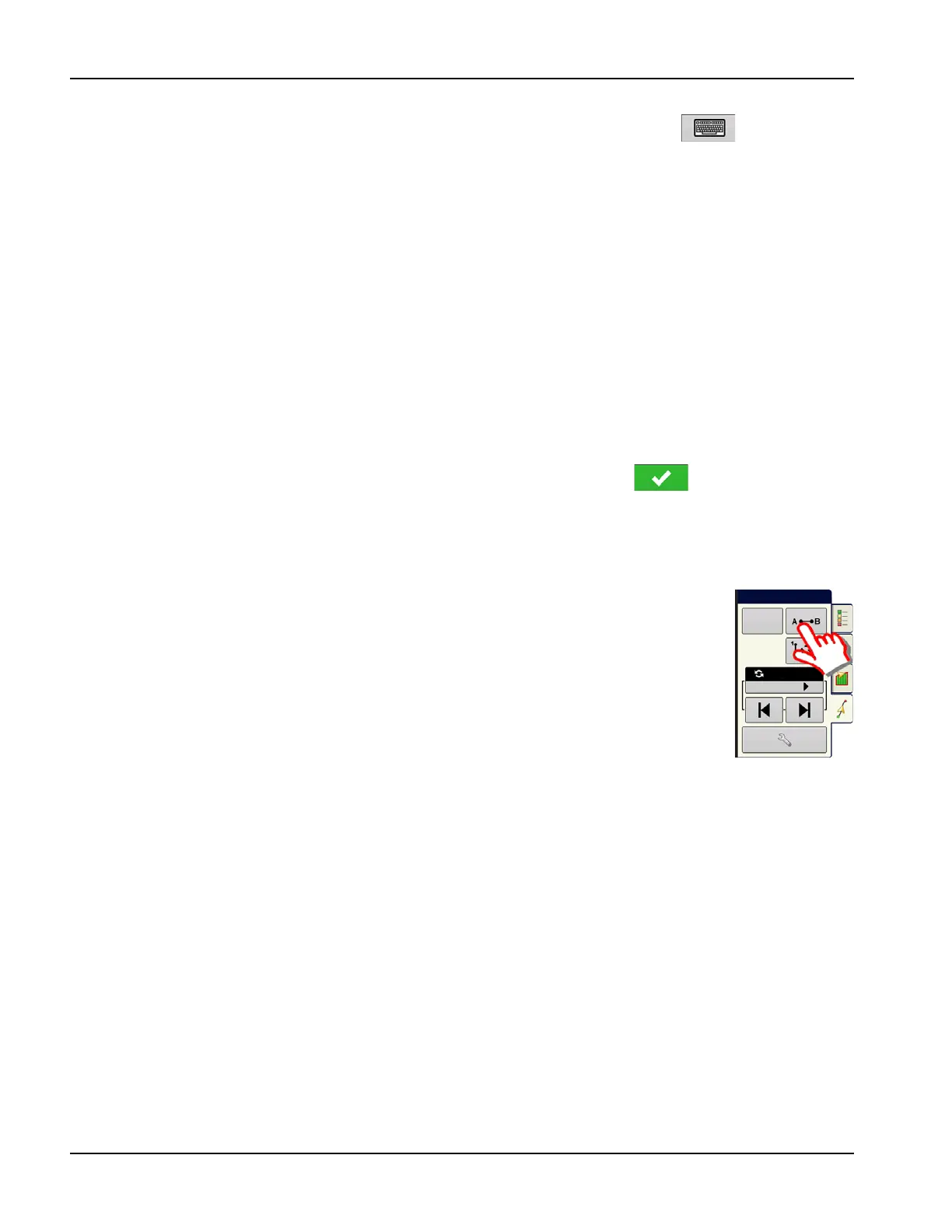
1. Press Reset
Press the Reset button on the Guidance screen.
2. Confirm Reset
The Guidance screen appears, asking to reset the current guidance pattern. Press to continue.
3. Create new pattern (optional)
The pattern is now reset. Create a new pattern, if desired.
Pattern Groups
Pattern Groups allow the user to group up to 20 patterns per field, using the Group Manager.
Reset
Nudge: 2.0
Total: 0.0



 To Next Page