DisplayCast
61
PN 4004700–ENG Rev. K
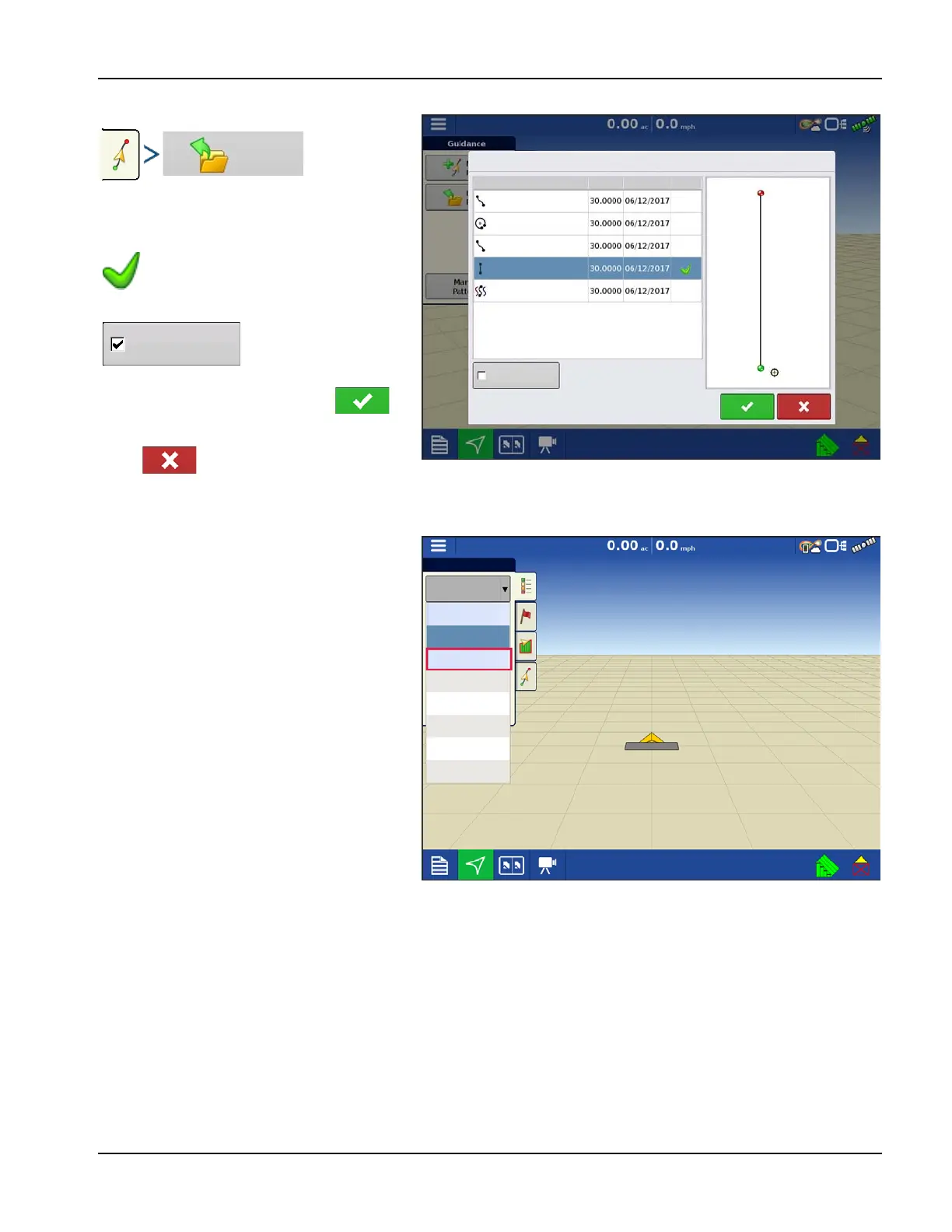
Loading a Guidance Pattern while using DisplayCast
List of guidance patterns for the active field will
populate after selecting load pattern.
Highlight desired pattern and select to
load pattern to mapping screen.
Select to return to guidance mapping
screen without loading a guidance pattern. For managing guidance patterns, see “Manage Patterns” on page 115.
Viewing active and past events for the field currently loaded on the Mapping screen
On the Mapping screen, the Legend menu drop-
down gives users the ability to view any past or
active events from any InCommand for the
current field. Active events from a second
display/operation will update in real time.
Select from “Previous” section in the list to view
data prior logged for the field.
Example: While spraying, the planting maps are
viewable.
Green Check in the Active column
indicates which guidance pattern is
currently in use in the same field.
Check the box to show
all patterns in the
display.
Show all patterns
Load Patterns
Pivot
Name Swath Created Active
Straight
Smart
Identical Curve
Adaptive
Guidance
Legend
Current
Guidance
Previous
Corn - Planting
Corn - Seed Monitor
32% UAN
Data Gathering
Bug Killer



 To Next Page