79
PN 4004700–ENG Rev. K
In-Field Functions
Automatic Swath Control
The Automatic Swath Control feature turns
sections off and on automatically based upon
the following conditions:
• Entering and exiting internal and outer
field boundaries.
• Entering and exiting previously-applied
areas within a field.
Automatic Swath Control can be toggled on/off
by the AutoSwath button on the lower right-
hand side of the Map screen.
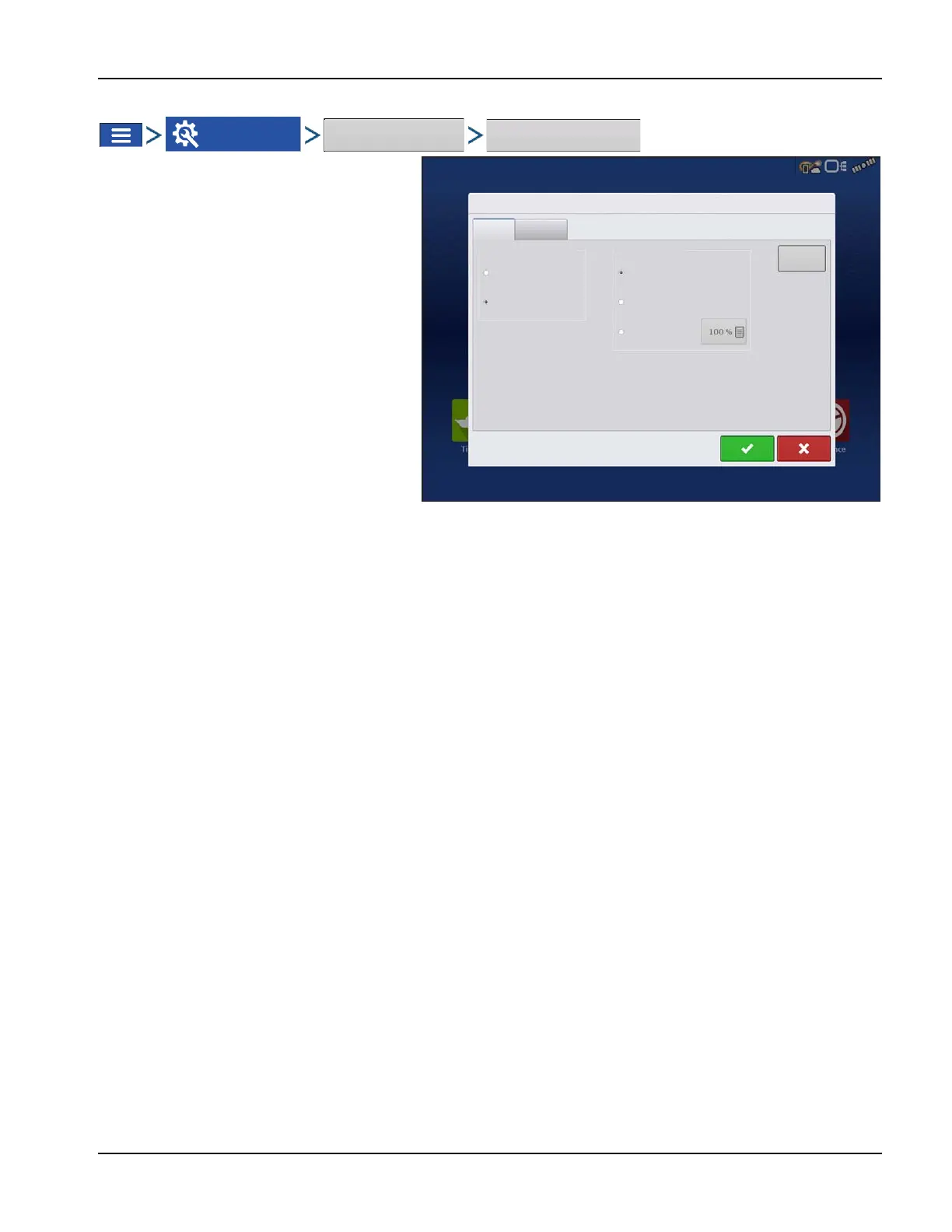
To adjust AutoSwath settings, go to the
Configuration Settings screen, press the
Automatic Swath Control button. At the screen
that appears, options are:
• Outside Boundary Option
Select one of the two options to determine
system behaviour when a section exits a
field boundary.
• Coverage Option
In the Coverage Option area, choose between three options:
• Minimize Skip
Turns off the implement section after the entire section is fully inside coverage area.
This prevents the possibility of skips.
• Minimize Overlap
Turns off the implement section when that section first enters coverage area.
This prevents the possibility of overlaps.0.
• User Defined
Choose what percentage of the implement section is within the coverage area before that section turns off.
For example, choose 50%, then the section will switch off when half of it is within coverage area.
Automatic Swath Control
Planting
Applincation
Coverage Option
Minimize Skip
User Defined
Outside Boundary Option
Keep Unchanged
Turn Section Off
Look-Ahead
Settings
Minimize Overlap



 To Next Page