Guidance and Steering
121
PN 4004700–ENG Rev. K
• LED Spacing—Enter the distance
represented by each square of the lightbar,
½–6 ft (3–182 cm).
• Mode
• Chase—Center the vehicle by
following the indicator lights.
• Pull—Center the vehicle by turning
in the opposite direction of the
indicator lights on the lightbar.
• External Lightbar LED Brightness
If applicable, press / to
enter in a number specifying the brightness
of the LED lights on the optional L160
external lightbar. The number 1 is the
dimmest and 10 is the brightest. Default is
5.
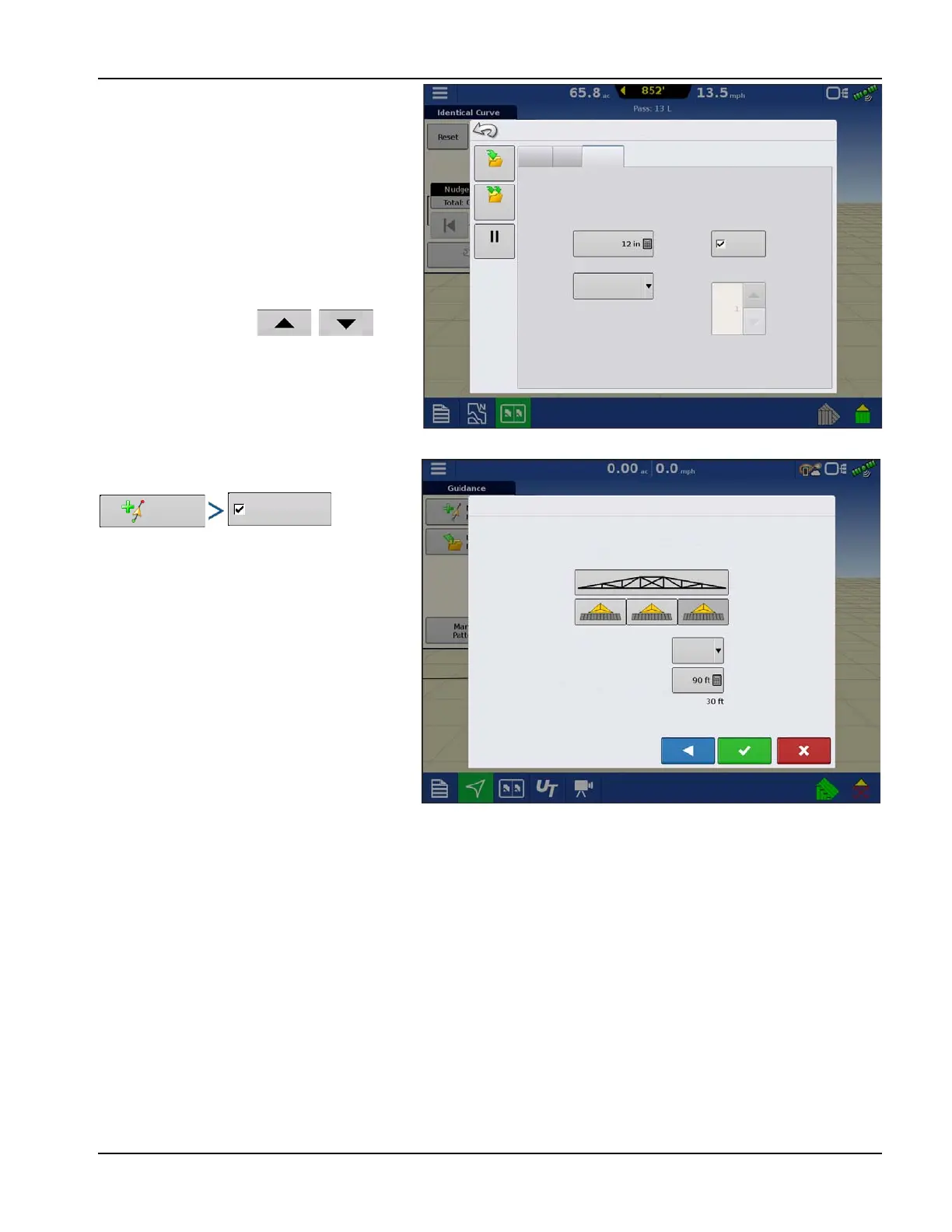
Tramlines
Tramline selection can be enabled from the New
Pattern or Load Pattern menu. When enabled
the Tramline setup page will appear during the
load pattern process. Tramlines can be adjusted
anytime from the Guidance Options Menu.
Nudge
Shift
Lightbar
Spacing
External Lightbar
LED Brightness
Mode
Chase
Save
Pause
Save
Group
Guidance Options
Internal Lightbar
Enable
Select the first driven path in relation to the
tramline to start the field.
Guide To:
Load Pattern
Tramline Swath Width:
Guidance Swath Width:
Paths



 To Next Page