8
CAN
Technical support may request information from
these screens for help in diagnosing a problem.
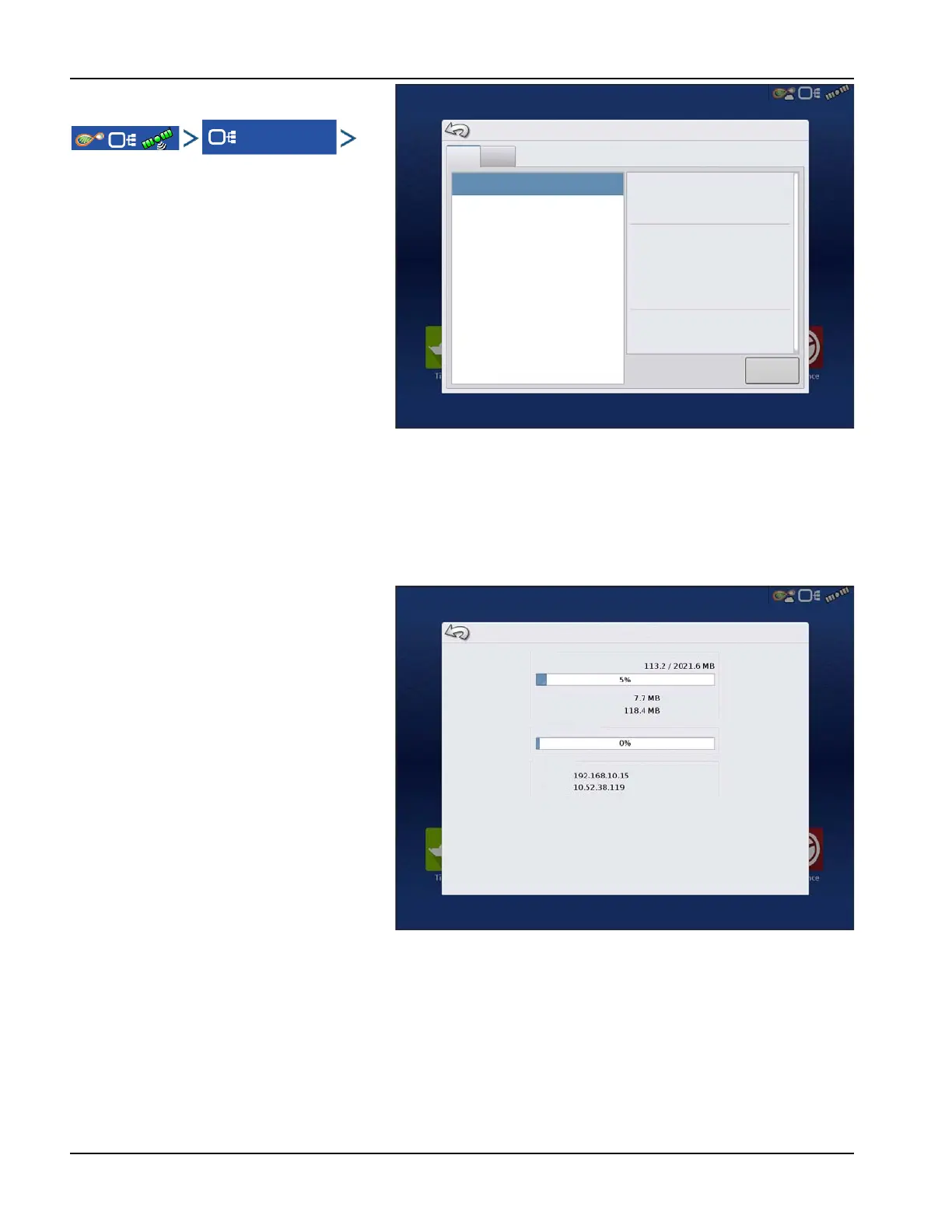
The Devices screen displays the modules that are
connected to the CAN A and CAN B bus (CAN B is
for ISOBUS). Select a device to display its
particular firmware and hardware information.
Device Information includes:
• Firmware Version
• Firmware ID
• Hardware ID
• Serial Number
• Revision
• Run Time shown in hours:minutes:seconds
• Display Boot Counter.
÷
NOTE!: Check the CAN device list to ensure that all hardware modules appear there.
Diagnostics
Press “Diagnostics” button to open the Display
Diagnostics screen. This screen includes
information about the system memory usage
and available memory.
Devices
CAN A
CAN B
DISPLAY
Diagnostics
Release:
Serial Number:
Hardware ID:
Hardware Rev:
Application:
Branch:
Build:
Schema:
Interchange:
Database:
File Format:
Run Time:
Boot Counter:
Display Diagnostics
RAM
Buffers
Cached
Internal Storage
IP Address
Wired:
Wireless:



 To Next Page