AgFiniti
51
PN 4004700–ENG Rev. K
Cellular iPad as Personal Hotspot Connection
iPad
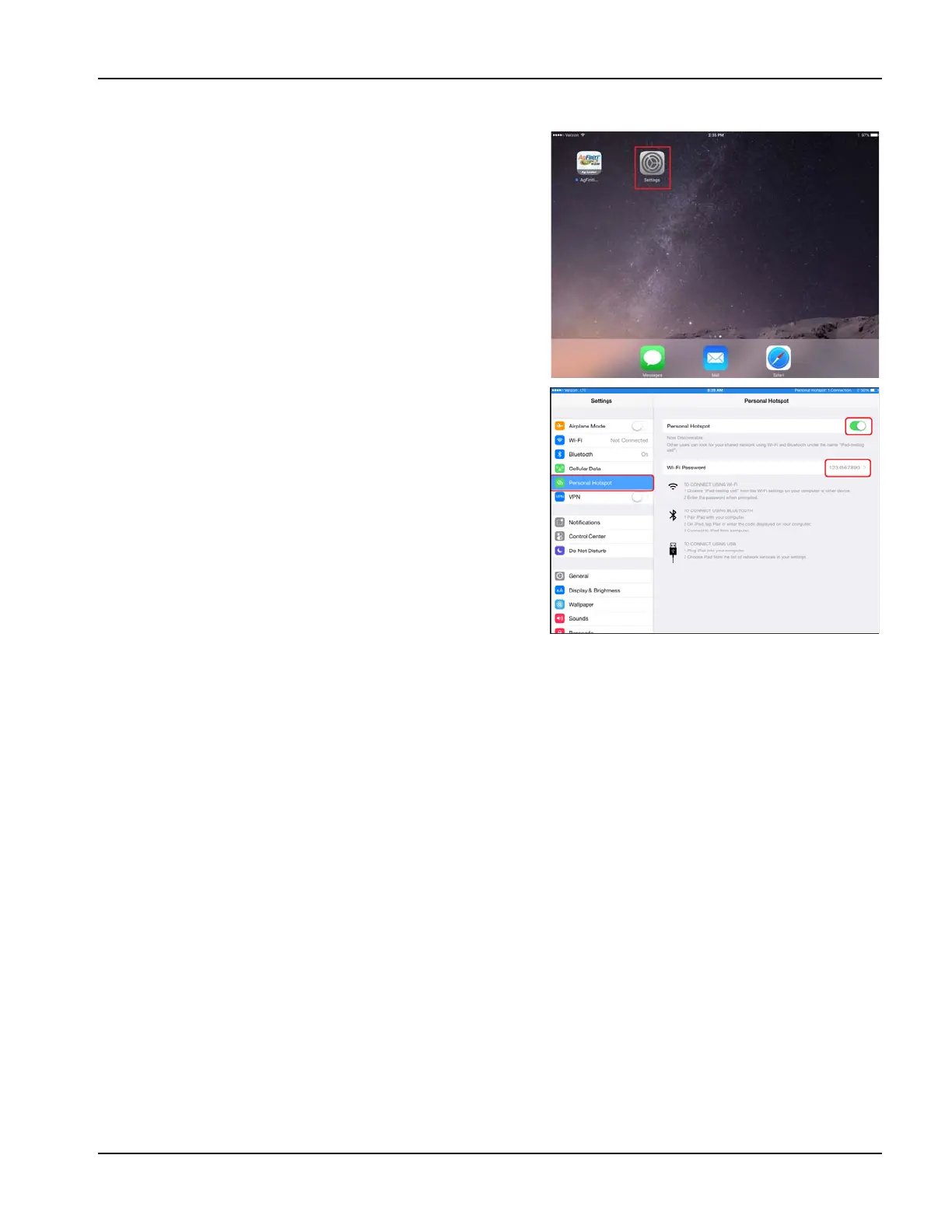
1. To enable Personal Hotspot mode on the iPad, go to the
Settings app.
iPad
2. Select Personal Hotspot from the left side menu and
enable by pressing the on/off switch from the top right
side. Once enabled take note of the Wi-Fi password as it
will be needed in the next step.
÷
NOTE!: This password can be changed if desired.



 To Next Page