Guidance and Steering
117
PN 4004700–ENG Rev. K
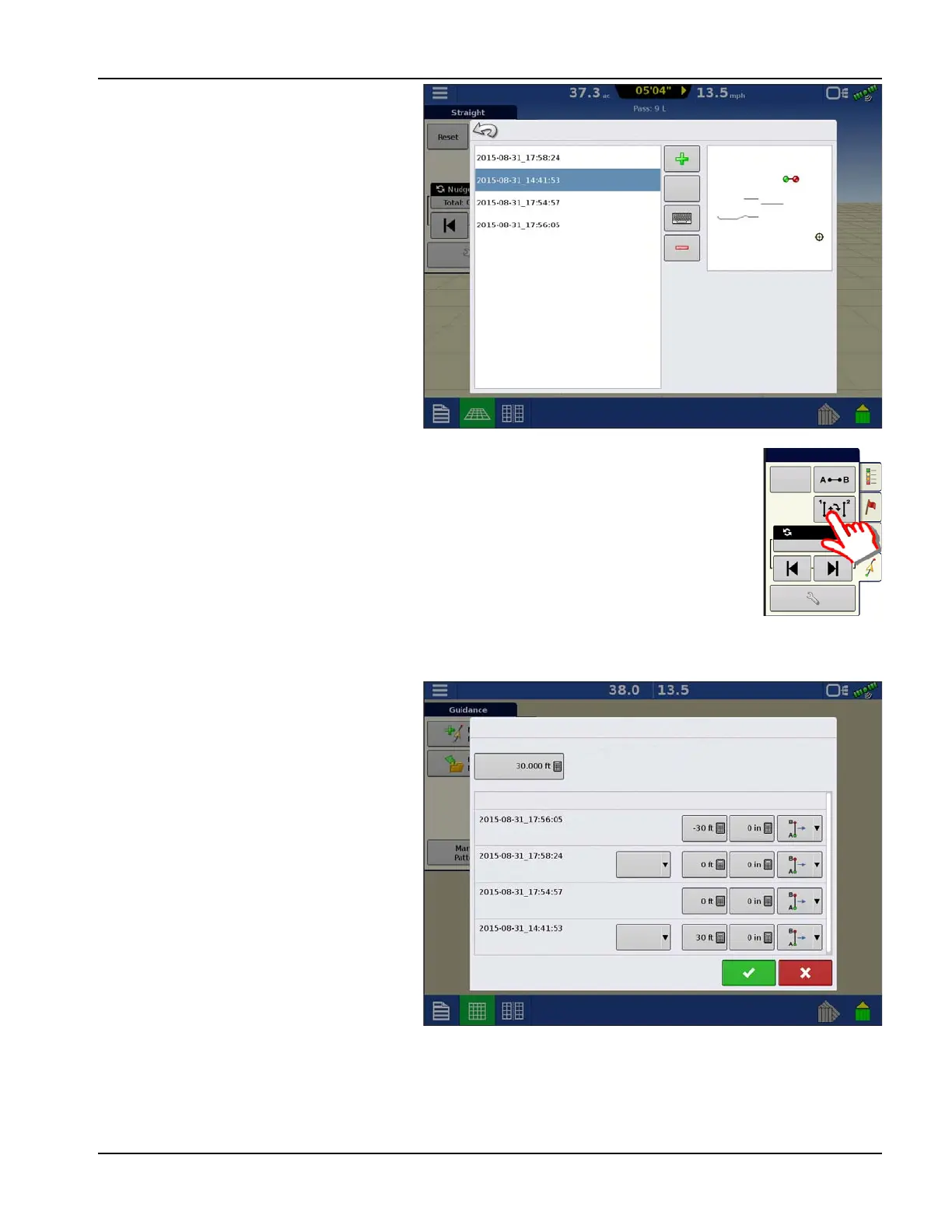
The Group Manager allows the user to add a new
pattern or load an existing pattern to a Group.
Once a Group is created, it can be saved and
reloaded.
The Pattern Cycle button allows the user to easily cycle between patterns with a single button press.
Patterns will cycle in the order they were created or added, starting back at the beginning of the list,
once the last patterns is reached.
When loading a Pattern Group, the Group Pattern
Setting dialog appears and allows the user to
select the Guidance Width and any Shift that
needs to be applied to each Pattern within the
Pattern Group. User will also have the option to
load Curve Patterns as Adaptive or Identical.
Straight AB, Identical Curve, Adaptive Curve and
Pivot Patterns can be grouped. SmartPath cannot
be grouped.
Reset
Nudge: 2.0
Total: 0.0
Straight
Group Pattern Settings
Guidance Width
Implement Width: 42.00
Description Shift
Straight
Curve
Curve
Curve
Identical
Identical



 To Next Page