Configurations
27
PN 4004700–ENG Rev. K
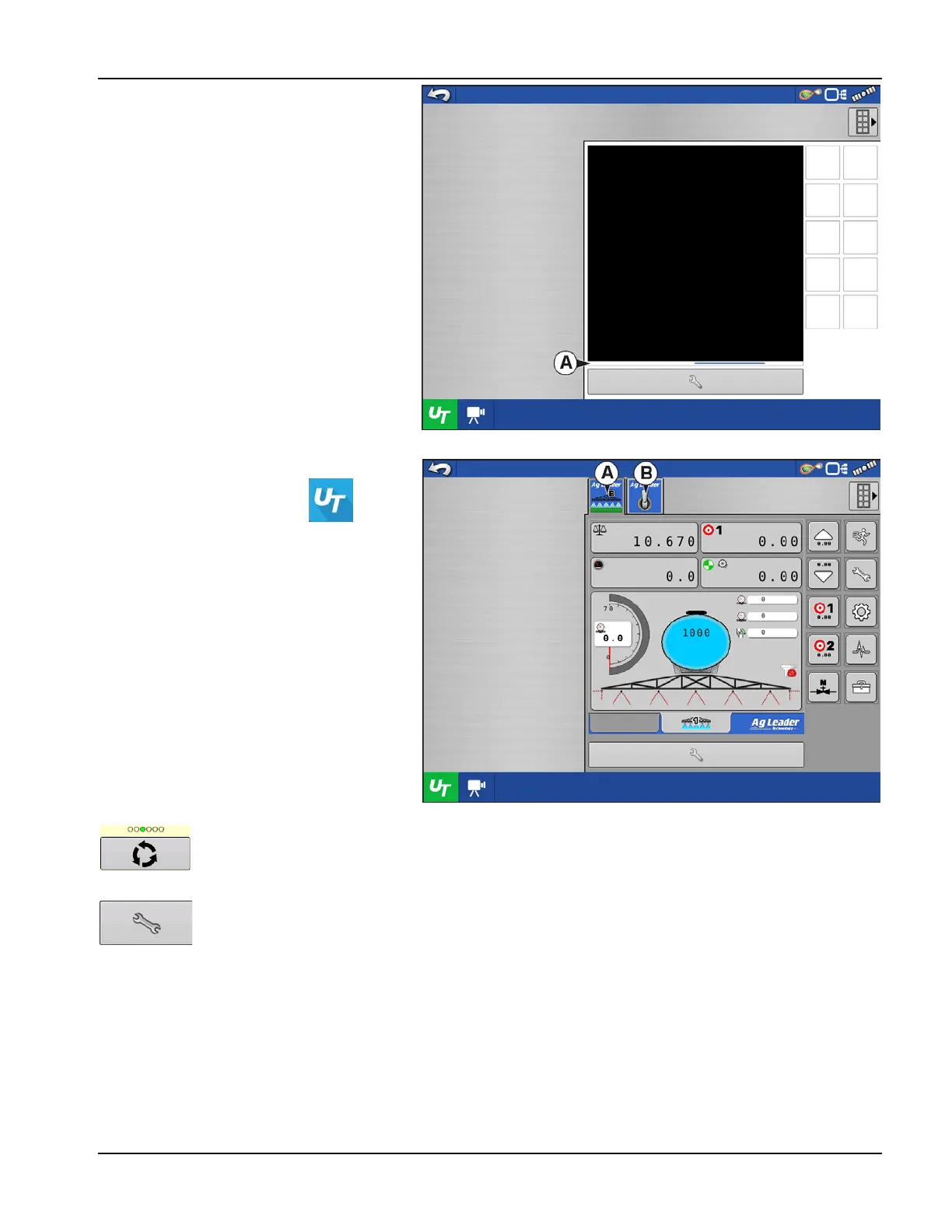
When an ISOBUS compliant implement is
connected to the display for the first time, the
implement WSM sends its graphic interface,
called the Object Pool, to the display. The Status
bar (A) appears while Object Pools are being
loaded. This process might take several minutes
depending on the number of Object Pools being
loaded. Once loaded, object pools are stored in
the display memory.
If there are multiple ISOBUS implements
connected, press the UT button to
toggle between Working Sets.
The Working Sets can also be accessed by
pressing tabs (A) or (B) individually.
Advance through multiple screens of buttons. This button remains hidden unless more than 10 buttons
are present.
Opens the Universal Terminal Settings screen.



 To Next Page