86
The topography layer can be turned on/off as a
reference layer during any operation using:
• Enable checkbox on Topography screen
(shown above).
• Using the Topography checkbox on the
Map Options screen.
IRTK GPS reception will allowed collection of an
elevation survey. This will allow collection of the
Latitude/Longitude and elevation values as field
is traversed.
A point will be dropped every 10 ft regardless of
speed, or direction. If collecting during
operations like planting or application using
autoswath, it will also log points outside the
boundary of the field (i.e. through a grassed
waterway) to get the most information
throughout the field.
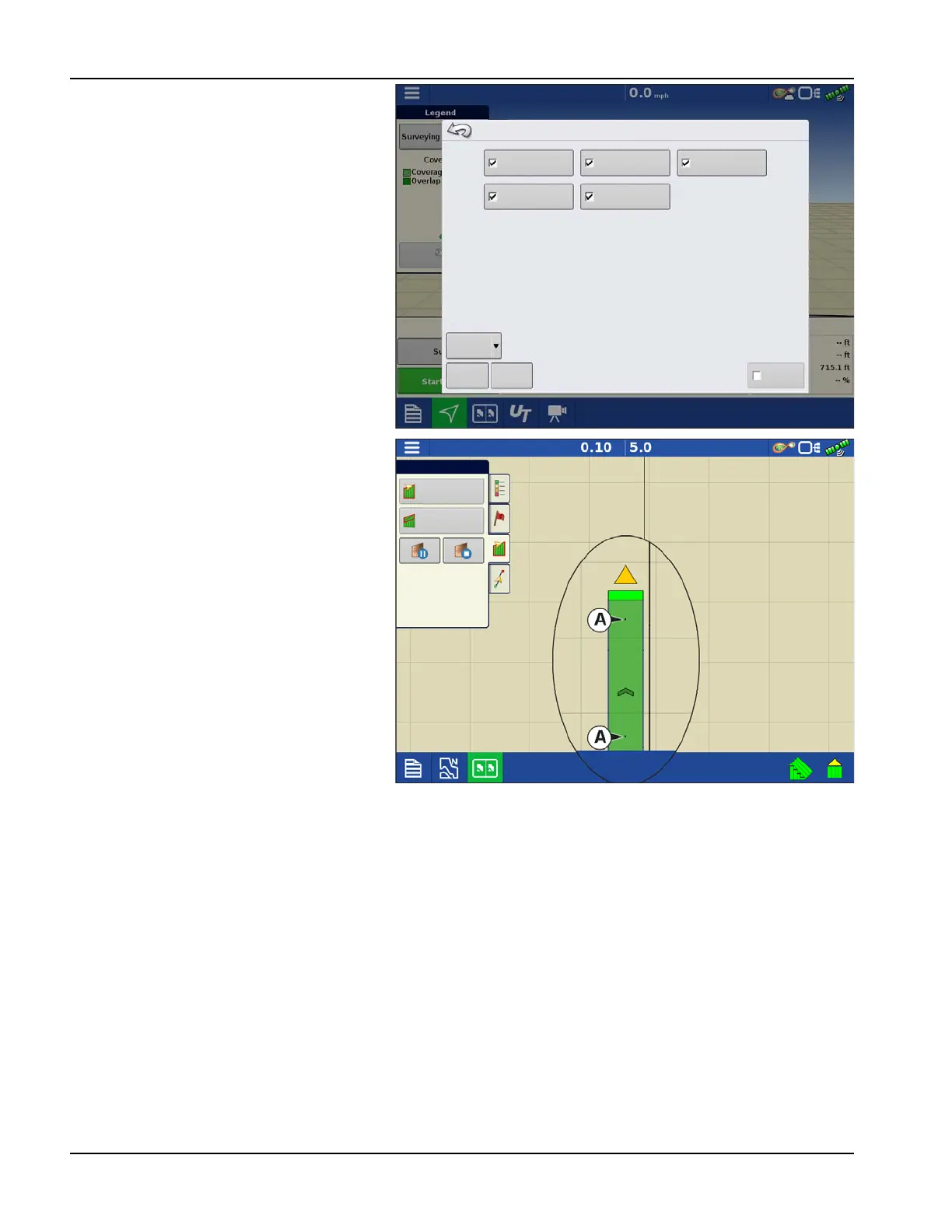
During collection of an elevation survey, points
will be logged to the file every 10 ft. An on-screen
visual will appear in the form of a single black dot
(A) every 100 ft.
μ
ATTENTION!: It is critical that the GPS
Antenna to ground measurement is
correct, any error in this measurement, will add to the error in the data logged.
The following are suggestions to get the best possible elevation survey for a given field. Following these recommendations
for best results.
• Keep swaths in the field to 62 ft or less, the closer the better.
• Driving a dedicated route at the lowest or highest points in a field (i.e. lengthwise of a grassed waterway, or at the top
of a ridge) then traversing the field in regular swaths will provide the best detail of the field.
• If surveying with the tile plow antenna, ensure that the plow is in the fully raised position.
• Driving too fast with mounted plows, can cause bouncing and affect quality.
• Surveying with harvesting equipment can provide streaked maps as the hopper filling and unloading can affect the
height of the vehicle, and therefore antenna.
Load
Reference
Map Options
Data
Follow View
Boundary
Travel Direction
Grid
Row Outlines
Clear Map
Perspective
Map Shift



 To Next Page