9960 Self-Propelled Peanut Combine Monitors
MAN091 06/03/05 87
Header Calibration
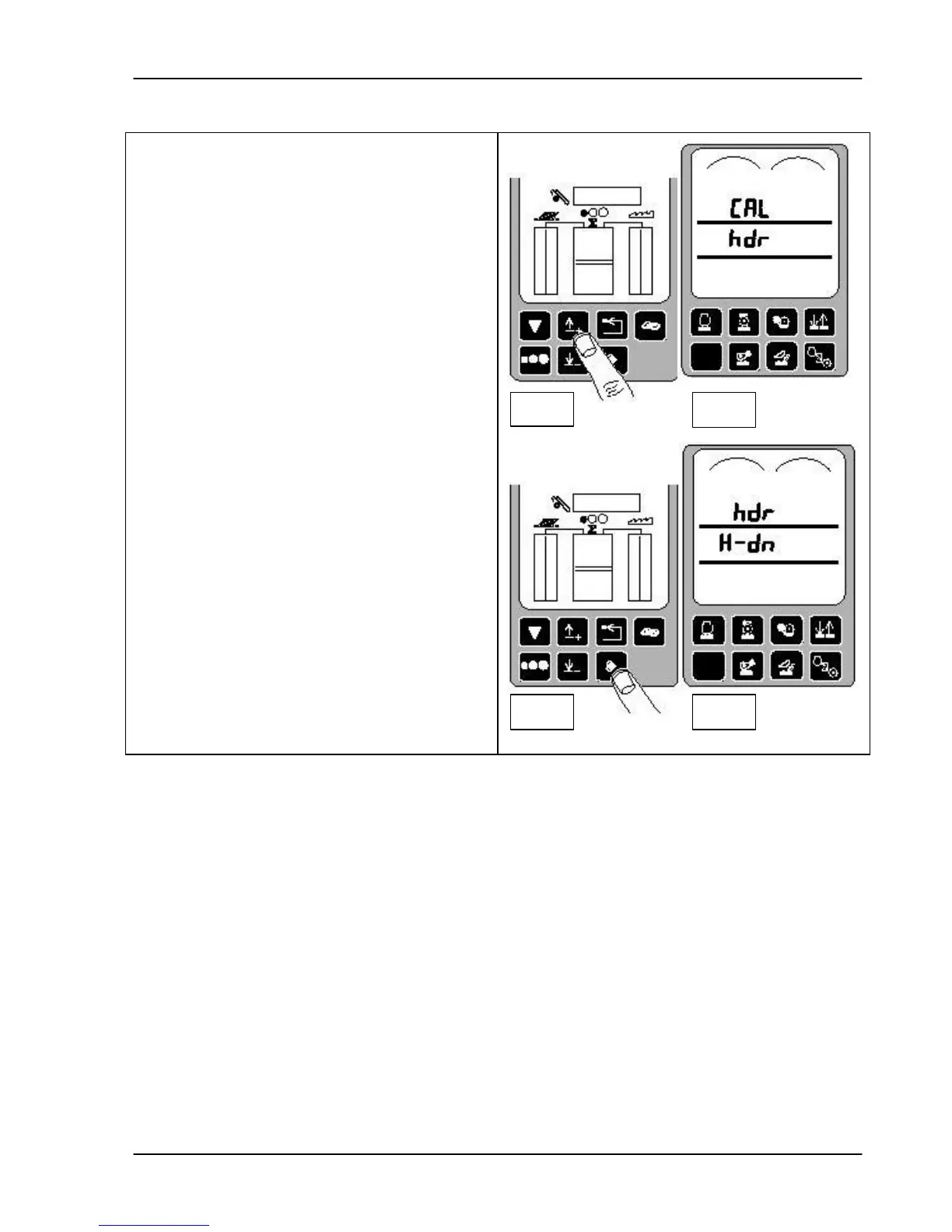
3. Press the up or down arrow keys (fig. 1)
until CAL and hdr appear on the
tachometer (fig. 2).
4. Press the ENTER switch to access the
header calibration mode (fig. 3). Hdr and
H-dn display on the tachometer (fig. 4).
Fig 1
Fig 2
Fig 3
Fig 4



 To Next Page