Chapter 6
6.5 Measurement Tool
• press OK to connect the viewer to DTrack2
• choose the Hand ID you want to display
The light adjacent to the Hand ID setting indicates whether this hand is tracked or not
(green=tracked, red=not tracked). Finally click on one of the buttons featuring a hand to
see your tracked hand and fingers.
You can also start a small demo showing the handling of a virtual object by opening the
Demos menu. There is a limited number of simple demos available, e.g. you can handle
a virtual sphere or cube. To insert the virtual object into the tracking volume, place the
tracked hand at a convenient position and press the Grab object button.
6.5 Measurement Tool
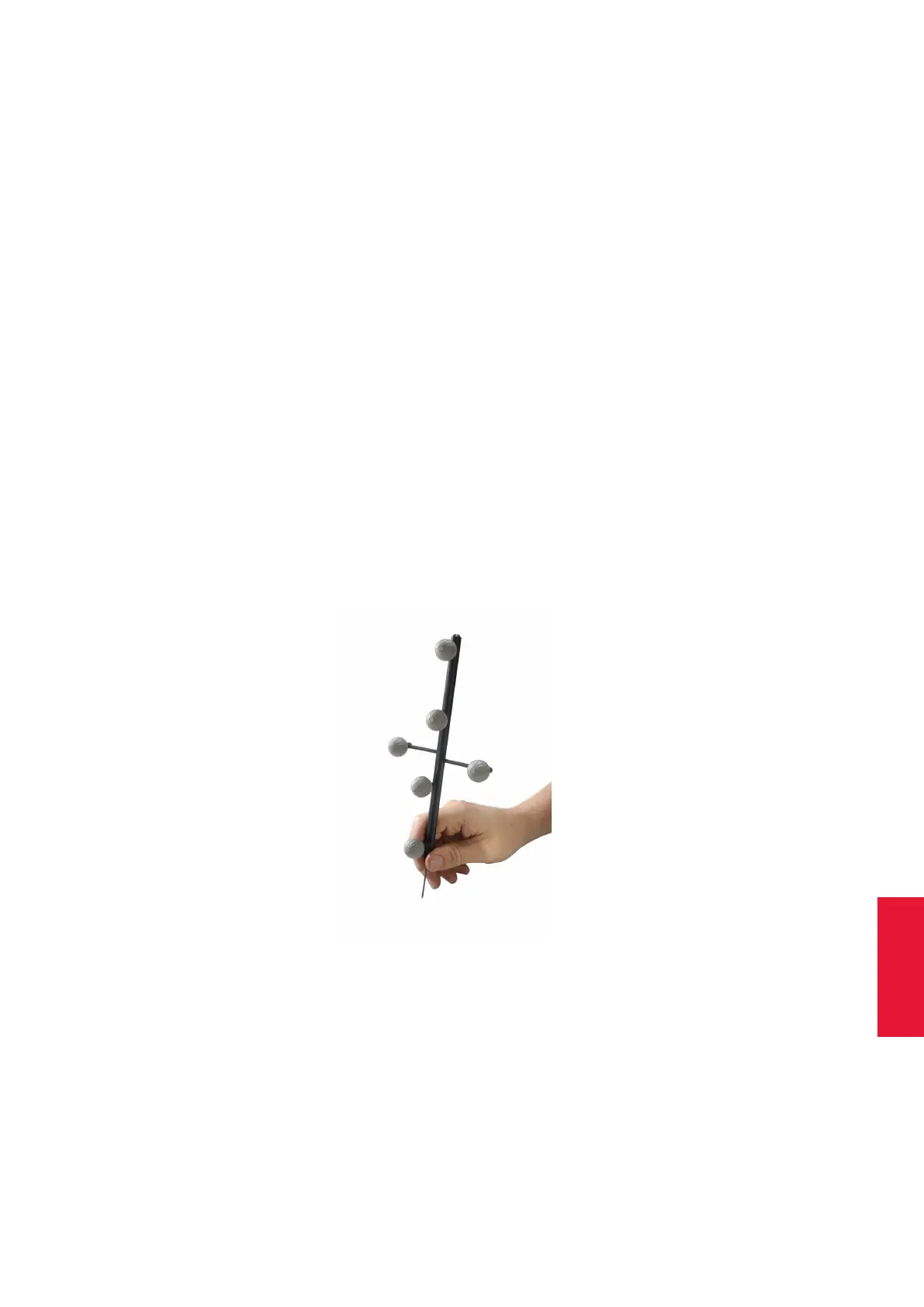
Introduction The ART Measurement Tool is a pointing device for measurement or med-
ical applications. In this specialized field it is very important to measure positions of points
in high accuracy. For that reason the Measurement Tool is equipped with a measurement
tip. The position of the tip can be measured with the optical tracking system.
Figure 6.26: Measurement Tool
Description The Measurement Tool is an add-on to the ART tracking system and is
integrated into DTrack2 by entering a license code, which can be purchased from ART .
Please refer to chapter 8.4.1 on page 141 for details how to upgrade your system.
The pointing device carries a target that was developed to get optimal tracking quality for
101



 To Next Page