7 Hybrid tracking
• Name (empty unless user-defined)
• Firmware Version
• Currently used channel (USB)
• Wake-up mode (n/a)
• Battery level (n/a)
• Temperature (
◦
C, only after measurement)
• Current tracking frequency (Hz, only after measurement)
• Calibration Status (not calibrated, optical only, fully calibrated)
• Delete function
Tracking frequency Finally please check the tracking frequency the sensors are oper-
ating at (default for wired sensors: 700 Hz). Use the spinbox in the upper right corner of
the window to select a different value, if necessary.
7.2.2 Assigning the wired inertial sensor
After adding the inertial sensor it needs to be assigned to an optical target, which has
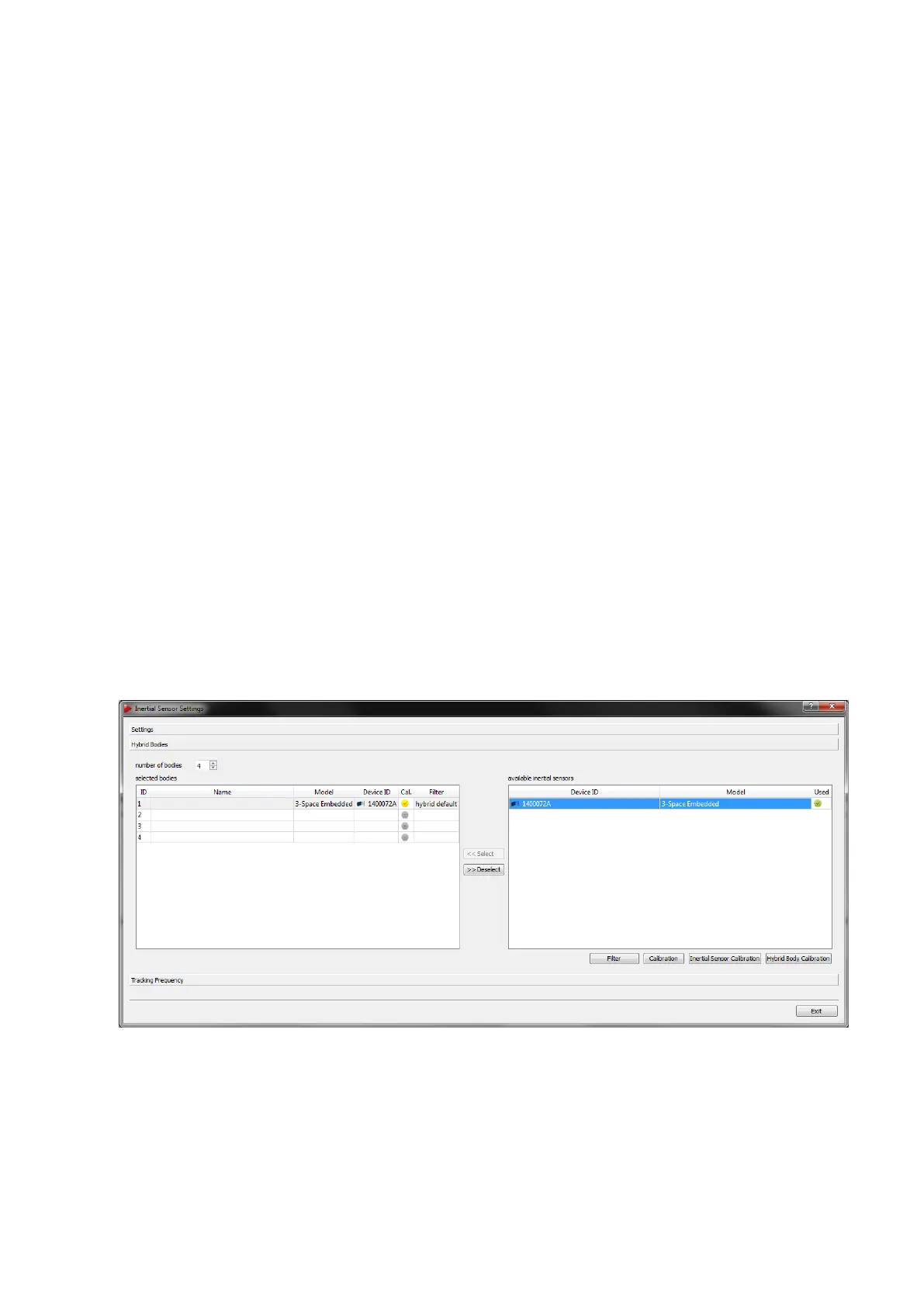
been calibrated beforehand. Change to the sub-dialogue Hybrid bodies inside the dia-
logue Inertial Sensor Settings (see figure 7.8 on 114).
Figure 7.8: Inertial Sensor Settings - Hybrid Bodies sub-dialogue
In order to assign an inertial sensor to a optical target follow these steps:
• mark the respective Body ID under selected bodies by left-clicking
114



 To Next Page