Chapter 8
8 DTrack2 frontend software
The software DTrack2 is intended to access any ART controller via ethernet and runs on
a remote PC (Windows or Linux). DTrack2 itself is delivered via USB pen-drive. The latest
version can be downloaded from our Download Center at http://www.ar-tracking.com/support/
8.1 Getting started
Please refer to chapter A.6 on page 245 for more information on supported operating
systems.
8.1.1 Installation guide (Windows)
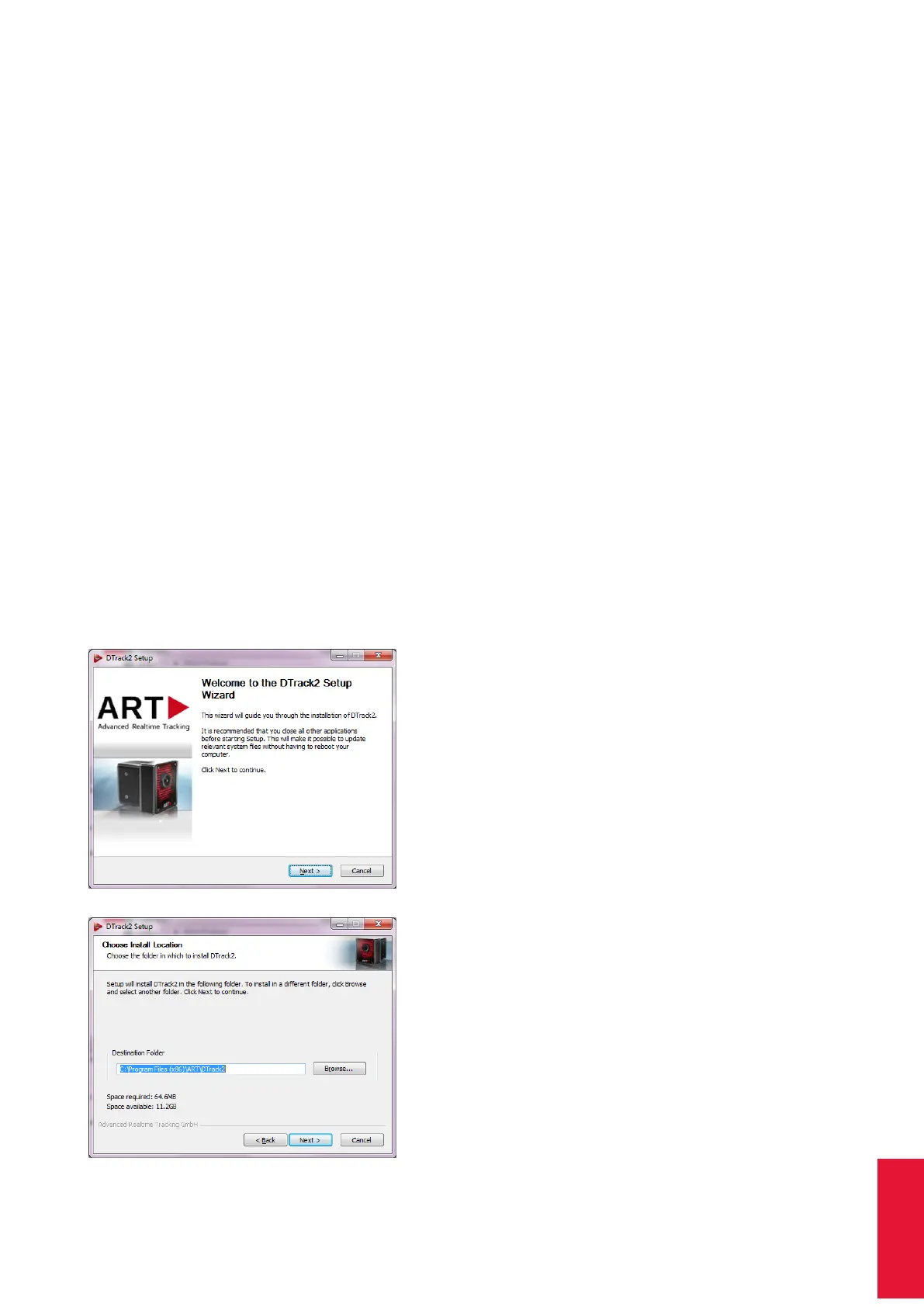
Run the installation executable "DTrack2_v2.x.x_win32_install.exe" and the installation
wizard of DTrack2 starts.
Click Next to continue and to start the installation
process for ART DTrack2 software. Administra-
tor rights are not necessary.
Now, please choose the destination folder in
which you want to install DTrack2 .
121



 To Next Page