Chapter 7
7.1 Hybrid motion capture suit
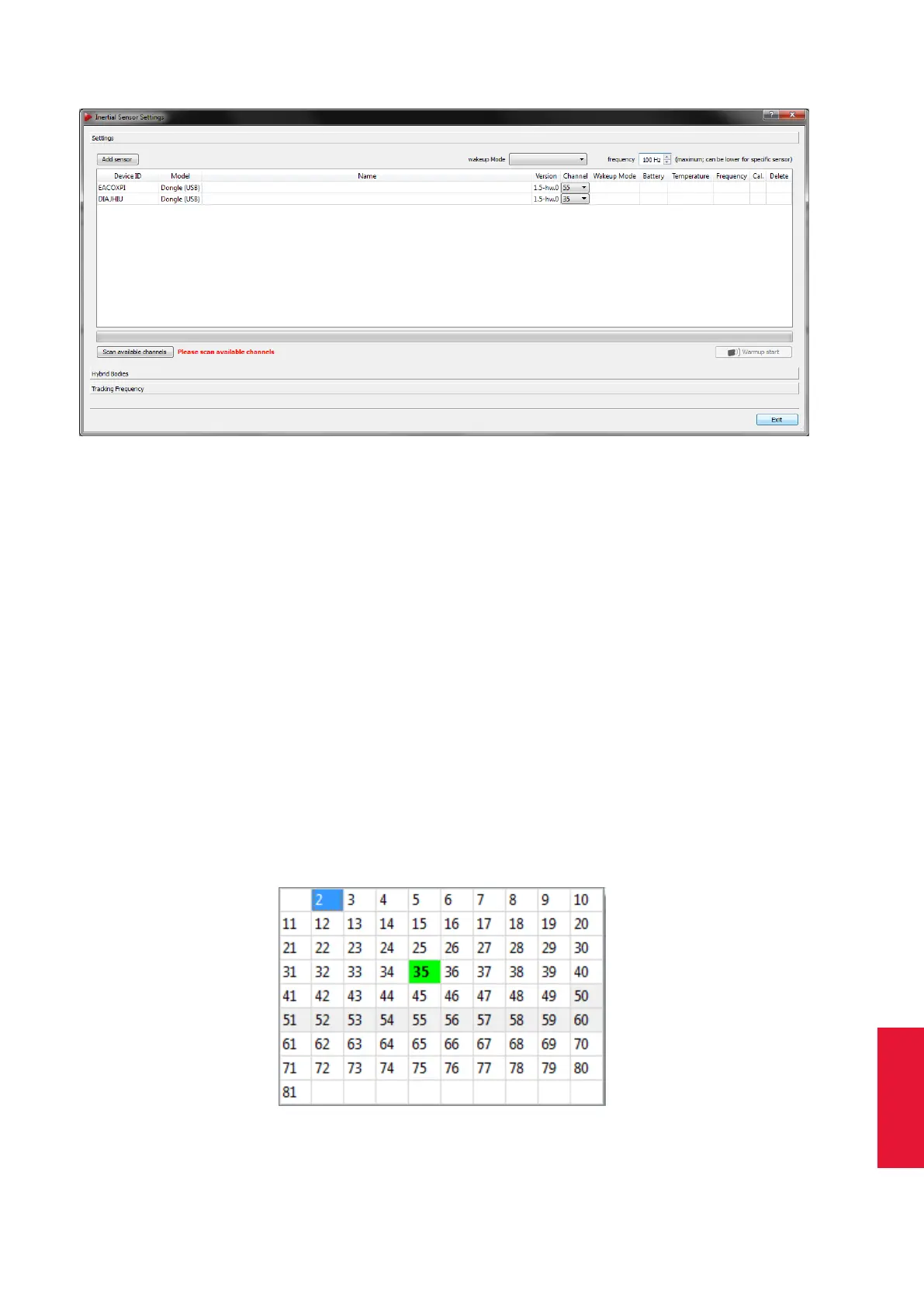
Figure 7.1: Inertial Sensor Settings - Connecting wireless transceivers
• Temperature (n/a)
• Frequency (n/a)
• Calibration Status (n/a)
• Delete function (n/a)
At this point only dongles should be listed, otherwise check that all previously added sen-
sors show up together with their corresponding dongle. Please refer to figure 7.4 on page
110.
Next scan the available radio channels by pressing Scan available channels. After com-
pletion the drop-down menu in the column Channel will show a list of all available chan-
nels for each dongle (see figure 7.2 on page 107). The currently used channel is marked
in bold digits, while all channels that are not recommended are greyed out. Additionally
DTrack2 shows recommended channels (marked green).
Figure 7.2: Dongle Configuration - Selection of a radio channel
107



 To Next Page