Chapter 8
8.6 Menu Calibration
8.6.5.2 Body calibration procedure
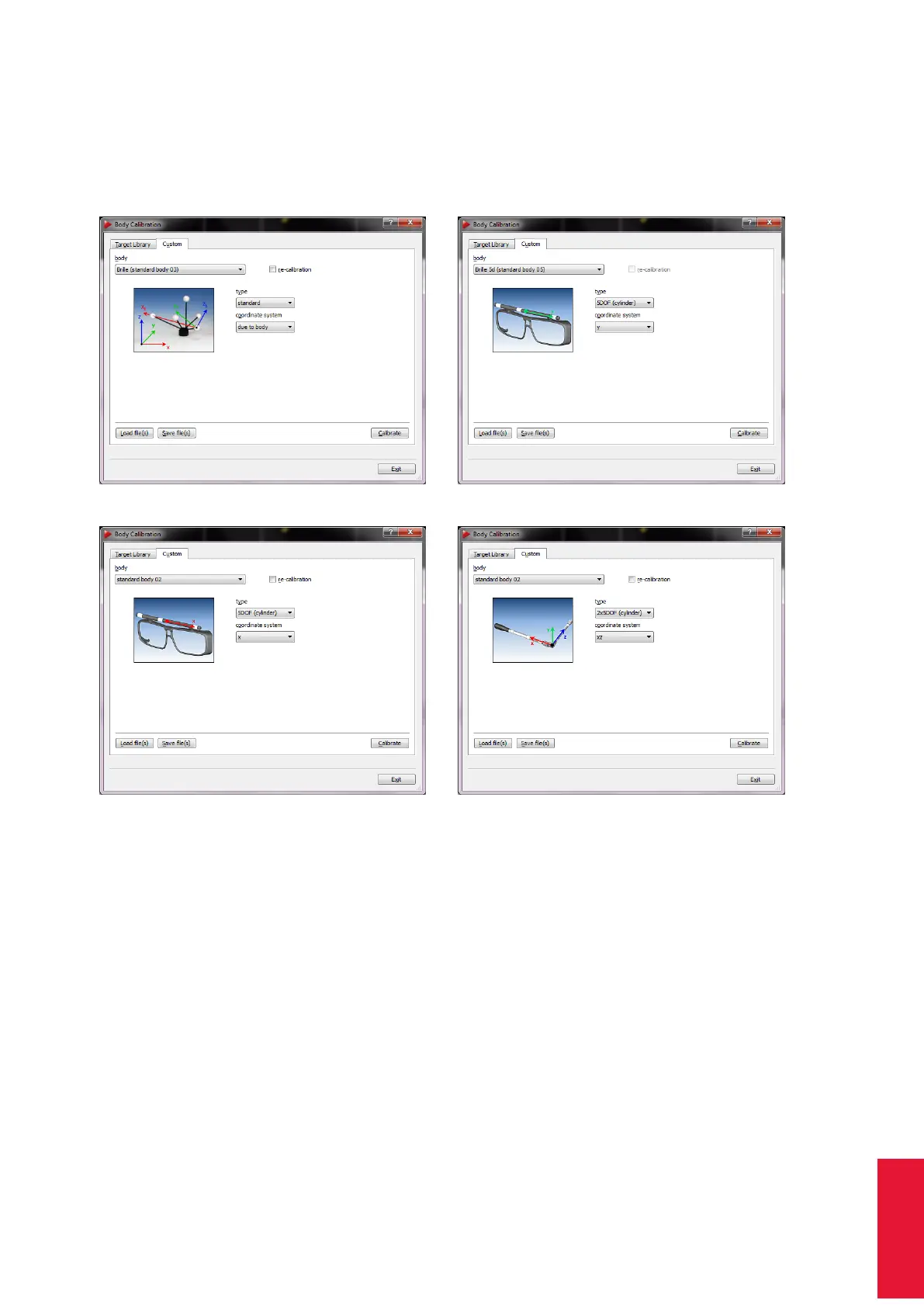
Open the dialogue Calibration → Body to start a body calibration .
(a) Target type "standard" (b) Target type "5DOF"
(c) Target type "5DOF (cylinder)" (d) Target type "2x 5DOF (cylinder)"
Figure 8.31: Body calibration dialogue
First, the target that shall be calibrated has to be selected in the select list Body. By de-
fault the type is set to ’standard’ which allows for calibrating a 6DOF target with spherical,
flat or active markers. When you are using a target made of ring markers you would select
the ’type’ according to the geometry of the target:
• ’5DOF ’ .. a target made of spherical markers which are aligned along one main
axis. The rotation around that axis cannot be detected by the system - you loose
one dimension of freedom. Therefore, we call it 5DOF target.
• ’5DOF (cylinder)’ .. a target made of ring markers which are aligned along one main
axis.
177



 To Next Page