8 DTrack2 frontend software
Tools Shortcut
Controller Update
Measurement Tool Demo
Table 8.19: Menu Tools
8.8 Menu Tools
8.8.1 Controller Update
After updating the DTrack2 frontend software the controller and cameras are updated
automatically, if necessary. In case you aborted this process you can re-open the update
assistant by clicking Tools → Controller update.
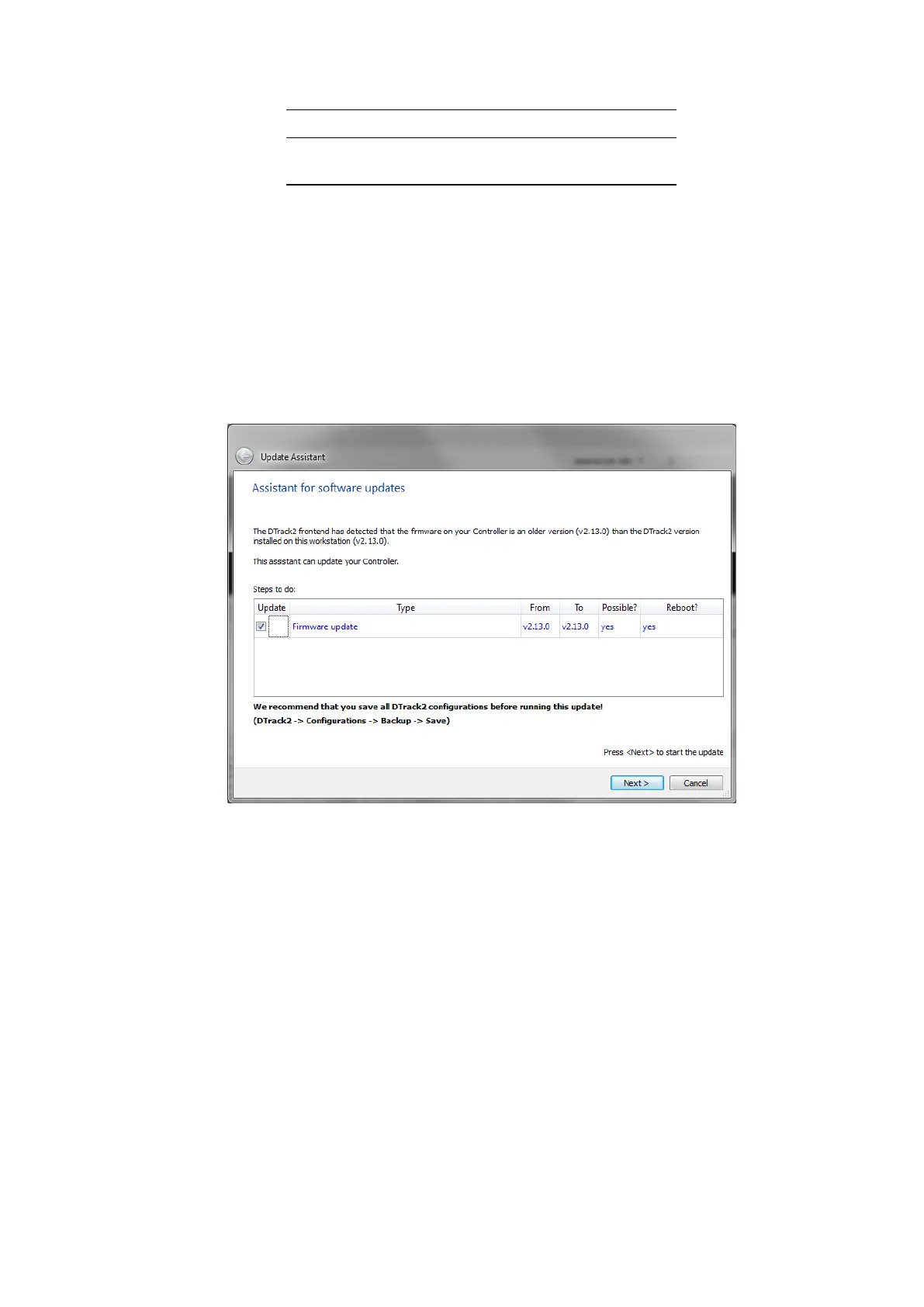
Figure 8.37: Update Assistant
An assistant (see figure 8.37 on page 188) will start up to guide you through the process
of software update. Closely follow the instructions given during this process. The con-
troller will be restarted to finish the update process.
In case of firmware updates the cameras need to be turned off separately. You can always
abort the update by cancelling.
i
Personal settings and configurations (e.g. room and body calibration,
output settings, etc.) will be preserved during update!
8.8.2 Measurement Tool Demo
This demo (see figure 8.38 on page 189) provides a simple acquisition tool to perform
measurements with the Measurement Tool . Up to four Measurement Tool devices are
188



 To Next Page